
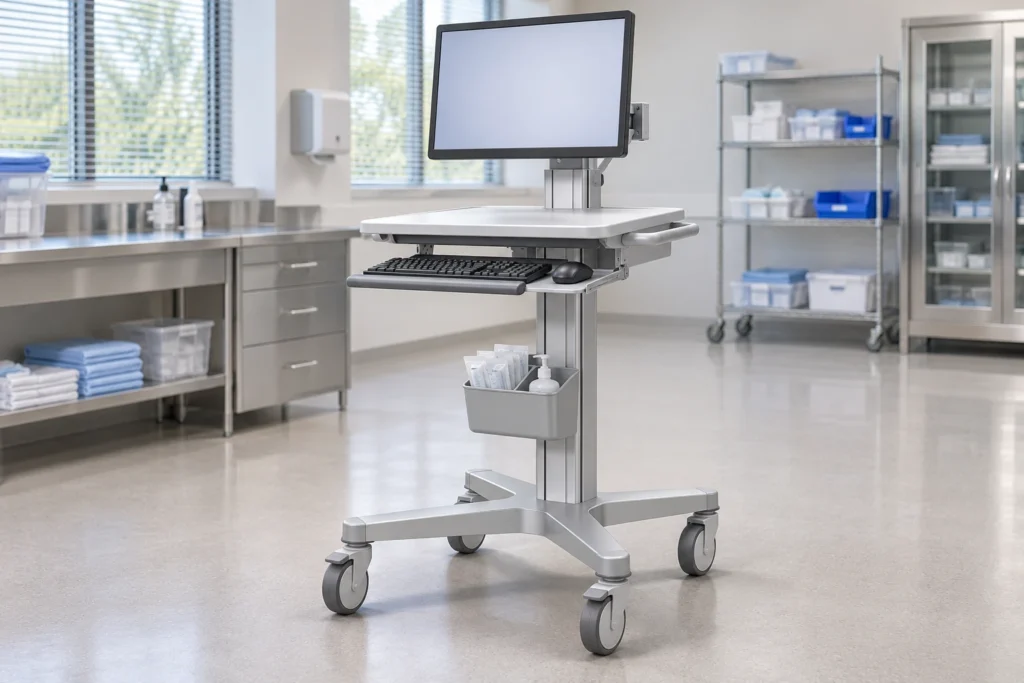
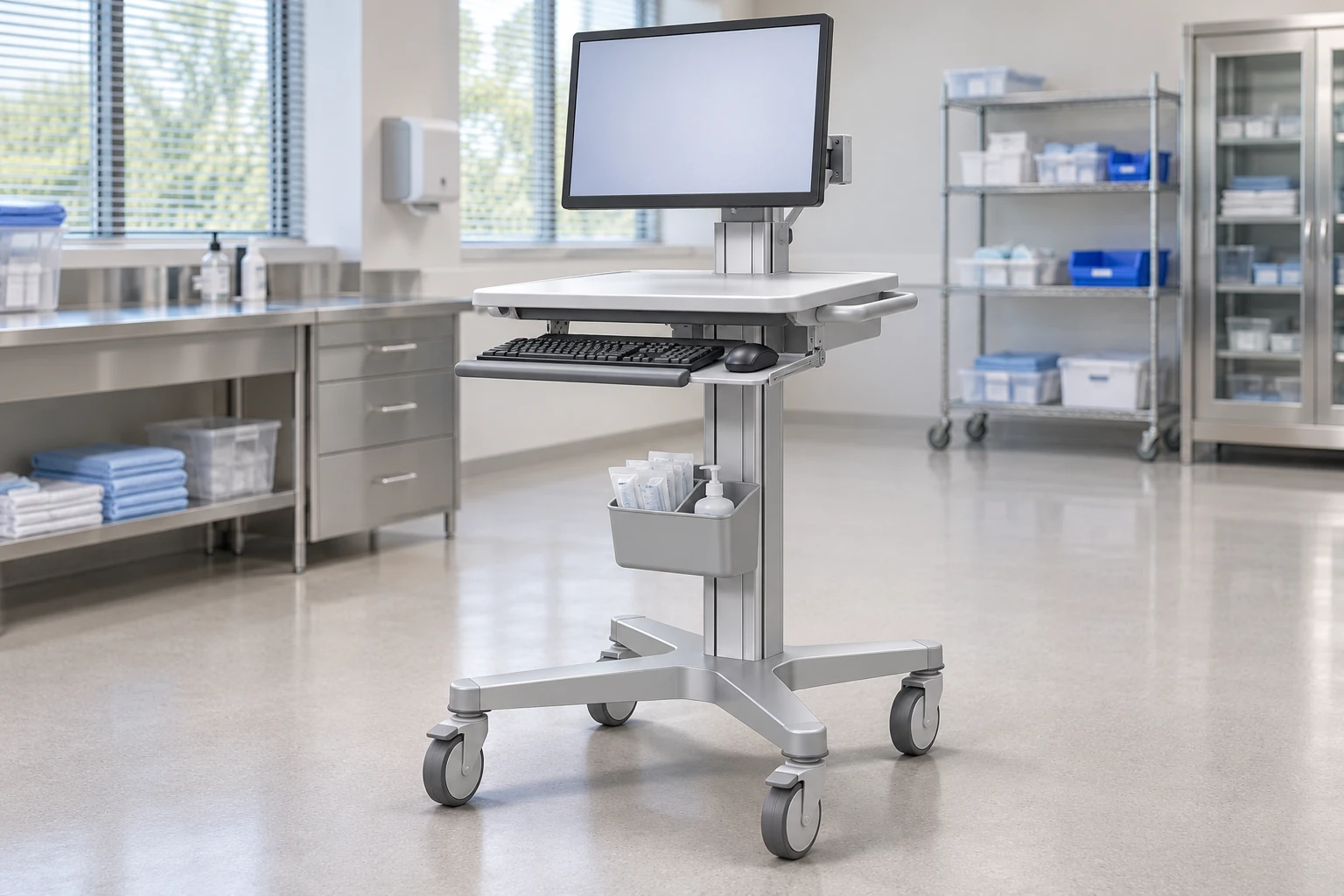
The best medical computer cart for a nursing unit is the one that supports the unit’s actual documentation workflow, hardware and shared users with a clearly defined service and power scope. A laptop cart, an all-in-one workstation and a cart carrying a separate PC each solve different problems. There is no evidence-based universal winner across all units, and an empty frame cannot be ranked meaningfully against a complete powered workstation without normalizing what is included.
This guide compares those architectures and shows how to build a practical shortlist. It does not rank brands or claim that CRF has tested competing systems. It addresses mobile computing equipment and procurement, not medication management, patient transport, clinical instructions or approval of an electrical system.
First identify the unit’s computing task
A workstation for short documentation visits has different needs from a cart used for lengthy typing, printing and scanning. Map a representative work sequence: where the user starts, where the cart moves, how it is positioned, what is entered, which peripherals are used and where it returns. Include parking and any charging arrangements.
Ask nurses and the responsible IT and facilities teams to describe the same sequence. A cart may appear suitable to purchasing but conflict with a unit’s computer standard, available parking space or support arrangements. Keep patient information out of procurement screenshots and trials; use neutral demonstration data instead.
Separate the minimum acceptable workflow from optional conveniences. Essential requirements might include a particular computing form factor and access to an existing scanner. A drawer color or accessory position may be a preference. The distinction should be visible in the comparison rather than hidden in a single total score.
Compare three computer-cart architectures
| Architecture | Useful when | Important limitations to review |
|---|---|---|
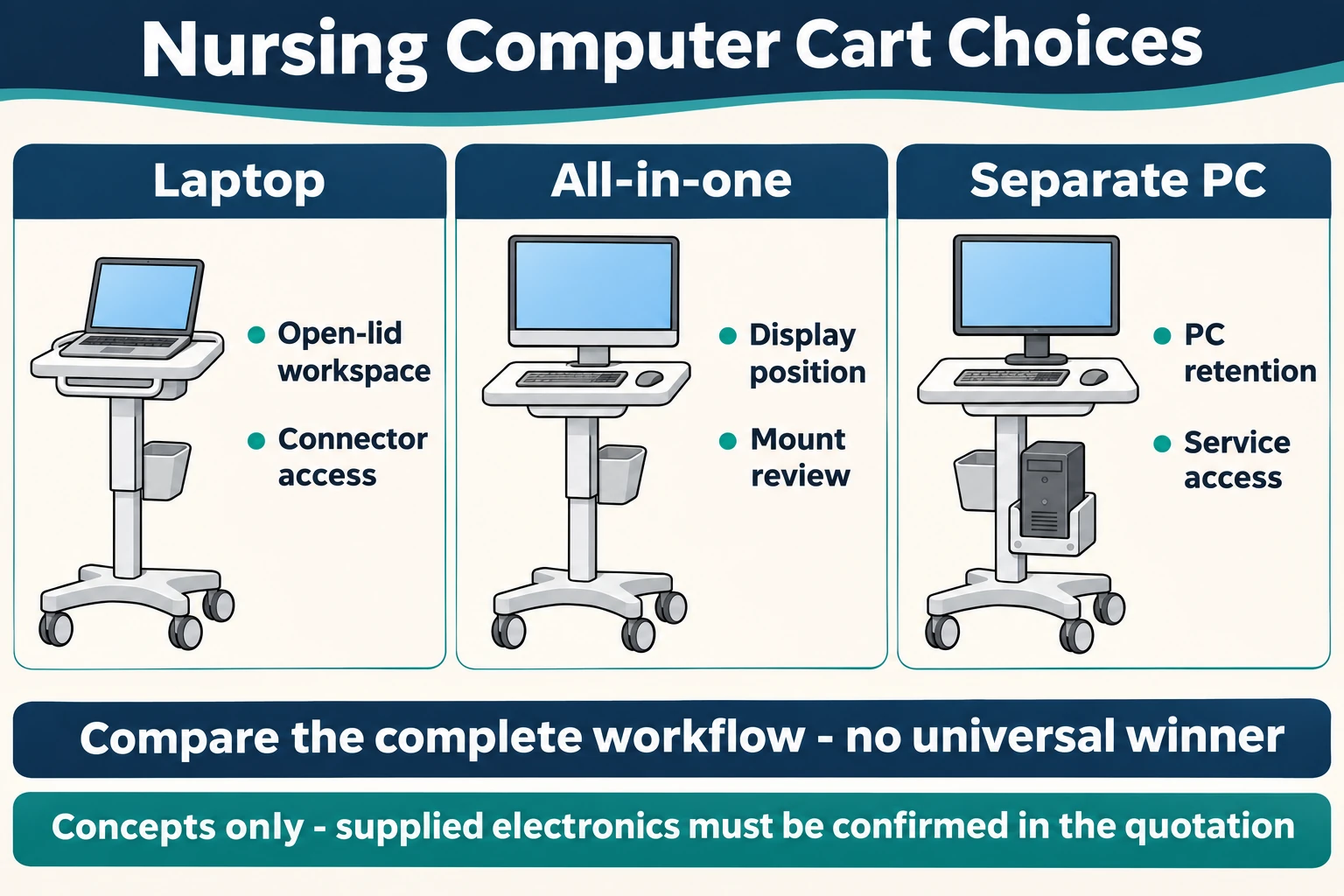
| Laptop-based cart | The unit already uses laptops and needs a mobile typing surface | Open-lid envelope, connector access, retention, input position and responsibility for charging |
| All-in-one workstation | The project favors a combined display and computer rather than a separate computer enclosure | Actual mounting interface, display position, complete device mass and replacement procedure |
| Separate-PC workstation | The project requires an independently specified display and computer | PC holder, ventilation, connections, cable paths and service access for both components |
These options can overlap with powered or non-powered mechanical platforms. The computer form factor does not tell you whether the quoted cart includes a battery, electrical integration, operating system or peripherals. Ask suppliers to list those boundaries explicitly.
A laptop cart should not be penalized for lacking a monitor arm if the unit does not need one. Conversely, a low-cost laptop platform is not an equivalent alternative when the required workflow depends on a separate screen, keyboard and retained PC. Compare architectures against the task before comparing their prices.
What to review for a laptop cart
Use the intended laptop in its open working position, not only the closed dimensions in a datasheet. Check that the screen can be viewed without colliding with a shelf or handle. Confirm access to charging and data connectors and the space occupied by attached plugs.
Consider whether users will type on the laptop itself or use separate input devices. A work surface that holds a closed laptop may leave little useful room for a mouse or scanner. Review the equipment retention arrangement for the agreed movement and parking conditions; do not assume a raised edge is a validated restraint.
The laptop versus monitor-workstation comparison provides a related architecture discussion. Once a laptop platform is shortlisted, the open-lid and connector fit guide addresses the finer fit questions. Those checks should support the unit decision, not replace it.
What to review for an all-in-one or separate-PC workstation
Begin with the exact computer and display models and the manufacturer’s mounting documentation. A matching hole pattern is only part of the review; the supported mass, clearances, fasteners and permitted orientation also need attention from the responsible parties.
For a separate PC, identify the enclosure, retention points, connector locations and ventilation zones. Show how the computer can be serviced or replaced without improvising a new mounting arrangement. For an all-in-one, confirm how screen adjustment and removal affect access and the complete assembly.
Include the keyboard, mouse, printer and scanner if the unit needs them. Review working and parked positions together. A keyboard tray may make typing possible but interfere with a doorway when extended. A printer shelf can support a closed printer yet obstruct its paper path. For detailed configuration inputs, use the medical computer cart integration checklist.
Shared-user adjustment matters more than a feature label
A shared unit may need several people to use the same workstation. Ask them to evaluate the intended work position on a representative assembly. Record viewing position, typing access, hand clearance and access to adjustment controls. Define whether adjustments are made during setup or routinely between users.
“Height adjustable” does not establish the correct range, an easy control position or suitability for the installed load. Likewise, an attractive workstation image cannot show whether a seated or standing user can work comfortably. Use the supplier’s instructions and the unit’s review process instead of promising universal ergonomic suitability or fewer injuries.
If the task rarely changes and has a well-defined working position, a fixed-height platform may remain a valid candidate. Do not pay for an adjustment mechanism solely because it appears in a premium feature list; first establish what problem it solves.
Define power as a system responsibility
Start by asking whether the workflow actually requires an integrated cart power system. An existing laptop, a device-specific power approach or a separately engineered workstation may lead to different procurement scopes. None should be assumed safe or suitable from the cart’s appearance.
For powered proposals, request the defined equipment load, operating conditions, charging arrangement, required documents and responsible parties. Compare runtime statements only when their workload and measurement conditions are clear. A battery label alone is not proof that the completed workstation meets the unit’s requirements.
For non-powered proposals, identify which electronics, chargers and installation activities are excluded. Do not treat a mechanical frame quotation as a promise to deliver a functioning clinical IT system. Qualified responsible parties must verify the final electrical and computing configuration.
Make mobility and cleaning part of the unit trial
Use the actual parking area and intended route when planning evaluation. Check door openings, turns and the space occupied by baskets, handles and trays. Review how brakes are accessed in the working position. Wheel count does not prove stability, easier movement or compatibility with a particular floor transition.
Give the supplier the unit’s intended cleaning products and procedures and request guidance for the actual surfaces and components. Do not infer chemical compatibility, antimicrobial performance or infection reduction from a “medical” product description. If a requirement cannot be substantiated, keep it open in the comparison.
A unit trial should follow an agreed procedure with clear responsibilities. It is a way to identify workflow and fit issues, not permission to conduct an improvised overload, electrical or tipping test.
Use a transparent comparison instead of an unsupported “best” ranking
Create one comparison sheet per architecture with these fields:
- essential requirement and the person responsible for it;
- proposed hardware and mechanical configuration;
- evidence supplied, such as a drawing, instruction or observed sample fit;
- result: acceptable, needs clarification or unsuitable;
- included equipment and excluded work;
- service owner, replacement process and change-approval responsibility.
Shortlist only the proposals that resolve essential requirements. Then compare price, delivery terms, sample scope and lifecycle support on like-for-like terms. A low total price should not cancel an unresolved equipment interface, power responsibility or parking constraint.
For CRF references, the CA13Z029 computer cart with keyboard tray and storage bin illustrates a real workstation layout. It is not presented here as the best cart for every nursing unit. Review the medical equipment catalog and request a configuration-specific discussion rather than assuming the photographed electronics or accessories are included.
FAQ
Which medical computer cart is best for a nursing unit?
There is no universal model. Compare the unit’s work sequence, computing hardware, shared-user needs, movement route, cleaning requirements and support responsibilities. The strongest candidate is the one that meets the essential requirements with documented scope and a suitable configuration review.
Is a powered workstation always preferable?
No. Integrated power is a project decision, not a quality ranking. Compare the actual workflow and system responsibilities, and have qualified parties assess the completed electrical configuration where applicable.
Can a laptop cart replace an all-in-one workstation?
Sometimes, but only if the laptop architecture meets the same essential workflow and equipment requirements. Consider the input workspace, display position, connectors, retention and service arrangements rather than comparing empty frames.
Does CRF supply the computer and clinical software?
Confirm the supplied contents in the specific quotation. This guide does not establish that a computer, software, printer, battery or other electronic component is included with a mechanical cart.
Discuss the unit’s requirements
Please contact us through the B2B RFQ page with the unit workflow, computer and peripheral models, available drawings, power-scope requirements, intended quantity and destination. Identify the essential selection criteria and the teams responsible for IT, mechanical and electrical review. CRF can discuss a suitable mechanical cart configuration without treating a generic photograph as compatibility or clinical evidence.