

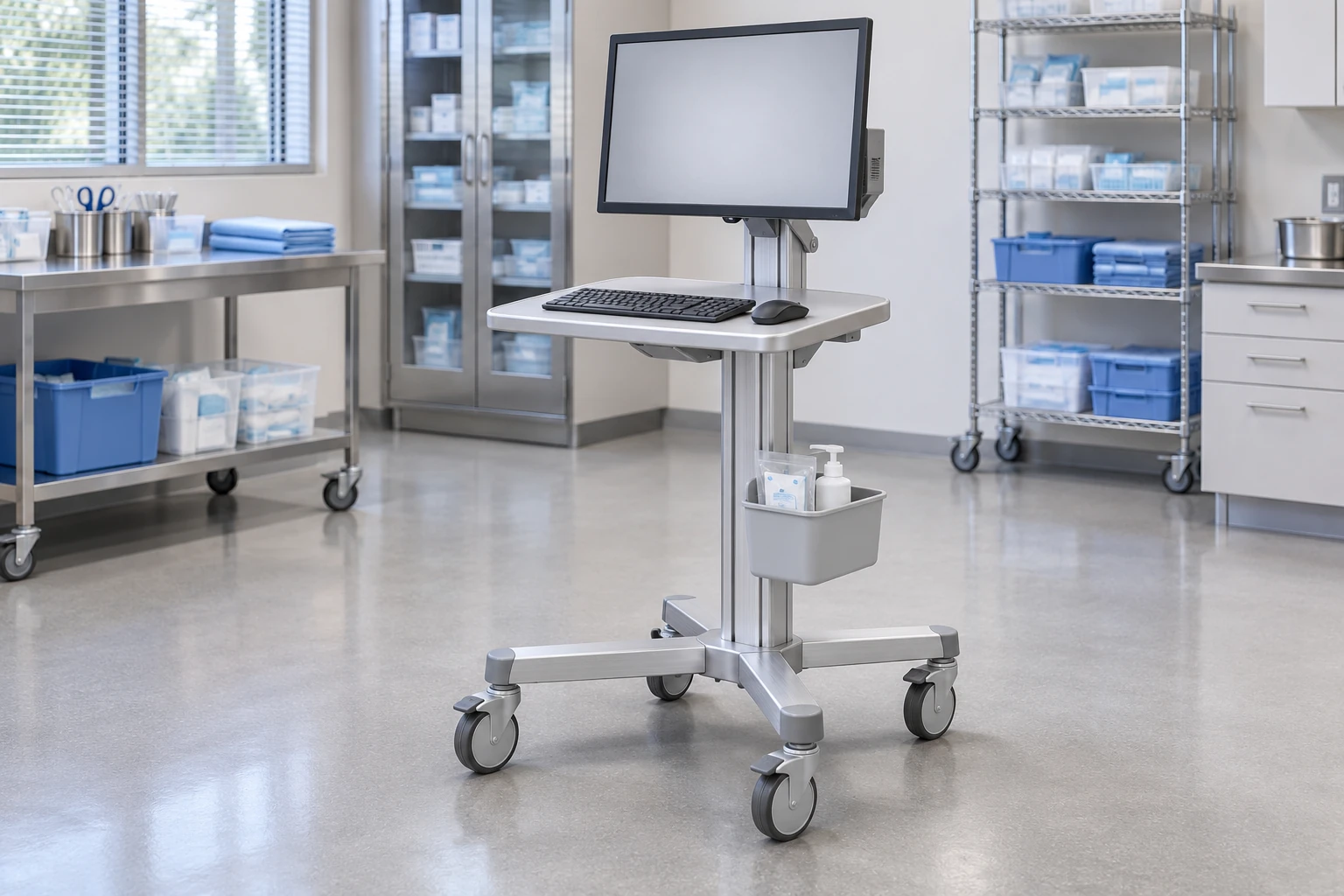
Medical carts can bring equipment and work surfaces closer to a task, organize related items in one place and make a workspace easier to reposition. Those are potential workflow benefits, not guaranteed clinical results. They depend on choosing a suitable configuration, keeping the load and route within the documented scope and giving staff a workable system for cleaning, parking and maintenance.
For buyers, the useful question is not simply whether a cart has benefits. It is which problem a mobile platform would solve, what trade-offs it introduces and how the proposed benefit can be checked in the intended setting. This guide focuses on equipment carts and computer workstations rather than patient transport or medication procedures.
1. Access to equipment at the point of the task
A mobile platform allows a supported device or workstation to be repositioned instead of requiring every task to occur at a fixed bench. In principle, that can reduce unnecessary trips to a distant workstation or separate storage location. Whether it actually does so depends on where the cart is parked, how often it is available and what equipment it carries.
Start with a real work sequence. Identify which trips occur because an item is elsewhere and which would still be needed even with a cart. A mobile computer will not eliminate trips caused by missing supplies, an inaccessible network service or another device that remains fixed in a different room.
For a local evaluation, record the task sequence before and during a representative trial. Count relevant trips and note why each occurs. Use the observations to compare arrangements without publishing a promised time saving or claiming that a small trial establishes a clinical benefit.
2. Better organization of related equipment and accessories
A cart can provide defined positions for the device, input equipment and frequently used accessories. A keyboard tray, basket or shelf may help separate functions that would otherwise compete for the same work surface. The benefit comes from the arrangement, not from adding as many accessories as possible.
A basket can be useful for compatible loose items but is not automatically suitable for supporting a device. A printer shelf must allow paper and service access, not merely hold the printer while closed. If an accessory blocks a handle or control, the apparent storage improvement may create another problem.
For a real configuration example, CRF’s CA13Z029 computer cart is presented with a keyboard tray and storage bin. The CA13Z020 ultrasound cart illustrates a different arrangement with a wire basket and small printer shelf. Neither example establishes that any particular buyer’s device fits or that the pictured equipment is included in a quotation.
3. A workspace that can adapt to different locations
A mobile workstation may serve several suitable positions instead of occupying a single fixed desk location. This can be useful where the task moves between rooms or where a dedicated surface is not needed continuously. The cart still requires parking space and a route that accommodates its complete envelope.
Review the largest relevant working and transport positions. A tray, monitor or handle can project beyond the base. A cart that fits through a straight doorway may still require more space to turn or park. Movement should follow the supplier’s instructions and the facility’s procedures; a small footprint does not prove stability or effortless maneuverability.
Compare a mobile platform with a fixed workstation rather than assuming mobility is always desirable. If the task stays in one location and needs a large stable work surface, a fixed arrangement may be simpler. A cart adds wheels, parking considerations and maintenance responsibilities even when it is rarely moved.
4. More consistent equipment setup across repeat orders
For OEM and multi-location buyers, a defined cart configuration can support a repeatable arrangement of equipment, controls and accessories. This is most useful when the drawing, parts list and approved sample describe the same complete assembly.
Repeatability is not automatic. Similar photographs may show different tray positions, caster arrangements or accessory packages. If a supplier changes a component without a controlled review, the next shipment may no longer match the setup that users evaluated.
Record the configuration identity, supplied contents and the process for approving changes. At receiving, compare the shipment with the agreed records rather than judging only whether it looks familiar. For a detailed process, use the configuration change-control guide. A controlled configuration can improve consistency; it is not proof of a certification, compatibility with every device or a guaranteed failure rate.
5. A platform for reviewing user access and working position
A well-chosen cart can put a display, input surface and equipment controls in a more usable relationship to the intended task. Adjustable configurations may support a wider set of working positions, while fixed-height configurations can suit a defined use. Both require review with the actual equipment and representative users.
Avoid treating “ergonomic” as a measurable outcome by itself. A height range does not tell you whether the adjustment control is accessible or whether a keyboard tray leaves adequate mouse space. A larger screen may improve legibility for one task while increasing the space needed to position the cart.
During a trial, ask users to identify awkward reaches, obstructed controls and difficult adjustments. Record the task and configuration alongside the feedback. Do not convert preference responses into claims of injury prevention, fatigue reduction or better patient outcomes without appropriate evidence.
Potential benefits and the evidence worth collecting
| Proposed benefit | Practical observation | Condition or limitation |
|---|---|---|
| Equipment is closer to the task | Trips to retrieve or use the relevant equipment | The cart must actually be available and suitably parked |
| Related items are easier to find | Search steps and interruptions during a defined task | Storage positions and replenishment responsibilities must be clear |
| Workspace is easier to reposition | Route, turning and parking observations | The complete loaded configuration and supplier instructions matter |
| Setup is more consistent | Agreement between approved sample and received assembly | Changes require a documented approval process |
| Controls and input devices are more accessible | Representative users’ task-specific access findings | Adjustment range alone does not prove suitability |
Keep the observation method proportionate to the decision. A structured trial can expose purchasing problems without claiming to be a controlled clinical study. Record unfavorable findings as well as benefits; a cart that reduces one trip but obstructs the room is not automatically an improvement.
Costs and responsibilities that can offset the benefits
Mobility creates a need for parking, cleaning, inspection and maintenance. Computer workstations also raise questions about hardware service, software ownership and power scope. A buyer should know who is responsible for each before comparing the initial price.
Ask the supplier about the actual components, instructions and replacement process for the quoted configuration. Do not assume that a mechanical platform includes electronics, batteries, software, electrical integration or ongoing IT support. For integrated power, qualified responsible parties must define and verify the final system; a generic cart image does not establish runtime or electrical suitability.
Cleaning is another configuration-specific issue. Provide the intended products and procedure and request guidance for the actual surfaces and finishes. Aluminum, coatings, polymer parts and fasteners may have different requirements. Do not claim that a cart reduces infections or has antimicrobial performance simply because it is sold for healthcare use.
How to evaluate a benefit before a larger order
First define the problem in observable terms. “Improve efficiency” is too broad; “reduce trips to a separate computer during this documentation sequence” is easier to evaluate. Record the current arrangement and identify the people responsible for the trial.
Next agree a representative cart, device set and procedure. Use neutral demonstration data for computer trials and avoid collecting unnecessary personal information. Confirm which adjustments and movements are permitted. A procurement trial is not an invitation to conduct improvised overload or tipping tests.
Finally review the results against the original problem and the added responsibilities. If the cart addresses the problem, resolve open fit and scope questions before ordering. If not, consider a different architecture or a fixed workstation rather than adding accessories without a clear purpose. The whole-cart selection guide can help translate the findings into a shortlist.
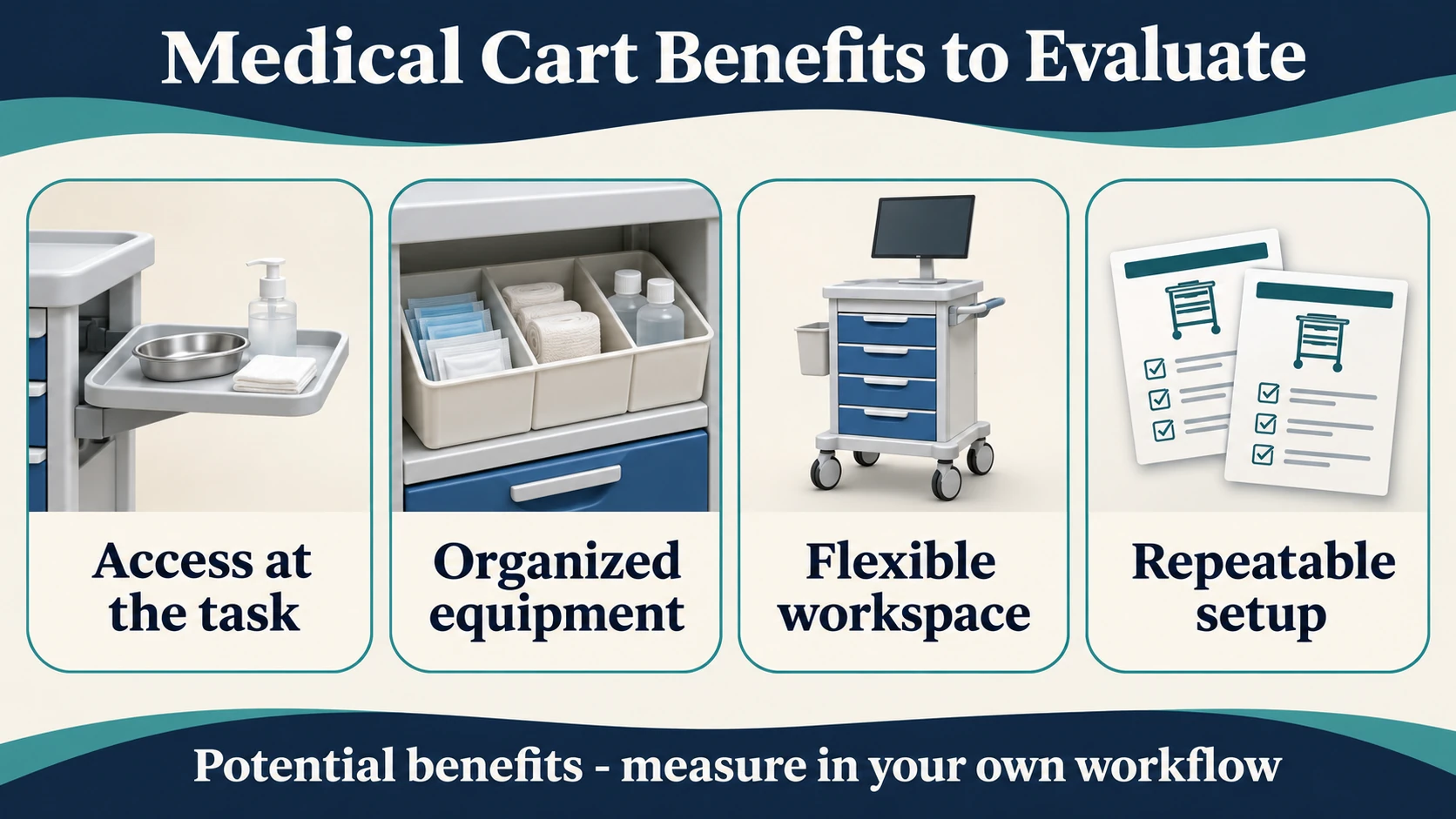
FAQ
What are the main benefits of using medical carts?
Potential benefits include equipment access near the task, organized accessories, a repositionable work surface and a repeatable equipment arrangement. The realized benefit depends on the configuration, workflow and support process.
Do medical carts automatically save staff time?
No. They may remove some trips or search steps, but parking, availability, setup and maintenance can offset those gains. Evaluate a representative task rather than promising a general time-saving percentage.
Can a medical cart improve patient outcomes?
This guide does not establish that claim. Workflow observations are not clinical-outcome evidence. Any healthcare outcome claim needs appropriate evidence and professional review for the specific context.
Is a mobile cart better than a fixed workstation?
Not always. A cart is worth considering when the task or equipment needs to move. A fixed workstation may be more appropriate when the task stays in one location or requires a larger permanent workspace.
Discuss the problem you want the cart to solve
Please contact us through the B2B RFQ page with the intended task, device models, current workflow problem, available drawings, destination and quantity. The medical equipment catalog offers real CRF references for an initial discussion. Confirm fit, supplied contents and required documents for the particular configuration rather than assuming generic benefits are guaranteed product performance.