
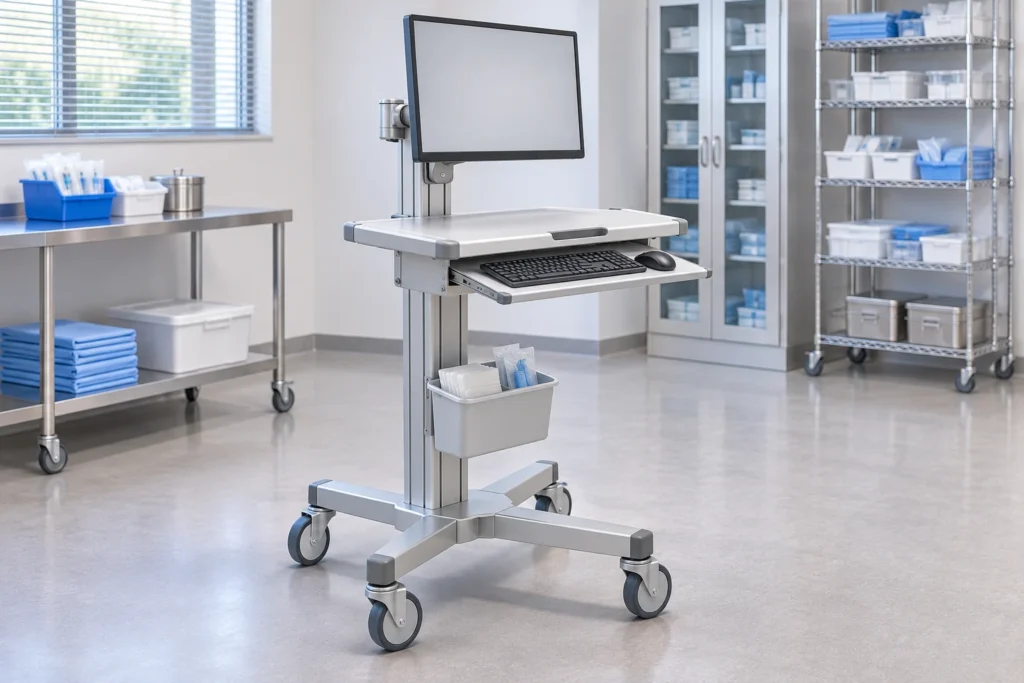
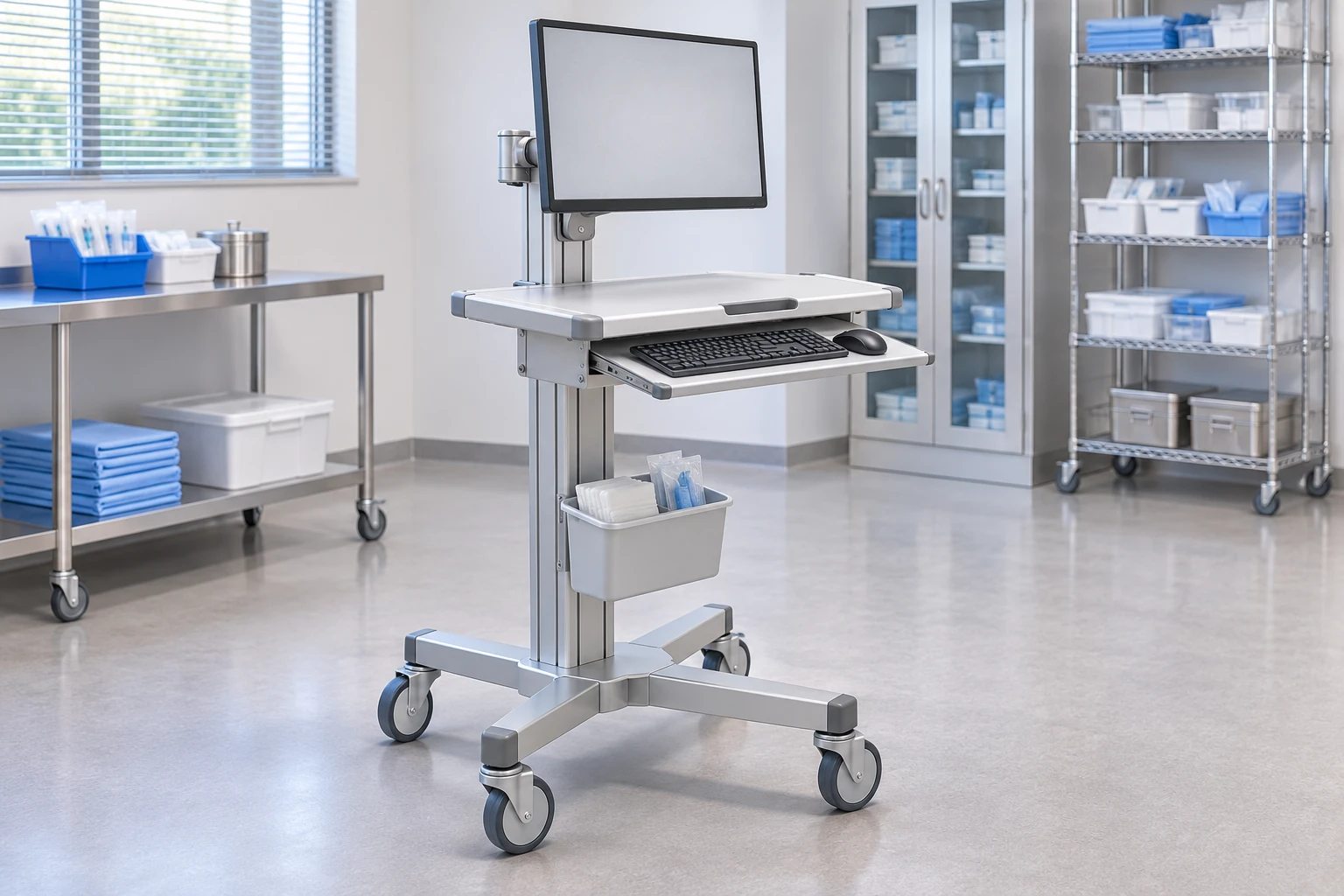
Choose a medical equipment cart by defining what it must carry, how people will use it and where it must move. Then compare complete configurations—not empty frames—against device fit, working height, base layout, power scope, cleaning requirements and service access. The right result is a platform that meets your documented workflow with a reviewable quotation and sample, not simply the cart with the most accessories.
For B2B buyers, the first decision is usually the type of platform: an open equipment stand, a computer workstation, a multi-shelf system or a storage-focused cart. This guide explains how to choose between those approaches. It concerns equipment support and procurement, not patient transport, clinical practice or approval of an electrical system.
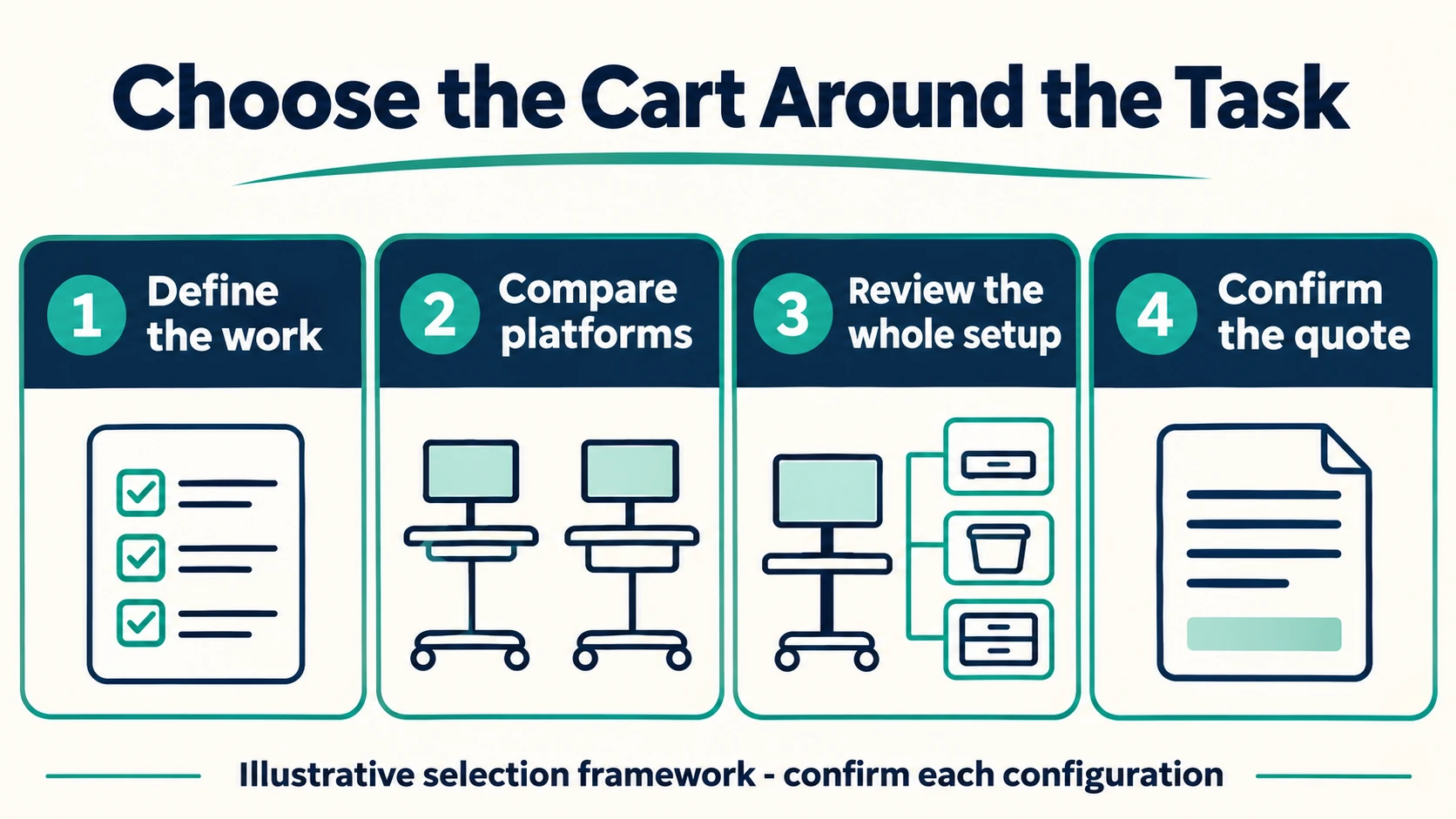
1. Start with the task rather than a catalog name
Write one sentence describing the main job. For example: “Move a portable diagnostic device between examination rooms and keep its controls accessible,” or “Provide a shared computer workstation for documentation at several work locations.” Those tasks need different surfaces, interfaces and storage even if both products are called medical carts.
Identify the main users, the equipment owner and the person who will approve the configuration. Ask whether the cart normally stays beside one device, moves repeatedly during a shift or serves several departments. Record where it will be parked as well as where it will be used. A cart that fits a room can still be awkward to store or turn at its entrance.
Separate essential requirements from preferences. A specific device attachment may be essential; a particular basket color may be negotiable. This distinction makes alternatives easier to compare without accepting an unsuitable platform just because it matches a catalog photograph.
2. Choose the platform architecture
| Main job | Platform to investigate | What should decide the shortlist |
|---|---|---|
| Support a compact monitor or single device | Open equipment stand or compact cart | Actual attachment, device envelope, controls and required accessory positions |
| Support computer-based work | Laptop cart or monitor-and-keyboard workstation | Input workspace, display position, computer retention and defined power responsibilities |
| Carry several linked devices | Multi-shelf equipment cart | Whole-system layout, connections, access to each device and the loaded configuration |
| Organize consumables or secured contents | Storage-focused cart | Contents, access sequence, appropriate security requirements and cleanability |
| Support a specialized imaging workflow | Device-specific ultrasound or other equipment platform | Verified device interface, probe/accessory organization and intended movement |
These are selection directions, not interchangeable product specifications. An open basket is not automatically an equipment shelf; a laptop work surface is not automatically a monitor mounting system. If two architectures appear viable, keep both in the shortlist until the complete device and workflow review separates them.
CRF’s medical equipment catalog provides real product references for this comparison. For example, the CA13Z029 computer cart combines a keyboard tray and storage bin, while the CA13Z020 ultrasound cart is presented with a wire basket and small printer shelf. These examples illustrate different layouts; they do not establish that a buyer’s computer, ultrasound device or printer fits.
3. Check the complete equipment arrangement
Prepare a device list with the current model, outside dimensions, mass, attachment details and required access areas. Include installed accessories, connectors, open lids and service panels. Give the supplier drawings or manufacturer documentation where available rather than asking them to infer an interface from a marketing image.
Review the arrangement in use and in transport. A keyboard tray may project beyond a parked footprint. A printer may fit a shelf but need additional room to load paper. A monitor can occupy a larger envelope when adjusted than when centered. Ask the supplier to identify what is included in the quotation and what remains buyer-supplied.
Do not transfer a load rating from another model or assume that fitting on the worktop proves safe support. The completed configuration needs the responsible parties’ review. For detailed computer interfaces after choosing a workstation architecture, use the computer-cart integration checklist.
4. Select a base using the route and loaded layout
A three-, four- or five-wheel arrangement is a geometry choice, not a ranking from worse to better. Base shape, wheel positions, equipment placement and the movement route must be considered together. A wheel-count claim alone does not establish stability or maneuverability.
Measure the narrowest relevant door opening, turning location, parking space and any under-equipment clearance. Review projecting handles, trays and baskets, not just the distance between wheels. Describe floor transitions and ask how a representative loaded sample will be evaluated under an agreed procedure. Do not invent an obstacle height or conduct an improvised tip test.
Specify the required parking and braking behavior and ask the supplier to identify the actual caster arrangement. A visible pedal is not enough to infer which movements it locks. The four-wheel versus five-wheel base comparison expands this decision once the basic platform is shortlisted.
5. Compare working height and adjustment in the real task
Decide whether the platform will serve one defined working position or several users and tasks. Fixed-height and adjustable configurations should be compared using the required work positions, access to the adjustment control and the equipment installed on the platform.
A catalog adjustment range is only one input. Users also need room for their hands, a usable viewing position and access to controls without interference from trays or storage. Define whether adjustments occur only during setup or during routine shared use. Ask for the relevant instructions and permitted adjustment conditions; do not assume any mechanism can be operated while carrying an arbitrary load.
Avoid promising that one cart is ergonomic for everyone. A representative user trial can identify reach and access problems before a repeat order, but it is not evidence of reduced injuries or a clinical outcome.
6. Decide what power and cleaning requirements belong in the purchase
Separate the mechanical cart from the computer and power system. A non-powered platform may support a laptop or a separately specified device, but its presence does not establish runtime, charging suitability or electrical compliance. If integrated power is needed, name the qualified parties responsible for design, documentation and final-system verification. Do not select a battery by comparing advertised hours without a defined workload and test conditions.
For cleaning, provide the intended products and procedures to the supplier and request compatibility guidance for the actual surfaces and finishes. Aluminum-alloy construction does not mean every component is aluminum or that every cleaner is suitable. Baskets, fasteners, polymer worktops and coatings can have different requirements. Neither a smooth-looking image nor the word “medical” proves suitability for a particular cleaning protocol.
7. Compare quotations as complete scopes
Ask every shortlisted supplier to quote the same configuration. Separate the frame, worktop, device mounts, keyboard tray, storage, casters, assembly, packaging and any electronics. Record sample requirements, destination and requested quantity without assuming a standard MOQ or delivery time.
Make a short comparison sheet with three result columns: meets requirement, needs clarification and excluded from scope. An unanswered essential requirement should remain open rather than receiving a neutral score that lets a lower price conceal the gap.
Before a repeat order, agree which drawing, parts list and approved sample identify the configuration. Include receiving checks and the process for approving a component change. This is especially important when two quotations use similar photographs but different bases, tray positions or supplied accessories.
A practical shortlist example
Suppose a buyer needs a cart for an existing laptop, a small printer and routine movement between rooms. An open device stand may be unsuitable if it lacks a usable typing surface. A monitor-and-keyboard workstation may add hardware that the task does not require. A laptop platform with a separately reviewed printer position could therefore be the first architecture to investigate—not an automatic final choice.
The next review would check the open laptop, connector access, printer servicing space, complete mass arrangement, parking position and route. If the printer cannot be serviced without disturbing the laptop, the layout needs revision even if both devices fit when closed. This decision sequence prevents a familiar product name from replacing an actual workflow review.
FAQ
What is the most important factor when choosing a medical equipment cart?
The complete intended task and equipment configuration. Start with the devices, users and movement route, then select the platform architecture and verify the important interfaces. Price and appearance should be compared within that suitable shortlist.
Is an aluminum cart always better than a stainless-steel cart?
No. Material selection depends on the complete construction, intended environment, cleaning requirements and documented configuration. Compare the actual products rather than assuming a material name proves durability, chemical resistance or easier movement.
Does a five-wheel base guarantee better stability?
No. Wheel count alone cannot establish stability. Base geometry, device position and the complete intended load need review against the supplier’s documented configuration and relevant requirements.
Should a buyer order a sample before a larger purchase?
A representative sample can help resolve important fit and workflow questions. Agree the configuration, review procedure, acceptance responsibilities and commercial terms with the supplier. A sample trial does not replace any applicable professional or regulatory assessment.
Request a configuration-specific quotation
Please contact us through the B2B RFQ page with the device list, available drawings, intended workflow, route constraints, destination and quantity. Identify your essential requirements and preferred platform type. CRF can discuss the mechanical cart configuration; electronics, compatibility, documentation and supplied accessories should be confirmed for the particular quotation.