
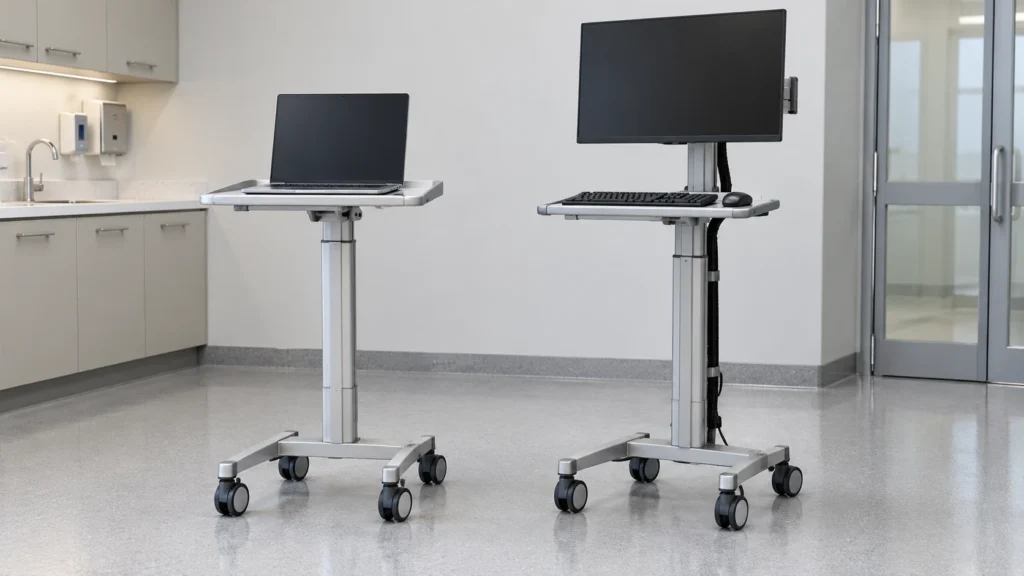
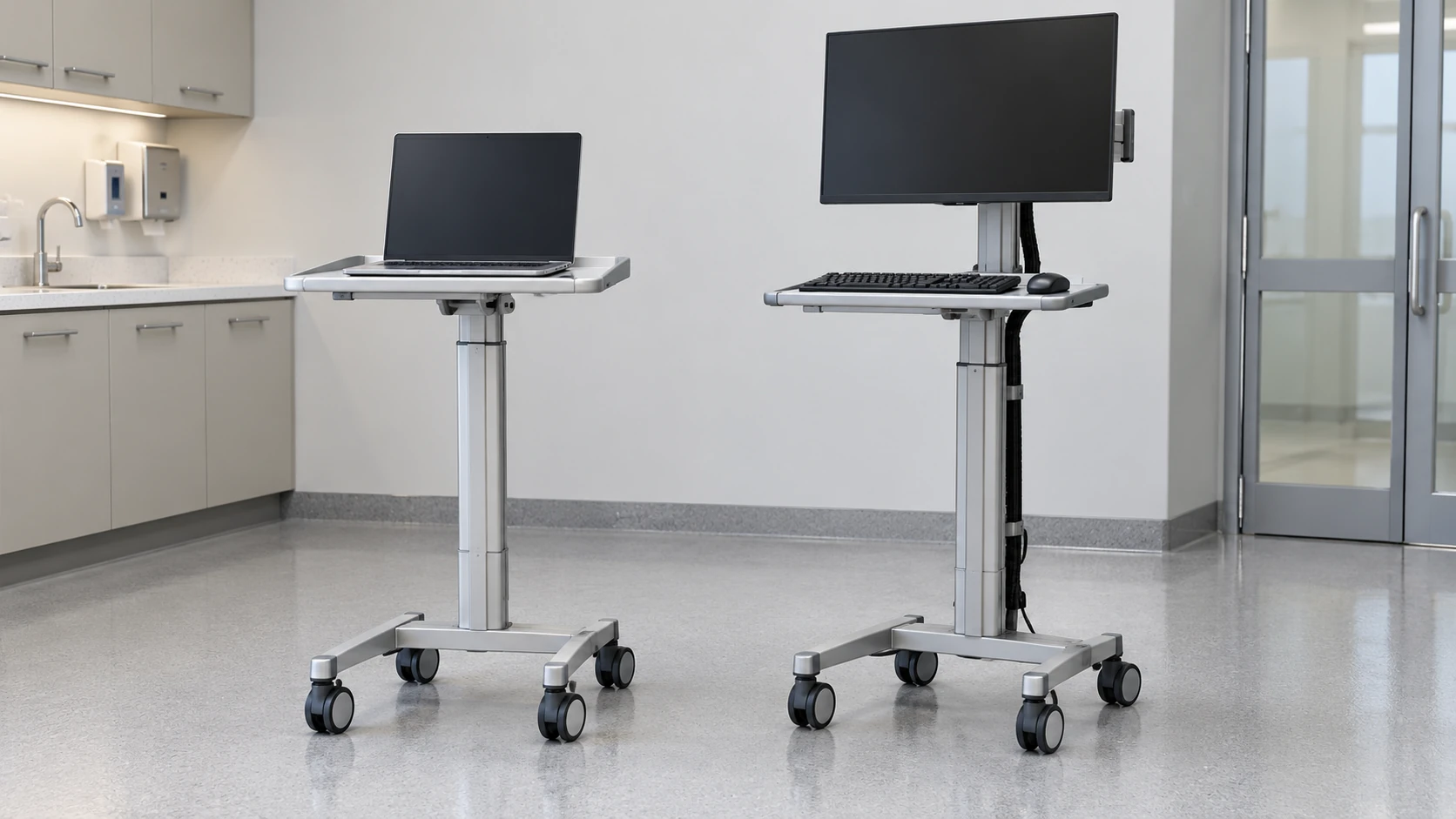
Choose a medical laptop cart when the laptop itself provides the working display and input interface. Consider a monitor-and-keyboard workstation when a separate display, keyboard and computing device are required. The right choice depends on your actual equipment, working posture, connection access and movement route—not simply the number of accessories shown in a photograph. Neither configuration establishes device compatibility or clinical suitability without a project-specific review.
This guide compares workstation layouts for B2B sourcing. It is not a medical recommendation or a claim that a particular cart is approved for every healthcare environment.
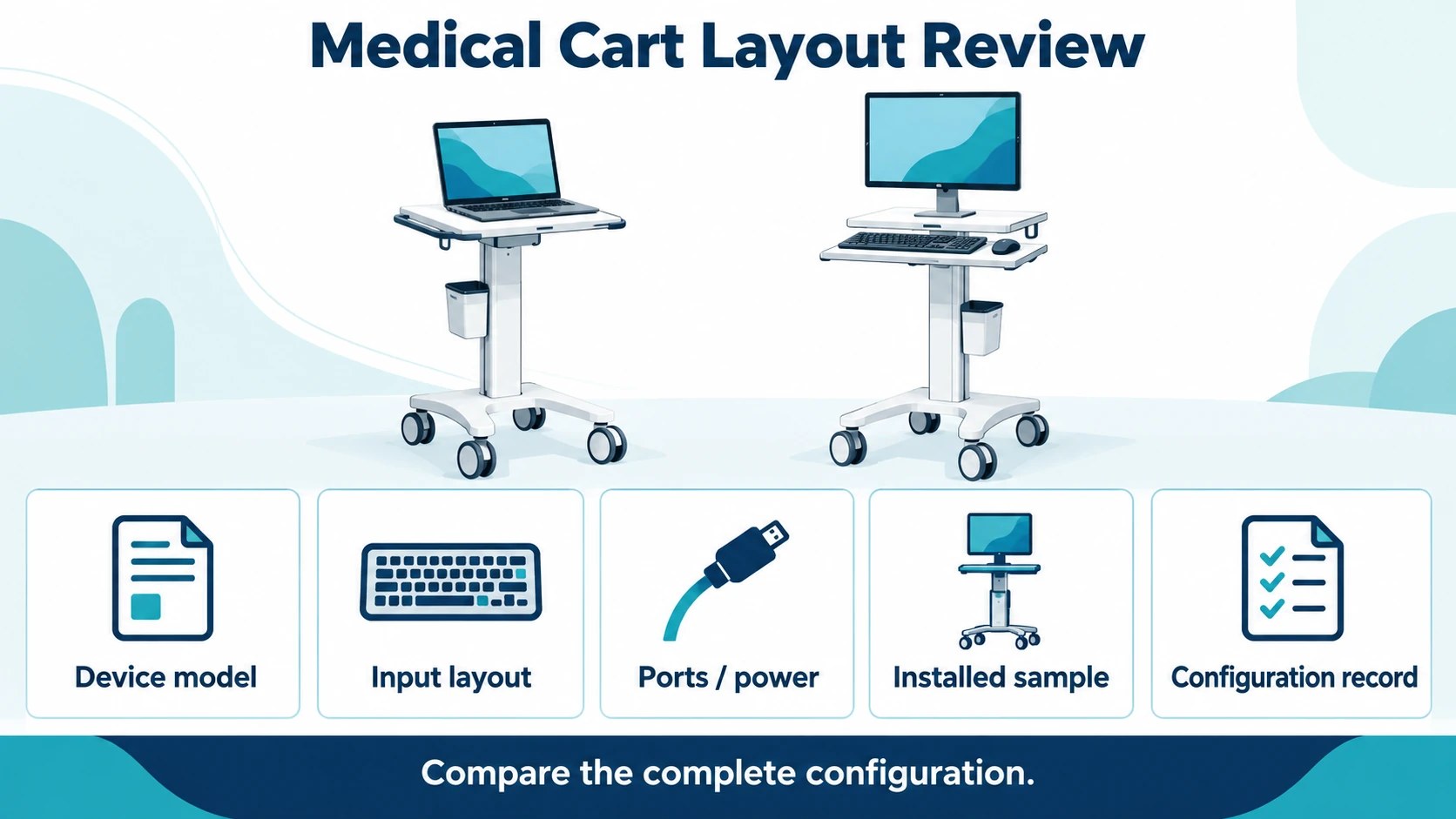
Start with the computing arrangement
Laptop-centered workflow
A laptop-centered cart can keep display and input together. Before choosing it, record the exact laptop model, open-screen envelope, connector locations and whether users need an external mouse or keyboard. Screen diagonal alone does not describe the footprint or the clearance needed for a charging plug.
Opening a laptop changes its working envelope. Review the sample with the lid in the intended position and any security or retention hardware installed. An empty platform photograph cannot demonstrate that the open laptop clears handles or accessories.
Separate monitor and keyboard workflow
A separate-monitor workstation creates different mounting and access questions. Record the display mounting interface, monitor weight, keyboard dimensions, computing-unit location and required peripheral connections. Ask the supplier which parts are included and which belong to the equipment integrator.
Do not assume that a monitor bracket is compatible with every screen. Likewise, a keyboard tray should be reviewed with the actual keyboard, mouse arrangement and travel position rather than accepted on appearance alone.
Compare the two layouts before requesting a quote
| Review point | Laptop-centered cart | Separate-monitor workstation |
|---|---|---|
| Device fit | Laptop footprint, lid opening and connector access | Monitor interface, keyboard fit and computing-unit location |
| Input arrangement | Built-in input or specified external peripherals | Separate keyboard and mouse working area |
| Connection review | Laptop ports, charger and any dock | Display, computing unit and peripheral cable paths |
| Storage requirement | Identify the laptop accessories that must travel | Identify the equipment and peripherals that must travel |
| Sample acceptance | Review the installed laptop configuration | Review the complete mounted workstation configuration |
These are review questions, not guaranteed advantages. A more elaborate workstation is not automatically better, and fewer components do not automatically mean a configuration is suitable for your users.
CRF product references for the layout discussion
The CRF CA13Z002 portable laptop medical cart provides a current laptop-cart reference. The CRF CA13Z177 medical computer cart with monitor mount and keyboard tray provides a current separate-monitor layout reference.
These links support a configuration discussion; they do not establish compatibility with your device. Ask CRF for the current drawing, included-parts list and sample configuration. Legacy product-page statements about load, material grade or performance should not substitute for project-specific documentation, and no such values are adopted in this comparison.
Use a workflow review, not a specification shortcut
Review working and parked positions
Ask representative users to review screen visibility, keyboard access and the position in which the cart is parked. Define whether a seated, standing or mixed workflow is required. Height adjustment, adjustment range and ergonomic suitability must be confirmed for the selected model; do not infer them from the general product category.
Review movement with equipment installed
Document the intended route, doorway clearance, storage location and travel configuration. A qualified reviewer should assess complete-cart loading, retention and stability with the installed equipment. Wheel count alone cannot establish stability. This workstation discussion concerns equipment carts, not walkers or patient mobility aids.
Define the power boundary
A mobile workstation is not necessarily a powered cart. Record whether the laptop uses its own battery, a charger or an approved dock. Do not add a battery system or mains arrangement without a qualified electrical integration review. The supplier and integrator should agree who is responsible for each component and the final configuration.
Procurement checklist
Before approving a sample, send:
- Exact equipment models and interface drawings.
- Laptop open envelope or monitor mounting details.
- Keyboard, mouse, dock and peripheral requirements.
- Working posture and parking requirements.
- Intended movement route and installed-equipment list.
- Power arrangements and responsibility boundaries.
- Requested current drawings, included parts and sample-review records.
- Quantity, destination and packaging requirements for a quotation.
Record unresolved requirements separately. Do not describe an unreviewed combination as compatible merely because the devices can physically rest on the cart.
FAQ
Can a laptop cart replace a monitor workstation?
Possibly, if the laptop-centered arrangement meets the actual workflow and equipment requirements. Review device fit, access, posture and the installed sample before making that decision.
Does a monitor cart include the computer and display?
Do not assume so. Request an included-parts list that separates cart components from customer-supplied equipment.
Is a laptop cart automatically battery-powered?
No. Mobility does not imply an integrated power system. Confirm the laptop and cart power arrangements independently.
What information should an OEM buyer send first?
Start with equipment models, interfaces and the intended workflow. Those inputs are more useful than a request for a generic cart with unspecified compatibility.
Discuss your workstation configuration with CRF
Request a B2B configuration review and quote with your device list, interface drawings, workflow, quantity and destination. CRF can review the proposed configuration and clarify the documentation and sample checks needed before commercial confirmation.
Request a B2B RFQ for the exact variant and documented review scope. Images are AI-generated generic concepts, not exact CRF models, customer installations, approved procedures or performance evidence.