
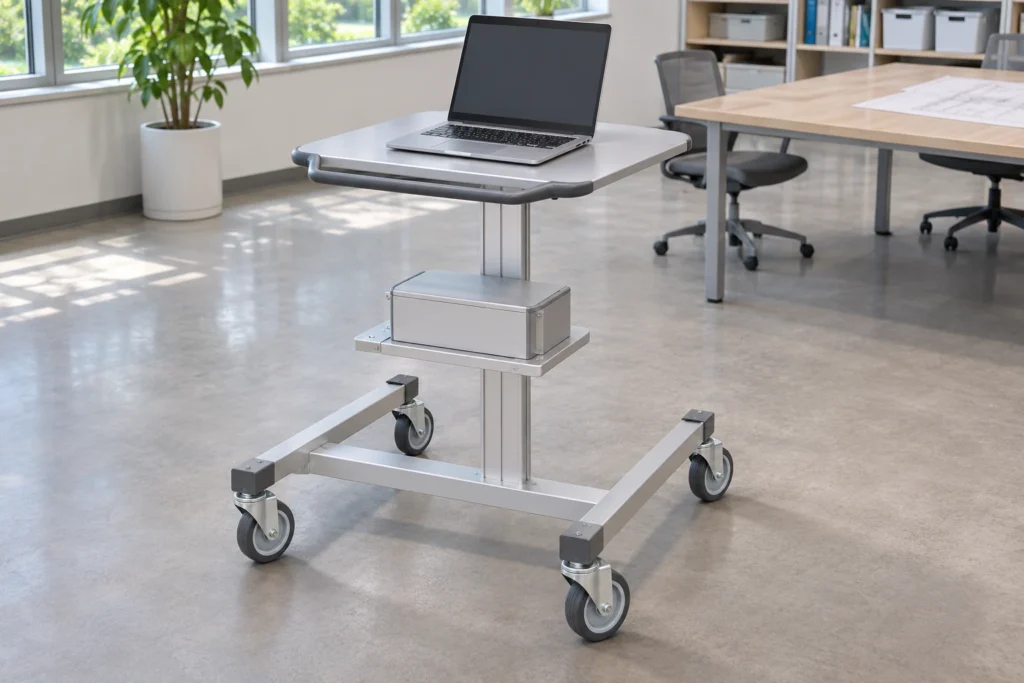
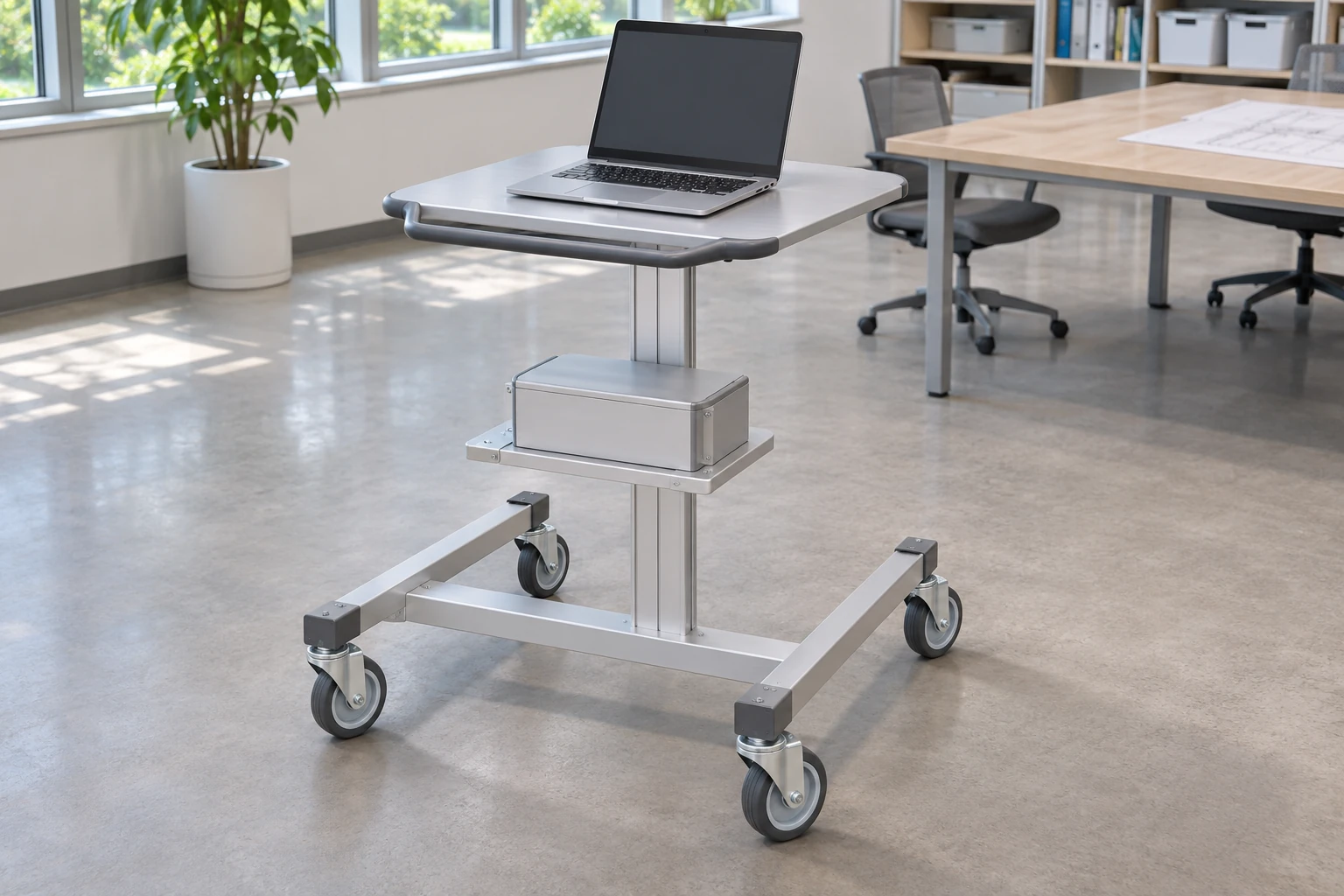
A mobile laptop cart with power should be selected as a complete workstation configuration, not as a wheeled desk with a battery added to the quote. Compare what needs power, how long the workstation must operate away from a charging point, where recharging or battery exchange happens, and who is responsible for the completed electrical system. A cart that supports a laptop physically does not automatically provide a suitable power system.
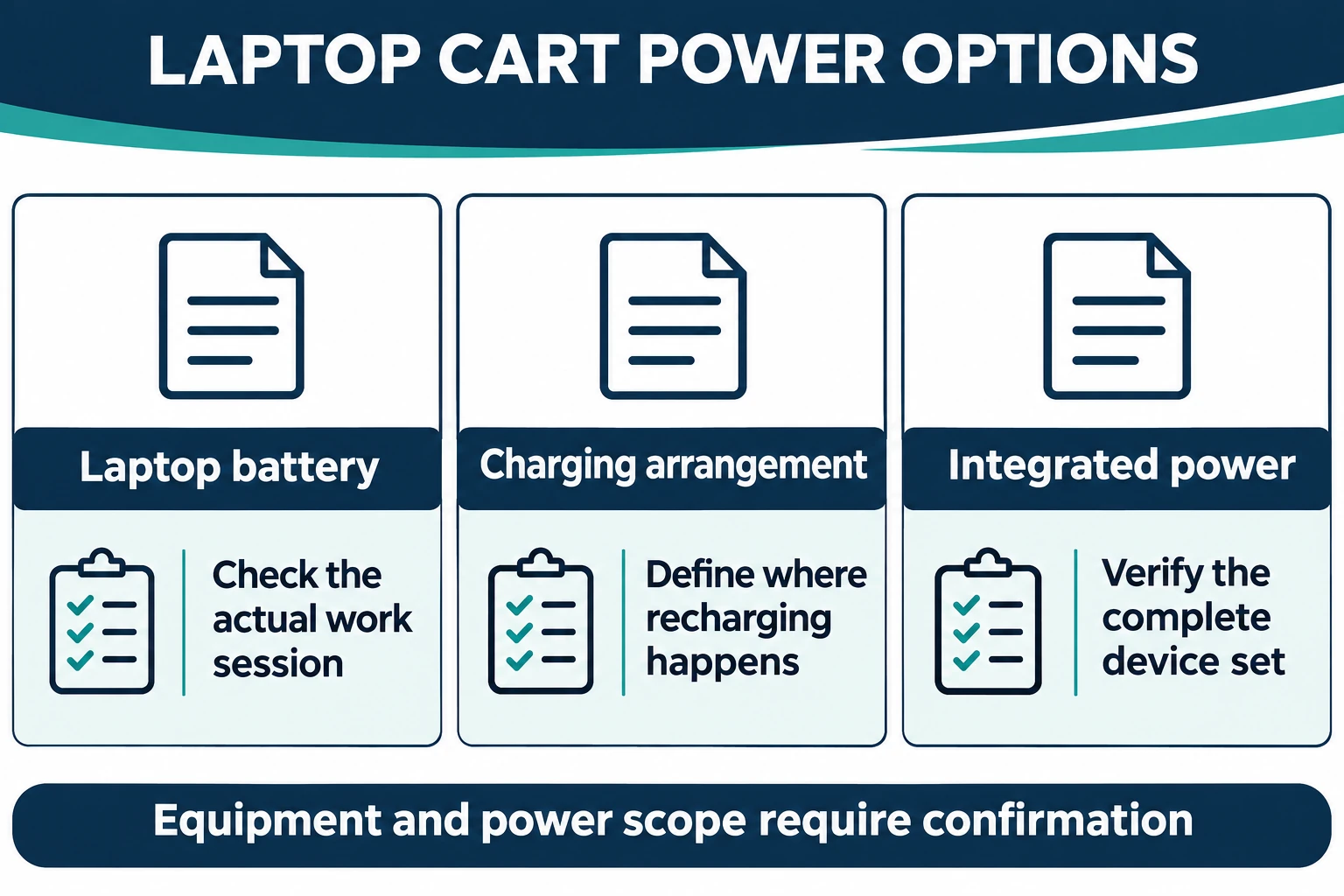
For a laptop-only workflow, the computer’s own battery may be sufficient. A printer, display or other peripheral can change that decision. Ask suppliers to distinguish a non-powered mechanical cart, an arrangement for the laptop’s documented charger, and an integrated battery-powered workstation. Those are different purchasing scopes, even when their product photographs look similar.
This guide compares those scopes. It does not identify a universally best battery, specify wiring, establish runtime for a CRF cart or approve equipment for clinical use.
First decide what “with power” means
A listing may use “powered” to describe equipment power, motorized height adjustment or both. Write these requirements separately. A battery that operates a lifting mechanism is not automatically an output for a laptop. Conversely, a cart with a workstation power module may still use manual or pneumatic height adjustment.
Ask the supplier to identify every powered function in the exact quoted configuration. Request an included-parts list covering the power module, charger, batteries, holders, approved connections and relevant documentation. If the quotation covers the frame only, keep the power system as an explicit unresolved integration item rather than assuming it is included.
The broader powered versus non-powered medical cart comparison helps separate cart architecture from the completed workstation. Here, the purchasing decision is more specific: which laptop-and-peripheral workflow needs which power scope?
Compare three practical purchasing routes
| Route | When to investigate it | Evidence to request | Main limitation |
|---|---|---|---|
| Laptop operating on its own battery | Work sessions can be completed within the laptop’s documented capability | Actual workflow trial and charging plan | Does not supply separate peripherals |
| Mechanical cart with a documented charging arrangement | The workstation can return to an appropriate charging location | Equipment instructions, proposed charger location and responsibility for the arrangement | Does not establish operation away from mains power |
| Integrated battery-powered workstation | The defined device set needs power while moving between work areas | Exact power-system model, documented outputs, configuration-specific runtime evidence and service plan | Requires review of the complete electrical and mechanical configuration |
None of these routes is automatically the lowest-cost or most reliable choice. A larger battery may add purchasing and service complexity without solving a poorly defined charging workflow. A simple unpowered cart can also be unsuitable if the user repeatedly loses access to required peripherals between charging locations.
Record the task first, then compare the routes against it. For example, distinguish checking records on a laptop from operating a laptop and label printer together. Do not transfer the result from one task to the other without reviewing the changed device set.
Build the device and duty register
List each device that must operate on the cart. Include its exact model, its current power documentation, its approved adapter or connection arrangement, and whether it must remain available throughout the mobile session. Identify buyer-supplied and supplier-supplied items separately.
For each work session, describe ordinary use, idle periods, peripheral activity and the expected opportunity to recharge. The purpose is to give the power-system supplier a representative task profile, not to ask the cart manufacturer to guess electrical demand from a laptop screen size.
Keep these three questions separate:
- Can the proposed system provide the required documented output?
- Can it support the agreed workload for the requested period?
- Can the organization recharge, exchange or service it within its normal workflow?
A battery capacity figure alone does not answer all three. Nor should a supplier’s runtime statement for a different computer and printer be treated as evidence for the equipment in your project.
Make runtime claims comparable
Ask what equipment was used for a runtime claim and what the equipment was doing. Useful evidence identifies the battery and power-module revisions, device set, operating profile, starting condition, endpoint and relevant test conditions. A statement such as “full shift” is incomplete when the shift and workload are undefined.
Request a representative trial using the intended laptop and peripherals, or an agreed documented equivalent. Record which assumptions remain open. If the workstation will sometimes run a printer or another intermittent device, include that activity in the agreed review rather than checking the laptop alone.
Do not turn a capacity-to-load calculation into a guaranteed operating time. Actual system behavior, conversion losses, equipment demand and the applicable operating conditions need qualified assessment. This article intentionally provides no universal runtime estimate or battery-sizing formula.
Compare charging and battery-service workflows
An integrated battery system still needs an operating plan. Ask where carts will be parked for charging, who is responsible for connection and inspection, and what happens when a workstation returns with insufficient charge for the next task.
For a removable or swappable battery arrangement, request the manufacturer’s documented process and identify the batteries and charging equipment actually included. Do not assume that changing a battery keeps the laptop running. Continuity of operation is a separate capability that needs explicit documentation for the offered system.
For a fixed battery arrangement, review service access and the manufacturer’s replacement process. Ask about replacement identification, parts availability, warranty scope and who is authorized to service the system. Avoid promising service life from battery chemistry alone.
The right comparison is not simply fixed versus removable. It is whether the offered configuration fits the organization’s charging locations, staffing, maintenance arrangements and interruption tolerance.
Review the cart as a complete physical assembly
Power equipment changes the physical workstation. Its holder can compete with storage, restrict access or alter the space needed around the column and base. Review the proposed battery, adapter and cable arrangement on the actual cart drawing, with the laptop and accessories present.
Check access to charging connections, indicators, service points, adjustment controls and caster brakes. Ask how cables are retained through the permitted height positions and during movement. Do not infer an acceptable arrangement from a loose cable shown in a concept image.
The power-adapter placement guide addresses adapter support and access. Use it as a focused supporting check, not as proof that a complete powered workstation has been approved.
Likewise, request confirmation of the complete loaded configuration rather than assuming the original cart rating applies unchanged after adding equipment. The responsible parties must define the relevant mechanical and electrical checks. A heavier-looking base or a neatly enclosed battery is not evidence of stability or electrical compliance.
Separate clinical deployment from general workplace use
Products sold for warehouses, offices and healthcare environments can share the phrase “mobile powered workstation.” Their intended use and documentation may differ. Do not infer clinical suitability from a photograph taken beside a bed.
For healthcare deployment, have the responsible organization and qualified suppliers identify applicable equipment, cleaning, electrical and destination-market requirements for the completed configuration. This guide offers procurement questions, not instructions for electrical installation or patient-area use.
Keep any certification claim tied to the exact equipment and scope supported by its documents. A certificate associated with a component does not automatically establish compliance of the assembled cart, laptop, peripherals and power system.
What to request from CRF
CRF’s medical computer cart integration guide provides a starting point for the mechanical workstation discussion. Send the laptop identity, accessories, intended work positions, route constraints and the proposed power-system documentation together.
Ask CRF to confirm which mechanical configuration can be quoted and which power-related components, engineering activities and verification responsibilities are included or excluded. An article discussing powered carts is not a statement that every CRF frame includes an integrated battery system.
For a useful quotation comparison, put the following on one schedule:
- mechanical cart and selected accessories;
- buyer-supplied computer and peripherals;
- proposed power equipment and documented interfaces;
- batteries, charger and mounting hardware;
- runtime trial scope and acceptance responsibility;
- charging, service and replacement arrangements;
- packaging, assembly scope, quantity and destination.
Ask each supplier to respond to the same schedule. This makes a frame-only offer distinguishable from an integrated-workstation offer without treating a lower headline price as a like-for-like saving.
FAQ
Does a powered height-adjustable cart necessarily power a laptop?
No. Height adjustment and equipment power are separate functions. Ask which outputs and components the quoted configuration actually provides.
Is an integrated battery necessary for every laptop cart?
No. A laptop-only workflow may be able to use the computer’s own documented battery capability. Evaluate the actual work session and peripheral requirements before adding a separate power system.
Does a swappable battery guarantee uninterrupted operation?
No. Battery replacement and continuity during replacement are different capabilities. Request the offered system’s documented behavior and review it with the intended equipment.
Can a supplier’s advertised runtime be used for our workstation?
Treat it as a claim to examine, not a transferable guarantee. Compare the tested device set, workload and conditions with your project and agree configuration-specific evidence.
Does this guide establish a CRF battery or electrical specification?
No. Power equipment, supplied contents and completed-system responsibilities require confirmation in the quotation and supporting documents for the chosen configuration.
Request a scoped workstation quotation
Send a B2B RFQ to CRF with your laptop and peripheral list, operating workflow, preferred charging approach, mechanical layout, quantity and destination. Please contact us to confirm the proposed cart configuration, supplied parts and the scope of any power-system integration before placing an order.
Article illustrations are AI-generated concept visualizations and editorial diagrams, not CRF product photography, customer installations, supplied-equipment lists, runtime tests or engineering approval. Any illustrated computer or power enclosure is illustrative and not automatically included.