
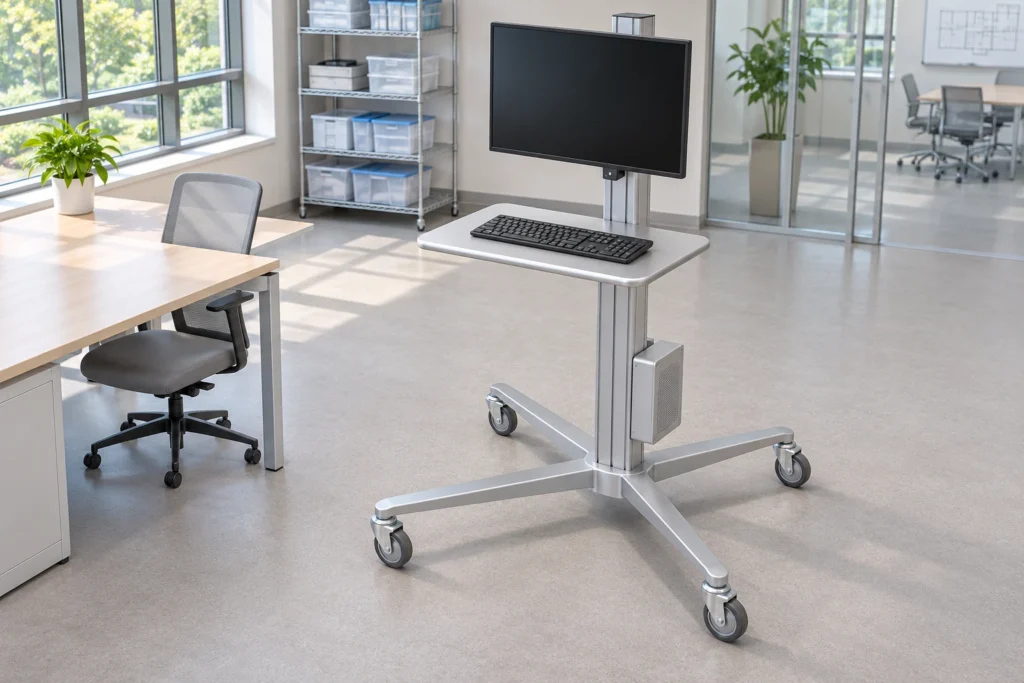
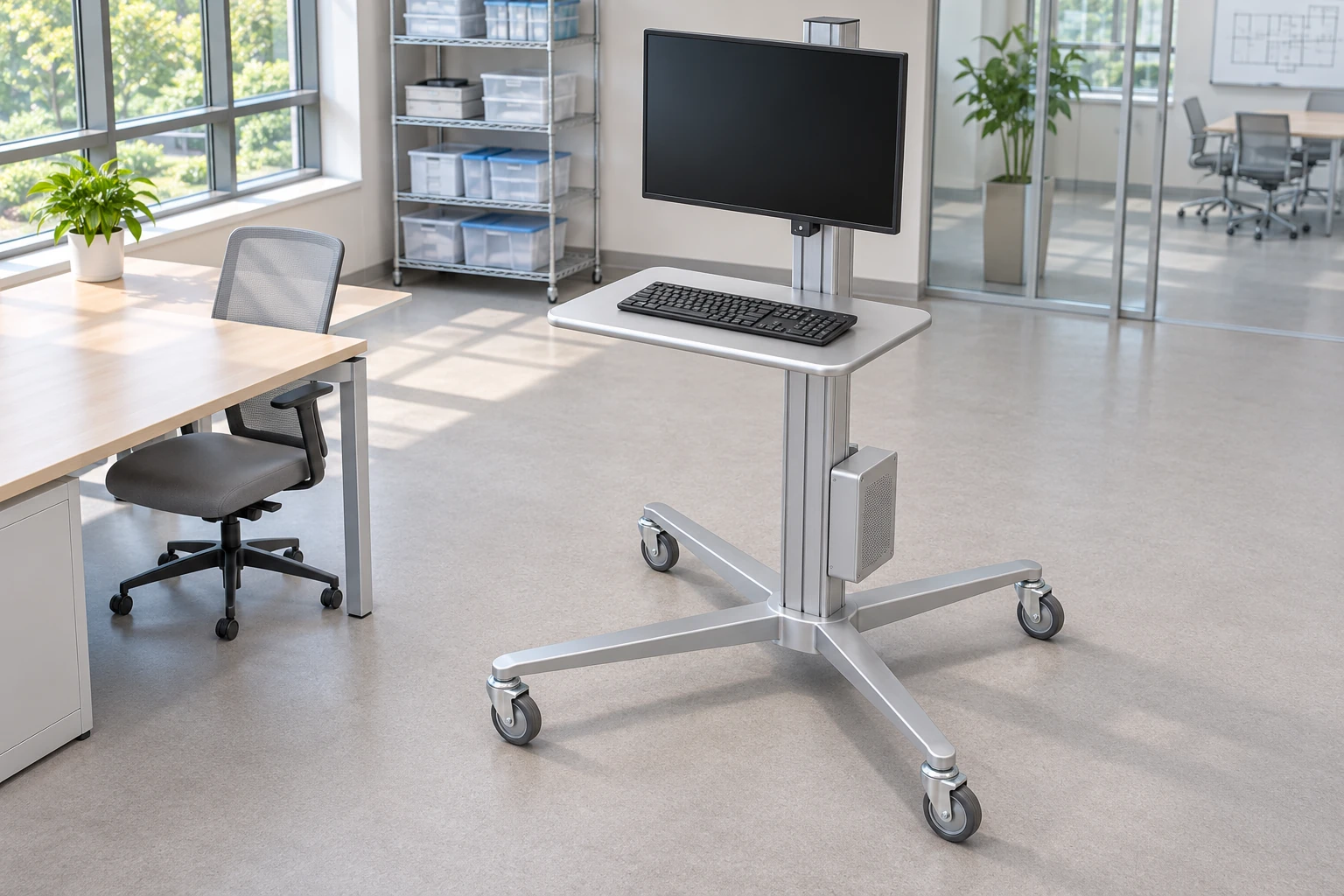
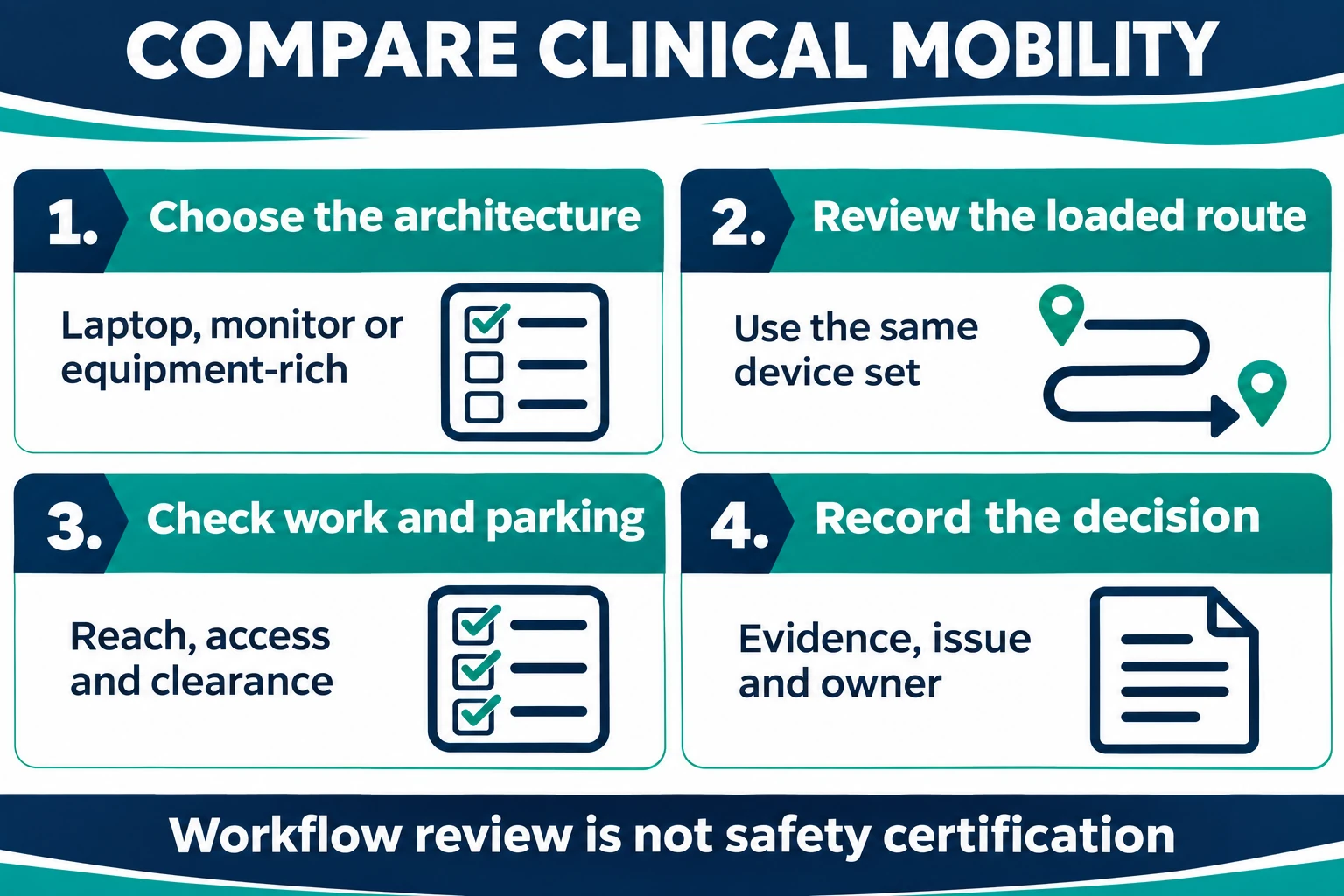
The best medical computer cart for clinical mobility is the configuration that lets your team complete its real route, position the workstation, use the equipment and park it without unacceptable interference. Choose between laptop, monitor-and-computer and equipment-rich workstation architectures first, then compare representative loaded samples on the same route. A cart that looks compact when empty may become awkward after a display, printer, scanner and storage are installed.
There is no universal winner for every department. This guide offers a procurement comparison method rather than a ranked list of untested products. It addresses equipment mobility and documentation workstations, not patient transport, clinical treatment or a guarantee of improved outcomes.
Compare three workstation architectures before comparing brands
A laptop cart can be an appropriate starting point when the laptop is the principal device and peripheral needs are limited. Review the open lid, connector access, worktop depth and whether the device must be retained for movement. A small worktop does not necessarily mean a small travel envelope: the handle, laptop and accessory holders can extend beyond it.
A monitor-and-computer cart separates the display, input surface and computer enclosure. That arrangement gives buyers more components to specify independently, but also adds interfaces to check. The display may project above or beside the base, the keyboard tray may change the operating footprint and the computer needs accessible ventilation and connections. Do not select it solely because the screen looks comfortable in a photograph.
An equipment-rich workstation adds items such as a printer, scanner or storage. It can keep frequently used equipment together, but the quotation and sample must represent the whole arrangement. A shelf that supports a printer is not useful if the paper roll cannot be changed, and a basket can become an obstruction when it is filled with the actual contents.
| Architecture | Start here when | Main mobility trade-off | Evidence to request |
|---|---|---|---|
| Laptop workstation | Most tasks use one laptop and a limited peripheral set | Open-lid clearance and worktop reach versus compact travel position | Loaded sample with the intended laptop, connectors and retention arrangement |
| Monitor-and-computer workstation | Display, input and computer positions need separate review | More adjustable or projecting interfaces to manage | Complete equipment layout in operating and travel positions |
| Equipment-rich workstation | Printing, scanning or storage must move with the user | Greater overall envelope and more service-access requirements | Sample with every quoted accessory and representative contents |
Power is a separate scope decision. A laptop’s own battery, a charging arrangement and an integrated workstation power system are not interchangeable. Do not infer onboard power, runtime or electrical approval from a closed enclosure in an image. Where a powered system is required, have the responsible supplier document the exact equipment set and completed-system verification requirements.
Turn “easy to move” into a route comparison
Start with a short route description rather than a wheel-size preference. Include the places where the cart actually changes direction or state: leaving storage, passing a doorway, entering a room, positioning beside a bed or desk, moving away and returning to parking. Note where other equipment, doors or people share the space. Do not create a hazardous trial in an active care area; arrange a controlled evaluation with the site’s responsible team.
Use the same intended equipment and accessory arrangement for each candidate. Record whether storage is empty or contains representative items, whether the keyboard tray is extended and whether the screen is in its operating or travel position. If those conditions change between candidates, you are no longer comparing the same task.
For each route segment, document the observation, the configuration and any unresolved problem. For example, “passes the test doorway with the input tray stowed” is more useful than “compact design.” It also identifies a workflow dependency: staff must be able to stow the tray conveniently and consistently.
Judge the transition from movement to work
Mobility does not end when the cart reaches the destination. A useful workstation must also be positioned so the user can see the display, reach the input devices and access frequently used equipment without rearranging the entire room.
Compare how each candidate changes from travel to use. Can the keyboard or mouse area be positioned without colliding with the handle? Does the display remain usable when the cart is parked in the available space? Can the user access a scanner or drawer without moving another item first? Evaluate the intended user tasks without patient data or simulated clinical claims.
The Cornell computer-cart evaluation checklist groups review into cart maneuvering, input surfaces, screen reading, accessories and power, and hygiene. It is useful as an organizational reference, not a current certification standard or proof that a particular cart complies. Apply the relevant questions to your users and configuration rather than copying every historical dimension as a universal requirement.
Assess the base and casters as part of the loaded system
A three-, four- or five-wheel arrangement is an architecture choice, not a ranking by wheel count. The complete base geometry, equipment position, caster arrangement, braking access and intended route all matter. More casters alone do not establish greater stability, easier steering or suitability for thresholds.
Ask for the complete base outline and a sample that represents the proposed equipment arrangement. Observe where the feet of the user can move during pushing and positioning, whether brake controls can be reached and whether a low shelf or hanging accessory conflicts with the floor-level space. Do not run improvised tipping, incline or overload tests. Define any formal stability or braking verification with qualified responsible parties.
Separate normal steering behavior from a configuration defect. A swiveling caster can change direction as the cart turns; that is not by itself evidence of a missing component or a different model. Conversely, a polished photograph cannot establish that the delivered caster, fixing or brake matches the approved specification.
Keep cleaning and service in the comparison
Clinical mobility includes what happens between work sessions. Review access around the worktop, adjustment controls, holders and storage with the actual installed devices. Ask for applicable cleaning instructions and have the responsible site team assess them against its cleaning practices. Do not assume that aluminum construction makes every coating, plastic component or accessory compatible with a particular chemical.
Service access also affects practical availability. Compare whether the computer can be removed, printer supplies changed and cables inspected without dismantling unrelated components. Define who supplies spare casters, retention parts and adjustment components. A removable part in a sample is not evidence that replacements will remain available; record the agreed service scope in the purchasing documents.
For buyers comparing aluminum-alloy structures, distinguish the main structure from other components. A cart can use an aluminum column alongside polymer surfaces, steel fasteners and other materials. Review the actual bill of materials or agreed product specification rather than treating the material in the product name as a description of every component.
Use a decision record instead of an invented overall score
An attractive overall score can hide a blocking problem. Before evaluating candidates, identify which requirements are mandatory and which are preferences. A mandatory device-support or access issue cannot be cancelled out by an appealing finish or a convenient storage basket.
A simple record works well:
- Requirement: the task or interface that matters.
- Configuration: exact devices, accessory positions and sample revision.
- Observation: what was actually seen during the controlled review.
- Evidence: photograph, controlled drawing, instructions or responsible-party test record.
- Decision: accepted, needs revision or not suitable for this project.
- Owner: person responsible for closing the issue.
Compare candidates on the same criteria, but avoid numerical weights unless your organization has defined and justified them. Keep minor preferences separate from unresolved safety, compatibility or completed-system obligations. If a candidate passes only after removing an accessory the workflow needs, it has not passed that configuration.
Use real CRF references to start the mechanical discussion
CRF’s medical computer cart integration guide links to an actual computer-workstation reference and explains how to define the monitor, computer, printer, cables and accessories together. Buyers can use the computer medical cart collection to identify a relevant starting architecture before requesting a configuration review.
CRF’s core medical equipment cart offering includes aluminum-alloy structures. That is a starting point for a mechanical purchasing discussion, not a claim that every catalog configuration includes the illustrated electronics, supports a particular display or has been approved for your facility. Confirm the exact supplied items, drawings and sample with the quotation.
If your comparison shows that one standard platform is close but not complete, list the remaining changes explicitly. Separate accessory positioning from changes to the base, adjustment mechanism or mounting interfaces. The scope of the revision determines which existing evidence remains relevant and which checks must be repeated.
FAQ
Which medical computer cart is best for clinical mobility?
Choose the configuration that meets your mandatory equipment, route, positioning, cleaning and service requirements in a representative loaded review. No cart class or caster count is universally best, and this guide does not rank products without comparative evidence.
Is a laptop cart always easier to move than a monitor workstation?
Not necessarily. Compare the complete travel envelope, installed equipment and actual route. A laptop cart with projecting accessories may be less convenient in a particular space than a carefully configured monitor workstation.
Should we choose five wheels instead of four?
Evaluate the full base and loaded arrangement. Wheel count alone does not prove stability, steering effort or braking suitability. Request configuration-specific dimensions and verification rather than applying a blanket rule.
Does a medical computer cart include a battery or computer?
Only if the agreed supply scope says so. Mechanical carts, computing equipment, accessories and power systems must be listed separately. Generated illustrations are not a packing list or compatibility evidence.
Can a trial replace engineering or compliance review?
No. A workflow trial identifies practical usability and access issues. It does not establish load ratings, electrical safety, clinical suitability or regulatory compliance. Assign those requirements to the qualified responsible parties for the completed system.
Request a configuration review
Please send an RFQ with your equipment list, route constraints, user tasks, preferred cart architecture, accessory requirements, quantity and destination market. Include the interfaces and observations that ruled out other candidates. This gives CRF a concrete mechanical scope to review instead of an undefined request for the “best” cart.