


Medical trolleys and carts are confusing to choose because a familiar name can describe very different equipment, while similar products may be sold under different names. “Cart” and “trolley” often function as regional or supplier preferences, not reliable technical classifications. The useful distinction is the task, configuration and supply scope underneath the label.
A medical computer cart, a general equipment platform and a drawer-based supply cart may all appear in the same search. That does not make them interchangeable. This guide translates common naming patterns into a more useful shortlist without treating terminology as a safety approval or a promise of compatibility.
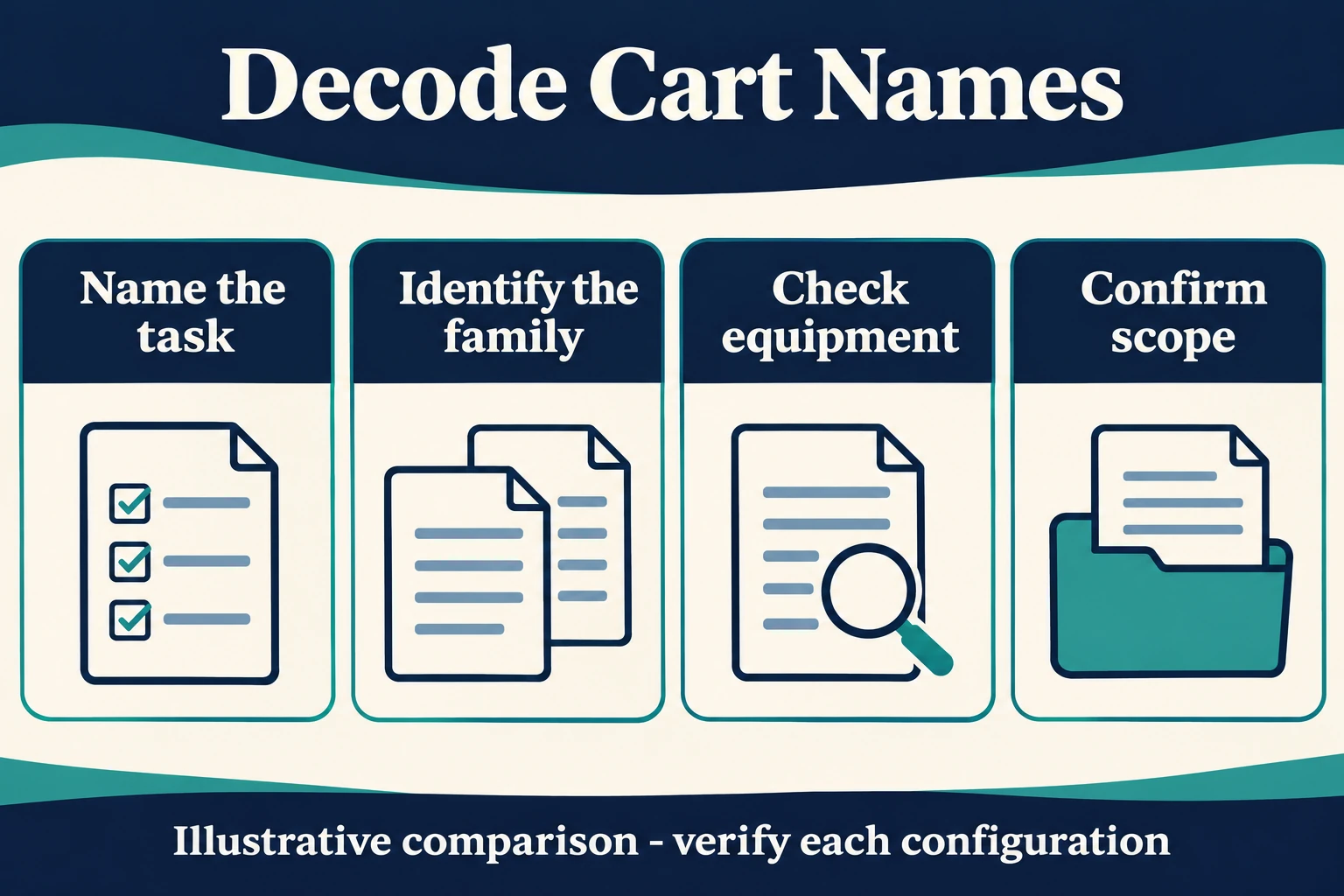
Separate the name from the function
Start with a plain sentence describing the work: “carry this equipment between rooms,” “provide an input surface for a computer,” or “organize these supplies.” Then name the physical elements required to support that task. This prevents a product’s marketing name from becoming the entire specification.
Searching both cart and trolley can broaden discovery, but buyers should not assume every supplier uses the words consistently. “Medical trolley” may describe an equipment carrier on one site and a storage product on another. Compare the actual description, photographs, dimensions and supplied contents before treating two listings as equivalents.
Identify the product family
| Name encountered | What the listing may emphasize | What to verify before shortlisting |
|---|---|---|
| Medical equipment cart | A platform for a device or equipment arrangement | Device support, retention, access and complete layout |
| Computer cart or workstation on wheels | A movable computing workspace | Computer format, input surfaces, display arrangement and power scope |
| Laptop cart | A platform for an open notebook computer | Open-lid fit, connectors and usable work surface |
| Supply or storage cart | Shelves, bins or drawers | Internal usable space, access and intended contents |
| Ultrasound or monitor cart | An application-oriented device platform | Exact device interface and accessory configuration |
| Powered cart | Some form of integrated power provision | Installed components, responsibilities and actual operating conditions |
These are interpretation aids, not rigid product standards. An application name alone does not prove that a specific device fits, that electronics are included, or that the complete system has been evaluated.
Distinguish a workstation from a storage cart
A storage cart is organized around the contents it carries. A workstation is also organized around interaction: viewing, typing, pointing, adjusting and accessing equipment during use. A large flat top does not automatically make a storage cart a practical computer workstation.
For a computer cart, inspect where the computer is retained, where the keyboard and pointing device sit, and how the display is supported. For storage, examine usable compartment geometry and access. A product can combine both functions, but the combination needs review rather than an assumption that more drawers always produce a better workstation.
CRF’s medical cart category shows several equipment and workstation configurations. Use the individual product information as configuration evidence rather than treating every item in the category as having the same worktop, base or storage arrangement.
Decode powered, mobile and adjustable
“Mobile” normally tells you that a product is intended to move; it does not specify the route, effort, stability or loaded handling. “Adjustable” does not say which component adjusts, over what range, or under what conditions. “Powered” can be especially ambiguous if the listing does not identify what is supplied.
A laptop with an internal battery on a non-powered frame is not necessarily an integrated powered cart. Likewise, a photograph of a monitor does not establish whether the display, PC, charger or mounting adapter is part of the quotation. Ask suppliers to list included items and optional items separately.
For a broader workflow comparison, see computer cart choices for nursing units. That comparison concerns computing architectures; it should not be used to infer a power system or medical-device interface for every cart.
Do not use the application name as compatibility evidence
An ECG cart is not automatically suitable for every ECG machine. An ultrasound cart is not automatically suitable for every portable ultrasound system. The name points to an intended application, while the exact equipment model, mounting and storage arrangement determine the review that is needed.
Obtain the product’s actual configuration details, then compare them with the equipment manufacturer’s requirements. If a photograph obscures the mounting area or shows an accessory not mentioned in the description, ask about that exact ambiguity. Do not resolve it by borrowing a specification from another listing with a similar name.
The same principle applies to base layout. Three-, four- and five-wheel designs describe a structural feature, not a complete suitability conclusion. The assembled layout, supported equipment and intended movement still need evaluation. More wheels are not, on their own, evidence of better performance.
Build a shortlist by questions, not synonyms
Keep a simple comparison record with five headings: intended task, equipment arrangement, storage arrangement, mobility and supplied scope. Add a source link and configuration identifier to each candidate. Mark unanswered questions explicitly. This is more useful than a long spreadsheet of nearly identical cart names.
For example, two listings may both say “medical computer trolley.” One may be a laptop surface; the other may have a mounted display and separate PC holder. They belong in the same early search but should be separated when the actual computing requirement is known. If the task is still undecided, retain both as architecture options rather than pretending they are equivalent quotations.
Once the terminology is clear, use the medical equipment cart selection framework for the next stage. It addresses whole-cart decisions instead of repeating names as specifications.
FAQ
Is there a universal difference between a medical cart and a medical trolley?
Not one that buyers should rely on without reading the product details. Suppliers and markets use the terms differently. Compare configurations rather than assuming the word establishes a technical category.
Does workstation on wheels mean the computer is included?
No. Confirm the quotation’s supplied contents. The term can describe a platform, a configured workspace or a more complete computing solution.
Are application-specific carts interchangeable?
Not automatically. Similar names or appearances do not establish matching interfaces, equipment retention or accessory arrangements.
What if the pictures and description appear inconsistent?
Ask which configuration is being quoted and request clarification of the exact conflicting component. Please contact us with the product link and equipment information so the proposed scope can be reviewed.
Turn a confusing search into a clear inquiry
Submit the intended task, equipment model and shortlisted configuration through the B2B RFQ form. Ask for the included structure, accessories and optional equipment to be identified. A clear inquiry explains what the cart must do; it does not depend on finding one perfect synonym.