

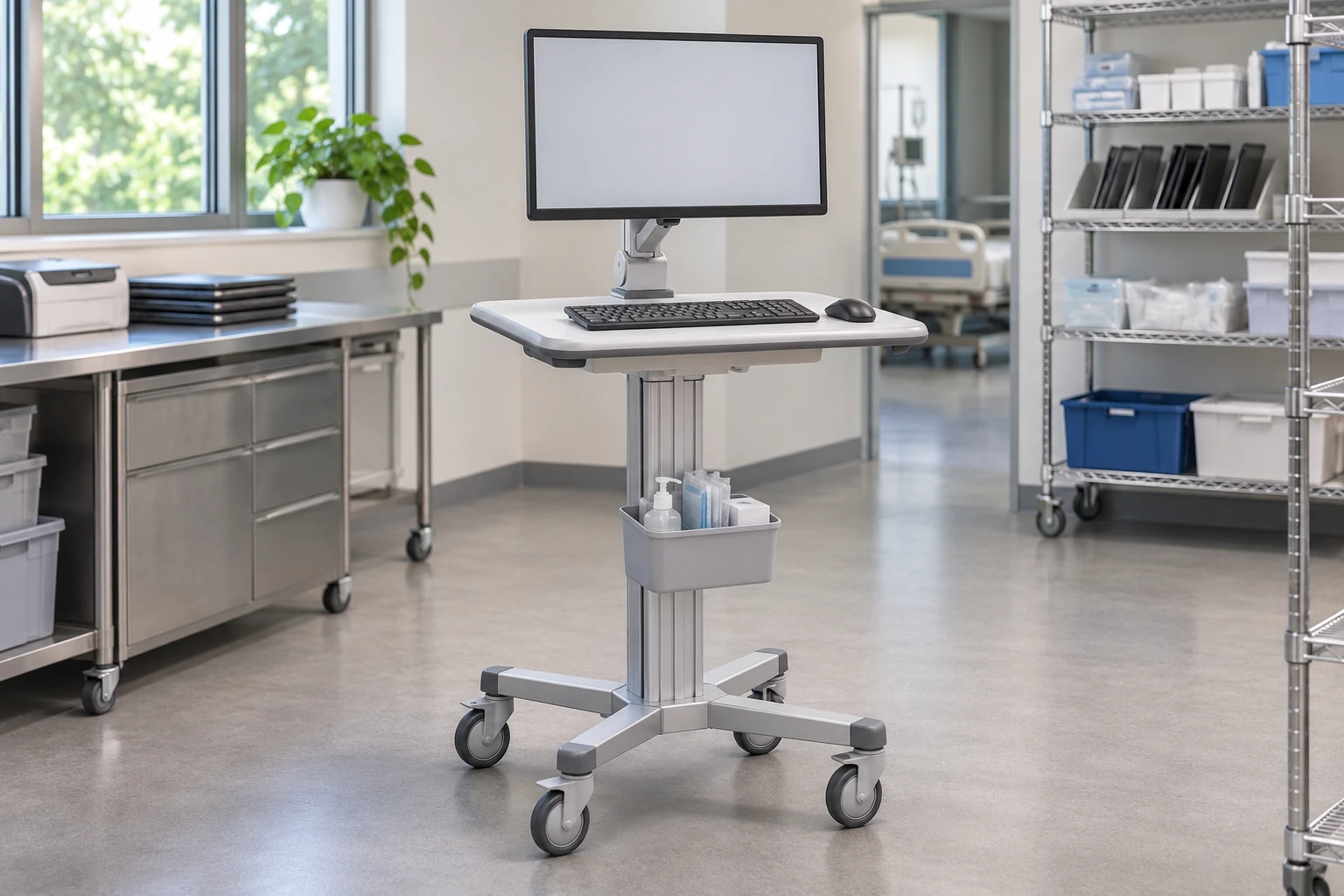
The most reliable mobile workstation for a healthcare team is not identifiable from a caster count, battery label or supplier slogan alone. A defensible choice requires evidence about the complete configuration, its likely failure modes, service arrangements and performance during a representative pilot. Without comparable test records, there is no sound basis for naming a universal reliability winner.
This guide helps procurement, IT and equipment teams compare that evidence. It does not rank brands, report measured failure rates or claim that a CRF cart has passed a particular reliability test. The subject is operational continuity: whether the workstation can support its assigned task, and what happens when a component needs attention.
Define what a failure means for your workflow
A workstation can remain mechanically intact while being unavailable for work. A loose connector, damaged input device, unusable adjustment, charging problem or missing replacement caster may interrupt use. Conversely, a cosmetic mark need not be a service-stopping failure. Define the distinction before collecting numbers.
Write a short failure taxonomy. For example, classify issues as task-stopping, task-limiting or cosmetic. Record who decides whether a cart can return to service and how the decision is documented. These are proposed management categories, not clinical safety judgments or a substitute for your organization’s procedures.
Then define the system boundary. Does the reliability comparison include only the cart structure, or also the PC, display, input devices, power equipment, network connection and local software? Comparing a cart-only warranty with complete-workstation availability mixes different measures.
Compare evidence, not reassuring adjectives
| Supplier statement | Useful follow-up | What it does not establish by itself |
|---|---|---|
| Heavy-duty construction | Identify configuration, test method and acceptance criteria | Reliability of attached electronics or the full workflow |
| Long battery life | Ask for installed-system runtime conditions and battery service plan | Runtime with a different load or battery age |
| Low failure rate | Request population, period, failure definition and exclusions | A comparable rate for your environment |
| Easy maintenance | Review access, tools, parts identification and service instructions | That your team can obtain parts promptly |
| Strong warranty | Read coverage, exclusions and remedy terms | Zero downtime or immediate replacement |
Do not fill missing data with a favorable assumption. A supplier may offer a useful product without publishing a failure-rate dataset. In that situation, use a structured pilot and explicit service terms rather than inventing a numerical ranking.
Review mechanical and computing dependencies separately
For the mechanical platform, examine the base, caster attachments, adjustment controls, equipment retention and access to replaceable parts. Review the fully equipped arrangement: an attachment that is convenient on an empty cart may become difficult to inspect once the PC and storage are installed.
For computing equipment, check connector access, ventilation space, device retention and the ability to replace a failed component without unnecessarily disturbing other equipment. Follow the equipment manufacturer’s installation requirements. The cart’s material or appearance does not establish electrical suitability or compatibility with a particular device.
CRF’s medical equipment cart range offers a starting point for discussing mechanical configurations. Ask for the exact proposed bill of materials and supplied contents. Do not infer that displays, batteries, chargers or IT support are included because they appear in an illustrative scene.
Treat power as a supported subsystem
A powered workstation introduces dependencies beyond the frame. Buyers should identify the installed power components, the responsible supplier, maintenance instructions, replacement availability and the intended operating conditions. Do not select a power system by adapting an unverified battery or charger to a mechanical cart.
If a non-powered cart is being proposed, make the power boundary explicit. It may carry equipment with its own battery, but that does not make the cart an integrated powered workstation. Plan where charging occurs and how equipment is handled when its own battery cannot support the assigned task.
For architecture context, the nursing computer cart comparison separates laptop, all-in-one and separate-PC workflows. Reliability review is the next question: how each selected architecture is maintained and restored, not simply which style looks more complete.
Run a pilot that produces usable records
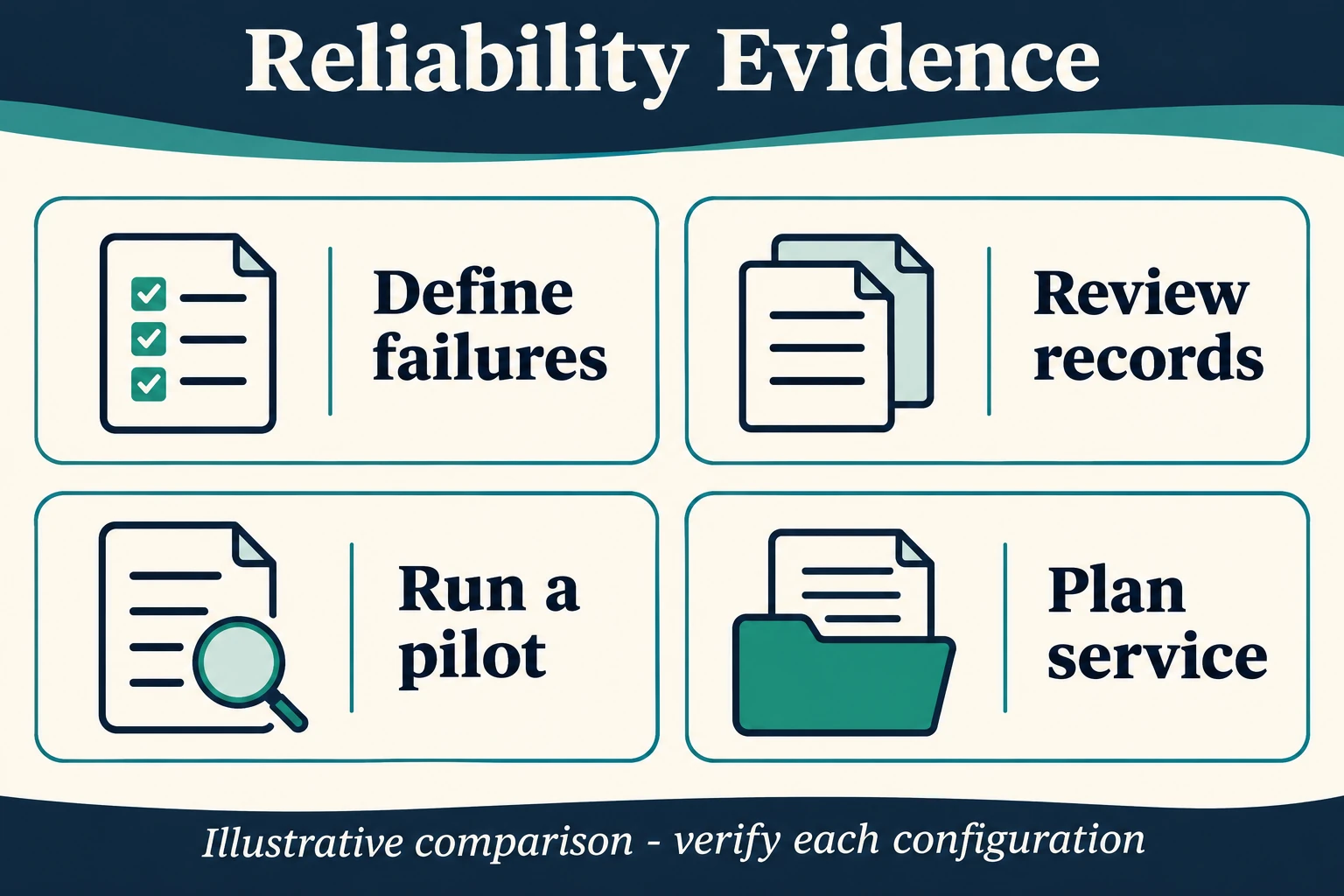
Choose representative tasks and users, not only the most convenient demonstration route. Record the actual configuration, accessories, computer equipment, software environment and charging arrangements. Agree in advance what observations require investigation or withdrawal from use under local procedures.
A practical pilot log can include date, asset identifier, task, observed issue, severity, time unavailable, action taken, component changed and return-to-service decision. Keep patient information out of the procurement log. Distinguish equipment faults from environmental or network issues rather than assigning every interruption to the cart.
Compare candidates using the same task definitions and observation periods where feasible. A pilot with no observed interruption is useful evidence for that pilot, not proof of a zero lifetime failure rate. Similarly, a single incident should be investigated before it is generalized to every unit of a product family.
Ask how the workstation will return to service
Serviceability can influence availability even when failure frequency is unknown. Identify replacement part numbers, expected supply arrangements, approved alternatives, required tools and who can perform the work. Ask whether the equipment can be safely removed for repair without losing the cart’s configuration reference.
Cornell’s healthcare computer cart ergonomic checklist provides another useful evaluation perspective, including maneuvering, input surfaces, screen reading, storage and hygiene. It is not a reliability certification or proof of a particular cart’s performance. Use it alongside, not in place of, your service and incident evidence.
FAQ
Does a longer warranty mean a more reliable workstation?
Not by itself. Warranty terms describe a remedy and its conditions. Compare actual coverage, service access and available operating evidence separately.
Can I compare failure percentages from different suppliers?
Only cautiously. Check whether the population, time period, configuration, failure definition and exclusions are comparable before drawing a conclusion.
Is an aluminum cart more reliable than a steel cart?
Material alone cannot answer that question. Component design, interfaces, loading, environment and maintenance all matter. Request evidence for the proposed configuration.
What should be included in a reliability RFQ?
Define the system boundary, intended tasks, evidence requested, service responsibilities, replacement-parts needs and pilot acceptance process. Please contact us to discuss the mechanical cart scope available for review.
Request an evidence-led configuration review
Send your task description, proposed equipment and service requirements through the B2B RFQ form. Ask which requirements can be substantiated now and which need sample evaluation. A useful shortlist makes uncertainty visible; it does not disguise missing data as a claim of being the most reliable.