
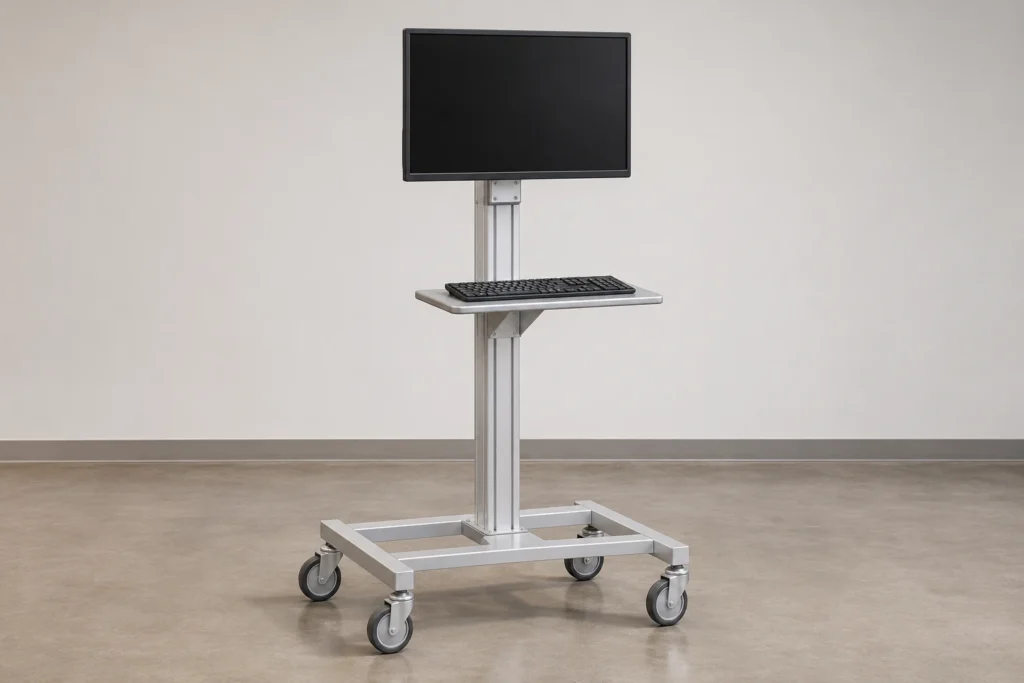
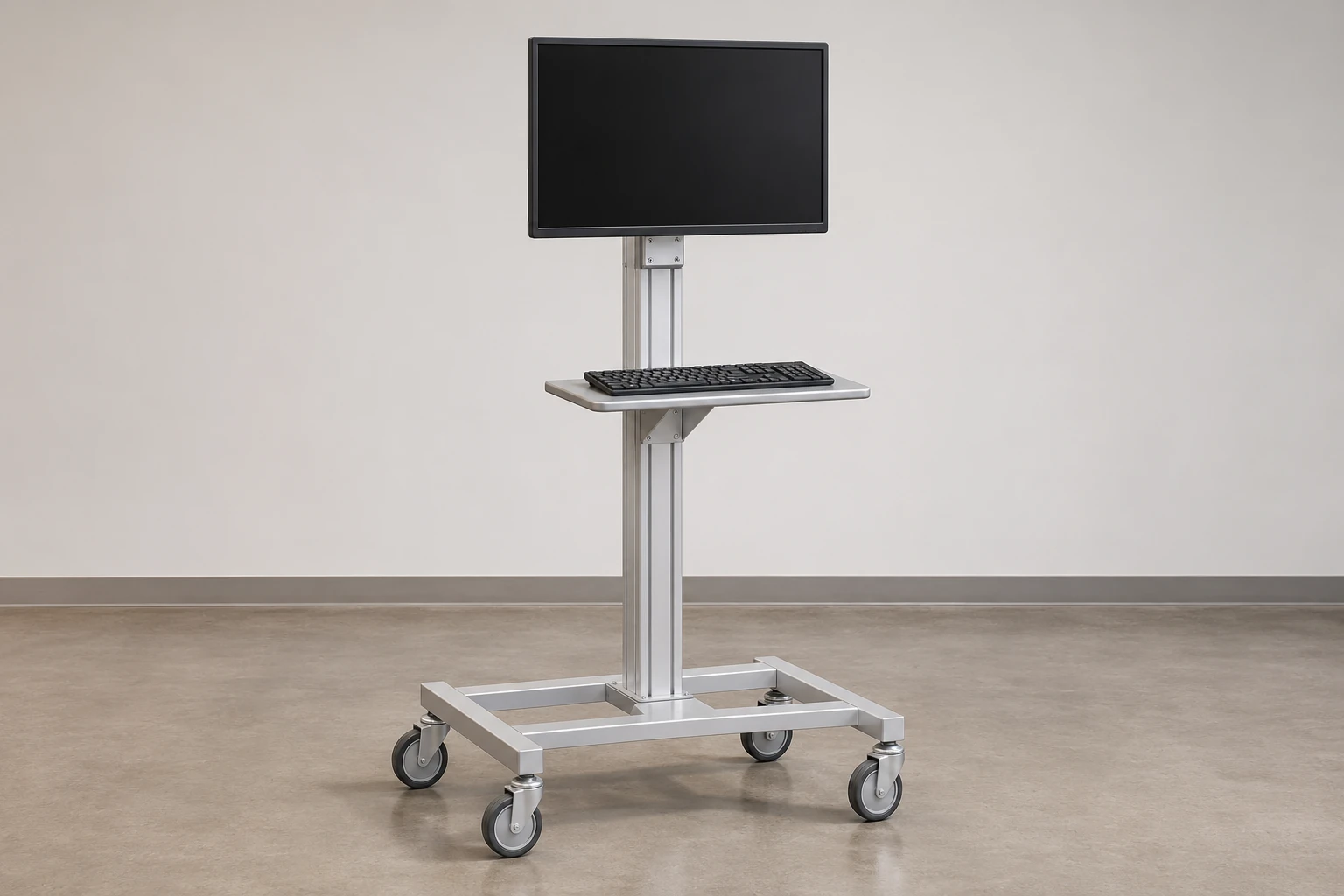
For a large hospital fleet, the best medical computer cart is usually not one identical build for every department. Start with a standard configuration that covers the most common documentation workflow, then allow a small number of approved variants where the work genuinely differs. Compare configurations on how reliably each site can order, receive, configure and support them. An impressive demonstration of one cart does not prove that a hundred carts will arrive with the same interfaces or can be serviced from a common parts list.
Standardize what must stay interchangeable
Write a common specification before comparing quotes. For example, require a consistent asset-label location and a revision-controlled parts list even if two departments need different display or input arrangements. Specify which parts actually need to be interchangeable, and request proof by part number and approved configuration. Similar-looking wheels, trays or mounting positions are not enough. Ask the supplier which changes require a different drawing, part number or complete build code.
Keep the starting specification short enough to maintain. Record the platform build code, the applicable drawing revision, the approved computer and peripheral configurations, and what arrives in the box. Ask receiving to compare a production shipment against that record without referring back to a sales presentation. If staff cannot distinguish variants at receipt, consider the configuration insufficiently documented even if the sample worked well.
A visible example of configuration differences is the CA13Z177 keyboard-tray cart. It illustrates a monitor-and-keyboard arrangement; it does not establish what your order would include or whether that arrangement suits every site. Use the product page to start the conversation, then request the exact build and equipment boundaries in the quote.
Decide which differences justify a separate build
| Choice | Use it when | Verify before approving |
|---|---|---|
| Core build | Common work can be completed without a special accessory or installation | The quoted production configuration matches the pilot and has its own ordering code |
| Approved variant | A recurring workflow differs, such as a unit that needs a dedicated printer position | The variant has a stable interface, an approved parts list and a named owner |
| Local exception | A specific site constraint cannot be covered by either standard build | Confirm the constraint, the quantity affected and who will support the exception |
For example, a shared printer at a nursing station may be satisfactory for one unit, while another unit needs the printer at the workstation. Treat those as different workflow requirements, not two colors of the same cart. Compare the loaded footprint and access with the actual equipment or an approved equivalent. Then decide whether the printer provision should be a supported option or a locally managed exception. If it changes the frame, mounting interface or type of service required, that is a real cost even before pricing the printer.
Keep preferences separate from requirements. A finish preference need not create a different support inventory. On the other hand, a second screen that requires a different support assembly may need a separately approved variant. Publish an internal rule that distinguishes changes users may request at order time from changes that require review. That keeps later orders from turning the fleet into dozens of one-off builds.
Pilot the rollout, not just the cart
Test the configuration in a representative clinical unit and at another site or shift with meaningfully different constraints. A pilot should include what happens before the first shift starts: receiving, identifying the build, staging required equipment, recording the asset and handing it over to its owner. Observe what happens when a unit requests a replacement, when a correct accessory is missing or when a cart goes from one department to another. Those are fleet questions, distinct from whether a single cart can complete a loaded route.
Use a separate log for defects in the cart, omissions from the delivery and local staging problems. If a keyboard was not included in the purchase, for instance, do not log its absence as a cart defect; fix the scope or the staging process. If a supplier substitutes a mounting part, make acceptance depend on a recorded review, not on whether it looks like the part shown in the pilot photographs. The loaded-route guide provides a narrower way to evaluate movement, positioning and parking once the configuration is defined.
Make rollout approval explicit. Assign a receiving owner, support owner and purchasing owner, then define what evidence each needs before releasing the next order. Common hold points include a missing approved configuration identifier, unconfirmed availability of a critical spare and an unresolved difference between the pilot and production build. Your own safety and equipment teams determine when a workstation can be released for service; a procurement checklist does not replace that approval.
Compare quotes over the same scope and period
Separate the cart and factory-fitted accessories from devices, software, power equipment, local preparation, delivery and recurring services. Ask what is included, who owns the work and which costs recur. Compare the same fleet quantities by configuration and location, not just the same total number of carts. A supplier quote for a frame plus a tray is not comparable with a quote for a staged workstation, even if both call it a medical computer cart.
Add a second view for support: what spares you would hold, how service requests are routed and what the supplier will still identify or supply when a later revision ships. Keep unknown amounts visible as unknowns. For a study of how different workstation arrangements can coexist across sites, see Ergotron’s published South Eastern Health and Social Care Trust case study. It is the vendor’s account, not comparative performance evidence or a CRF installation.

FAQ
Should a hospital fleet use one model everywhere?
Not necessarily. Use the fewest approved configurations that cover repeatable tasks. Retain shared interfaces, ordering information and support records where the supplier can document that they are genuinely common.
How do we prevent approved pilot features from changing in production?
Tie the approval to the build code, component list and revision. Ask for a proposed-substitution process, a clear person who can approve changes and production receiving checks that can distinguish accepted and unapproved configurations.
What should an RFQ include?
Include the core workflow, site or department quantities, required mounting and input arrangements, approved exceptions, and the pilot-to-production handoff you expect. List what your organization supplies separately. Send an RFQ to review the cart hardware scope; software, electronics and service commitments should be identified separately in the quotation.