
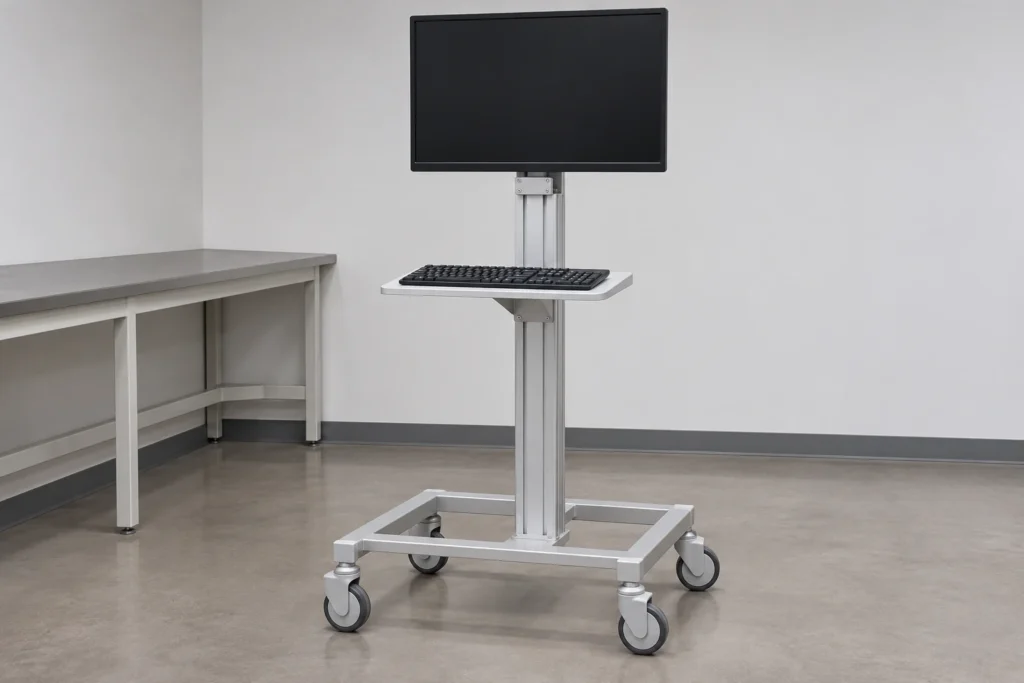
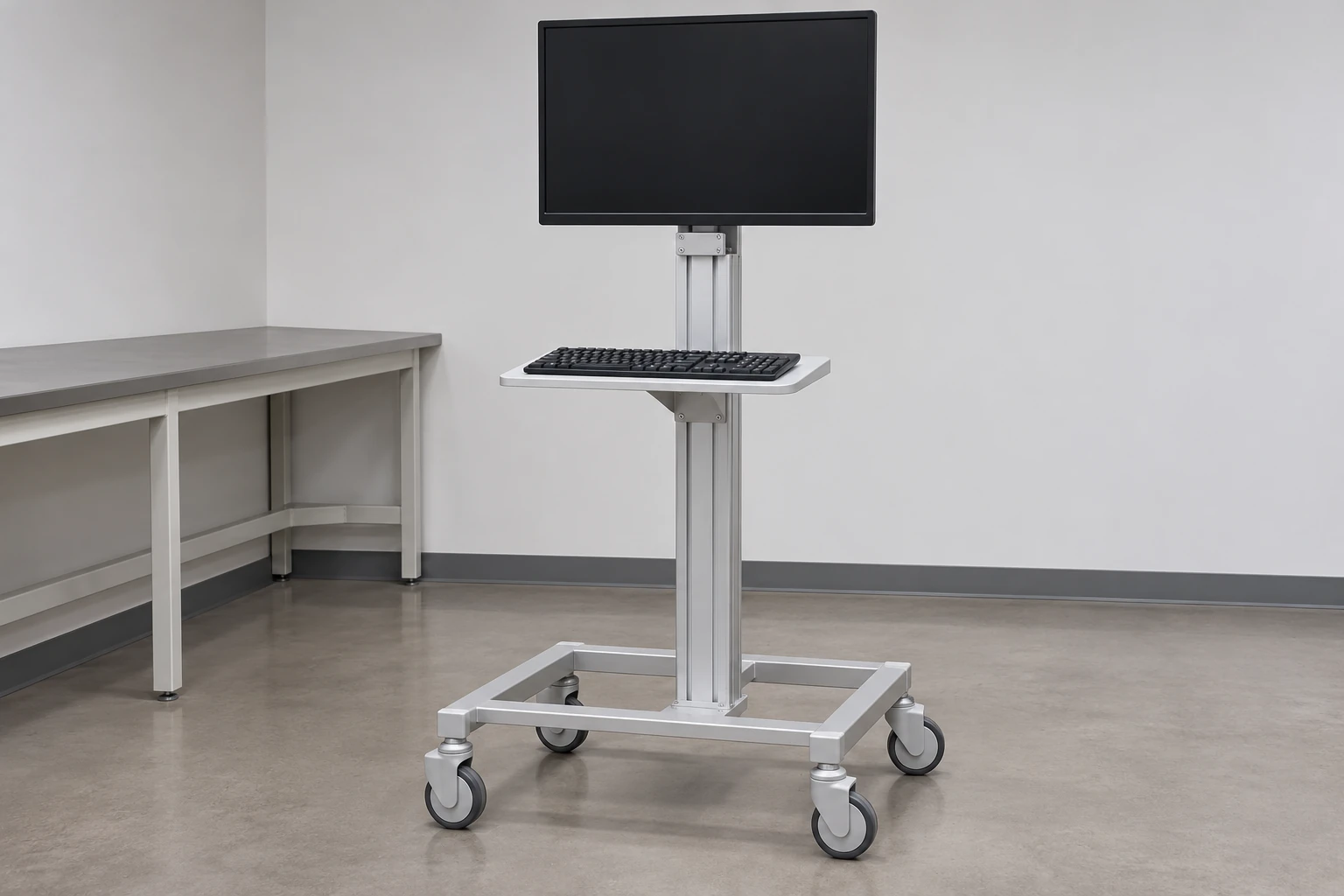
When evaluating a medical computer cart fleet management integration, pick one event and follow it into the system where your team actually works. For example, have a test workstation send a service request. Verify that it arrives under the correct cart identifier, lands in the right queue, and leaves a trace when delivery fails. A dashboard demonstration may prove that the vendor can display an event. It does not, on its own, show that your help desk can act on it or that the two systems agree on who owns it.
Separate what the software knows from what the frame supports
A workstation can have several identifiers: the physical cart asset tag, the attached computer’s identifier and, for an equipped assembly, a separate identifier for a supported power module. Do not assume these are interchangeable. A desktop computer moved onto a different frame should not take the original frame’s service history with it. Conversely, an incident involving a replaceable computer should not disappear from the help desk merely because the cart changes departments.
Have the hardware and software suppliers identify precisely which devices produce each field, which configurations are supported and what stays visible when a device is replaced. Location may be a manually assigned department, a last observed network location or a reading from a separately installed tracking system. These mean different things at dispatch. Ask the vendor to show the source and timestamp rather than just a location name.
| Data or feature | Evidence to request | What does not prove it |
|---|---|---|
| Cart identity | A test record that links the physical asset and the service-system record, including a controlled equipment swap | A screenshot matching cart names |
| Status or telemetry | Field definitions, source device, supported build and the timestamp of the last reading | A green tile without a freshness marker |
| Ticket routing | One test event with an exact destination queue, source ID and returned ticket reference if supported | A vendor saying the two products integrate |
| Asset history | A sample export covering changed owners, replacements and archived records | A current dashboard count |
The CRF medical computer cart integration checklist covers physical equipment integration. Use it alongside, not instead of, the software vendor’s configuration and support matrix. Neither a cart frame, a monitor bracket nor a listed accessory proves that the cart supplies battery telemetry, location tracking or service-system integration.
Ask which kind of integration is actually included
There are useful differences among a CSV export, an email-based handoff, a vendor-supported connector and an API integration. An export may be enough to reconcile asset records periodically. Email may get a notification into a service workflow, but verify where the message goes and which fields it can carry. A connector or API may exchange structured events, but the direction matters: pushing a request does not mean the cart software will read the acknowledgment or ticket closure.
As one example, Capsa’s N-Sight documentation describes email-based forwarding for certain events. This is a vendor description, not an independent test or evidence of two-way synchronization. Whether you evaluate email forwarding or a structured connector, request the applicable documentation and have the vendor demonstrate the exact licensed configuration intended for your site. In particular, ask the destination team to show the received record; a demonstration that stops at the sending screen cannot establish what arrived.
If you only need to locate carts before service, you may not need synchronized ticket states. But if the goal is to prevent outstanding repairs from being lost across two queues, establish where the authoritative ticket lives, which system can create it and how an operator verifies that delivery worked. Make each intended action a separate acceptance item.
Run a short test with synthetic records
Start with one workstation, one sandbox service queue and identifiers approved for testing. Have the vendor demonstrate an ordinary service request, a repeat of the same event, a cart moved to another site and a short communications interruption simulated in an approved test environment. For each case, record what the source showed, what the destination received and how the operator found out if delivery failed. No real patient information is needed for these tests.
For repeat events, decide in advance whether your service desk wants a new ticket, an update to the first ticket or explicit suppression. Verify the effect either way. For interruptions, check what an operator sees when the last update is old, whether the source distinguishes offline from healthy, and how events appear after the systems reconnect. If there is no backfill or error visibility, document how a real operator would notice and resolve an unreceived request. That gap can matter more than the number of widgets on the dashboard.
Agree on the handoff to operations before deploying. The software vendor can document its supported versions and limits. Service desk staff should own destination routing and escalation. The appropriate hospital IT and privacy teams should review data fields, hosting, access roles, retention and support access before production use. Review sample payloads: prohibit patient details, review whether user identifiers are truly needed and clearly assign responsibility for any unexpected data that appears in a ticket. A generic product label does not establish that a particular deployment satisfies local requirements.

FAQ
Does every medical computer cart need dedicated fleet software?
No. An asset register plus a service process can record ownership, locations confirmed by staff and repair history. Use cart-specific software when the workflow needs evidence that the basic process cannot collect, and the selected equipment can provide that evidence reliably.
Does service desk integration mean ticket closure syncs back to the cart?
Not necessarily. Confirm the direction of the data flow and have the vendor demonstrate closure with a test record. If updates flow in only one direction, document where staff must look for the authoritative status.
What should we include in the cart hardware RFQ?
Send the intended workstation layout, device and mounting requirements, and what your organization plans to supply separately. Flag any components the software vendor names as prerequisites. Send an RFQ for the cart hardware and confirm software licensing, compatibility and deployment services directly with the responsible supplier.