
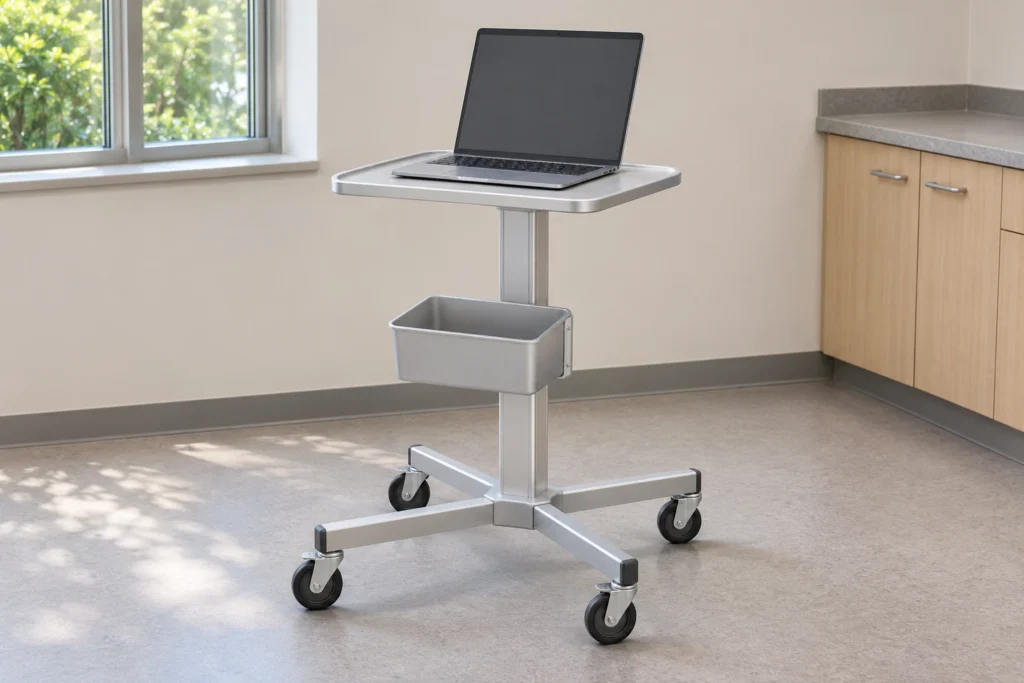
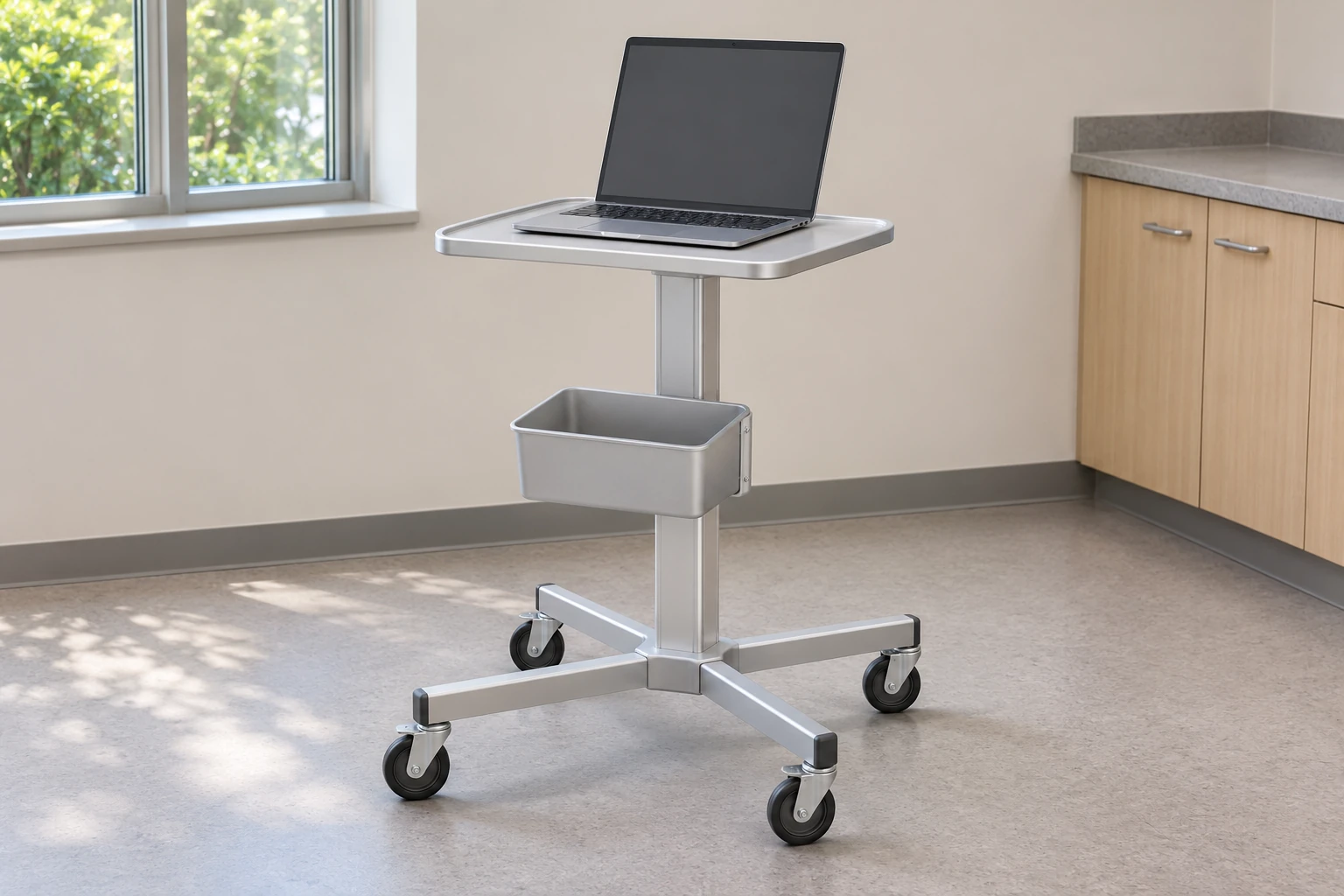
A small medical cart on wheels should first be selected by the job it must perform: storing supplies, supporting a particular device, or carrying a usable computer workstation. Those jobs lead to different layouts. A narrow tabletop is not enough to establish a compact working footprint, and the smallest empty frame is not automatically the most practical cart after equipment is installed.
For B2B buyers, the productive first step is to shortlist the right product family, then compare the complete working, movement and parking envelopes. This guide explains that choice without assigning unverified dimensions, load ratings or clinical suitability to any product.
Start with the task, not the word “small”
Write one sentence describing the primary job. For example: transport a defined supply set, position a single piece of equipment, or provide a mobile typing station. If the project needs more than one job, identify which takes priority and which accessories support the secondary task.
Then define what “small” means in the actual room. It might mean fitting a parking bay, preserving access around a chair, reaching an equipment location or reducing the area occupied during use. A reduced top width does not necessarily solve those problems if the base, handle or open drawer projects beyond it.
Keep the project’s space constraints in a separate record from supplier nominal dimensions. Ask which configuration and measurement points a dimension describes. A useful shortlist compares the same complete assembly rather than the narrowest quoted component on each cart.
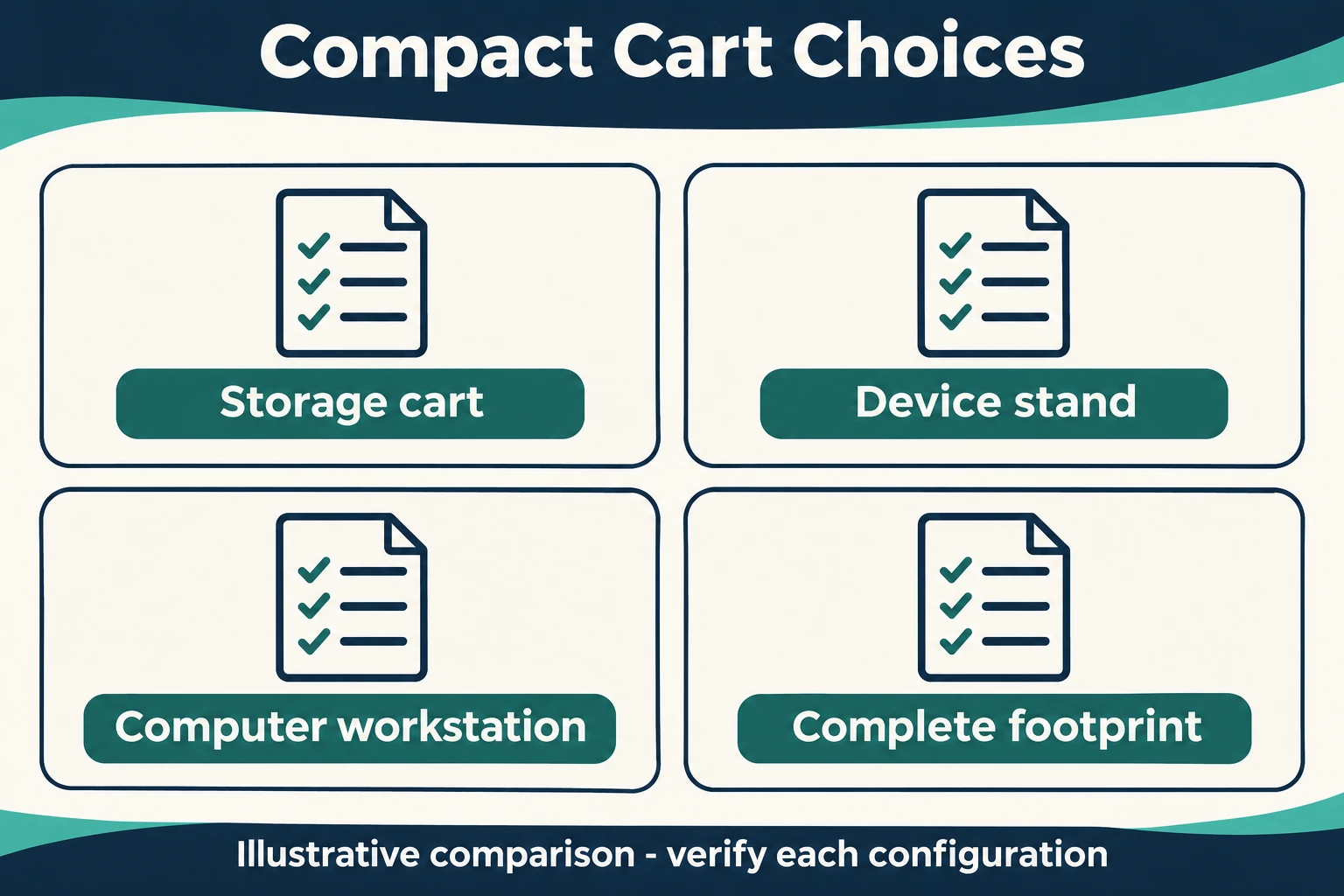
Compare three compact cart families
| Family | Primary task | Space that buyers often overlook |
|---|---|---|
| Compact storage cart | Carrying and retrieving a specified supply set | Drawer opening, bin access and handle projection |
| Device stand or equipment cart | Supporting and positioning identified equipment | Device projections, connectors, mounts and service access |
| Compact computer workstation | Providing a usable mobile computing position | Open laptop, keyboard/mouse access and display position |
A hybrid can be useful, but each added function needs room. A drawer beneath a laptop may reduce another clearance; a side basket may increase the travel envelope. The decision is not simply whether more storage can be attached, but whether the resulting assembly still supports the primary task.
Do not assume that the same cart is suitable for medications, patient support or every clinical procedure. Intended use, required controls and the responsible organization’s acceptance process remain separate from general compactness.
When a storage cart is the better starting point
Begin with an item list and retrieval sequence. Record the size and quantity of the supplies that need to be carried, then distinguish storage space from usable access. An external cabinet dimension cannot tell you whether the required item fits inside a drawer or can be retrieved without moving other contents.
Ask how the cart will be replenished, parked and cleaned under the applicable instructions. If security or controlled access is required, make that explicit rather than assuming that any drawer or lid provides it. The appropriate locking or access arrangement must belong to the quoted configuration.
A storage cart with a flat top is not automatically a device platform. Adding equipment changes the support, retention and access questions. If installed equipment is the primary job, begin with the equipment-cart family instead of treating the device as an incidental object on a supply trolley.
When a device stand is the clearer choice
For a single instrument, start with its identity and documented mounting or support requirements. List the relevant connectors, controls and accessories. A compact stand may avoid unnecessary cabinetry, but its actual suitability depends on the complete assembly and approved interface.
Ask for a drawing that shows the device and attachments, not just the empty stand. Identify the base extremities, handling points and any accessory that projects beyond the work surface. A low nominal frame mass or a particular caster count is not evidence of stability.
The CRF equipment-cart selection guide expands the device-input questions. Use those checks after narrowing the family, rather than turning every small-cart search into an accessory checklist.
When a compact workstation is necessary
If typing and viewing are central to the task, a small table that merely holds a closed laptop may not be enough. Review the open screen, connected plugs, input space and equipment retention together. Include a mouse or scanner if the work requires one.
A separate display and computer creates a different space requirement from a laptop arrangement. The display position, keyboard platform and computer enclosure can all affect the usable footprint. Compare those architectures in CRF’s computer cart guide before deciding which compact configuration to quote.
Do not remove essential input space just to achieve a smaller headline dimension. A project may be better served by a slightly larger assembly that performs the task without improvised accessory placement. The buyer should decide that trade-off with representative users and actual equipment.
Compare working, movement and parking envelopes
Create three views of each shortlisted assembly. The working view includes opened trays, drawers and the installed device in the intended position. The movement view shows the documented transport configuration. The parking view includes the space needed to leave and retrieve the cart without obstructing adjacent access.
For each view, record the widest and deepest relevant projections, not just the tabletop. Include handles, baskets, caster orientation where relevant and connector bodies. Do not invent clearance margins: establish the site requirements with the responsible team and compare them with configuration drawings.
A cart can meet a parking constraint yet fail the working task when a drawer cannot open. It can also provide an acceptable workstation but take too much space on the travel route. Keep those results separate instead of averaging them into a single compactness score.
Use a simple shortlist rule
Eliminate candidates that do not perform the primary task or cannot resolve an essential space constraint. For the remaining candidates, compare evidence, supplied contents, service access and commercial scope. Price becomes more meaningful once the assemblies are genuinely comparable.
Request a representative sample review for unresolved interfaces and user access. Record exactly what was installed and the conditions observed. Do not treat an empty-cart photograph, a generated scene or an informal push demonstration as proof of load capacity or complete-system safety.
For CRF projects, use the medical equipment catalog as a starting point for available configurations. It does not establish that every compact storage or workstation family described in this comparison is a stocked CRF product. Confirm the actual proposed assembly in the quotation.
FAQ
What dimensions define a small medical cart?
There is no universal dimension in this guide. Define the site constraint, measurement references and complete configuration. Compare the working, movement and parking envelopes separately.
Is a smaller tabletop always better for a tight room?
No. The base, accessories, opened storage and equipment can extend beyond it. The whole assembly must still support the work without blocking necessary access.
Can a compact storage cart carry a medical device?
Do not assume so. The device support, retention, access and final assembly need review. A flat top or capacity statement alone does not establish device compatibility.
Does choosing four or five casters prove stability?
No. Caster count is a structural feature, not a stability result. Review the configuration and the evidence required for the intended use.
Request the right compact configuration
Send CRF a B2B RFQ describing the primary task, device or supply list, space constraints, accessory needs, quantity and destination. Please contact us for a configuration-specific response rather than ordering solely from the word “small.” This is procurement guidance, not a clinical-use recommendation or an engineering approval.