
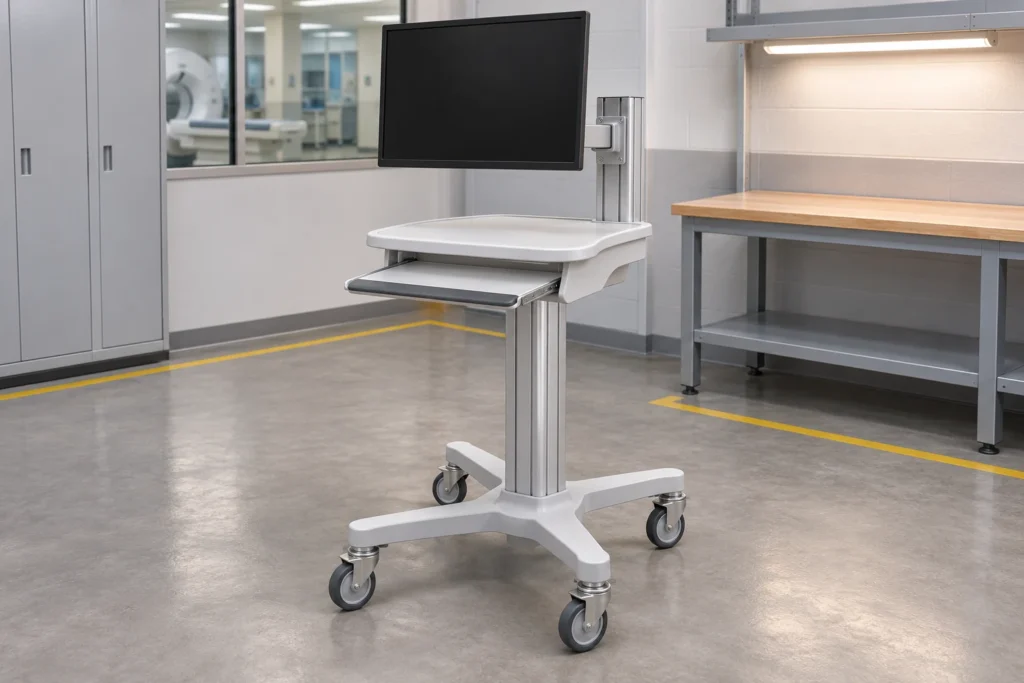
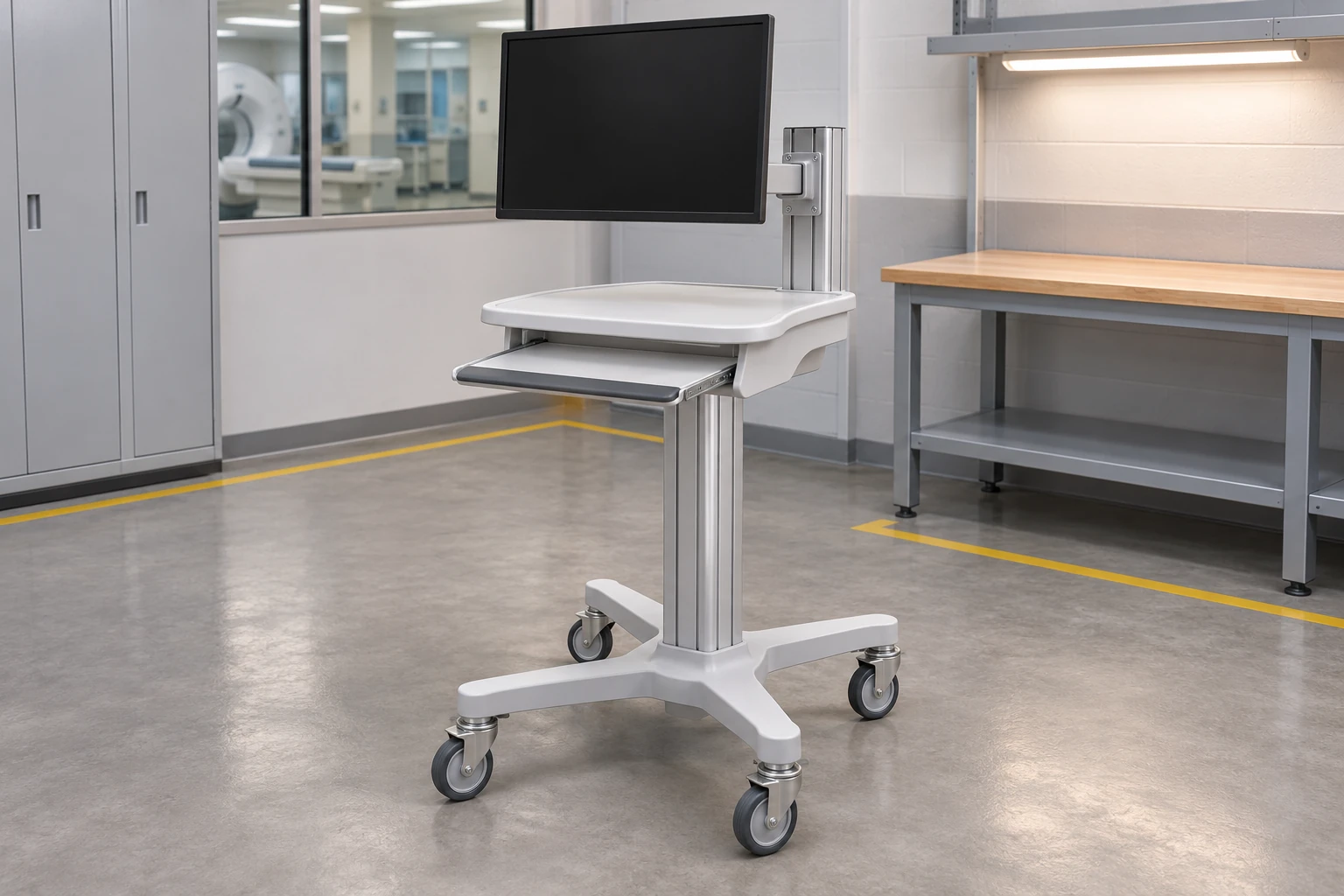
To reduce downtime from aging medical computer carts, find the step that keeps a usable workstation off the floor longest. A cart might spend more time waiting to be located or cleared for return than it spends on a bench. Track those intervals separately before replacing the fleet. Keep questionable equipment out of service under your facility’s policy; a spare that covers a shift does not make the original cart ready to return.
Track both the missing workstation and the repair
A ticket opened for “cart won’t work” does not tell procurement what to buy. It might describe a mechanical issue, a computer or accessory problem, a supported power subsystem issue, or a device that could not be found. Group tickets by symptom and confirmed cause. Preserve the original symptom so patterns remain visible even when the initial diagnosis changes.
Capture the time reported, time located, time accepted at the bench and time released for return. If the department gets a replacement earlier, record that as a separate time. That gives two useful measures: the time the department lacked a usable workstation and the time the original asset was unavailable. Closing a ticket when a spare arrives can hide a backlog of nonfunctional assets if both measures are combined.
Set one rule for shared queues: the current owner and next action must be visible. A cart can travel with one asset identifier, while the IT ticket and equipment-service ticket each retain their own number. Link the records; don’t put patient information in a repair log. Include the location last confirmed, not merely the department assigned in the inventory.
| What the records show | First response to compare | Evidence to capture |
|---|---|---|
| Long wait before anyone finds the asset | Improve handoff and location records before buying spares. | Last confirmed location, receiving owner and date/time. |
| Long wait for one approved part | Check revision-specific stock and supplier availability. | Exact part reference, usable stock and confirmed delivery window. |
| Repeated failures after release | Review repeat incidents with equipment service and the supplier before repeating the same repair. | Previous work, current symptoms and release criteria used. |
| Cart available, but workstation unusable | Examine the computer or accessory separately from the frame. | Configuration, fault owner and availability of an approved substitute. |
Decide whether to repair, redeploy or replace
Repair when the supported configuration and service path are clear. Check whether the required parts and instructions are available for the cart’s revision and whether the team can complete the approved return checks. Use elapsed time from the service record rather than the estimate for bench labor alone. Include waiting for parts and required approvals when you compare repair with replacement.
Redeploy a functioning cart only after checking the destination workflow and local release requirements. Low recorded use at one site is a lead, not proof the unit is surplus. Confirm that the move would not remove a needed spare or specialized configuration. Record the new owner and associated peripherals at transfer so the receiving team knows exactly what is moving.
Replace a cart when you cannot establish a supported path back to service or when repeated problems and lost coverage justify replacement using your own records. An old cart with a clear service path and one isolated repaired fault is a different decision from a newer cart with repeat incidents and no approved part. Define the release and escalation rules with the responsible facility team rather than treating age alone as a cutoff.
Match the intervention to the kind of failure
For a wheel, brake, work surface or mount issue, start with the approved mechanical configuration. Similar appearance is not proof parts are interchangeable. Use the existing aluminum cart serviceability guide to structure the conversation about access, part identification and documentation. If the issue is power or computing, separate the chassis from the installed systems and follow the applicable manufacturers’ service procedures. Don’t install a different battery, charger or electrical component solely because it fits.
Fleet-management platforms can expose location and usage patterns. HealthTech’s overview of connected workstations discusses those uses; it is not evidence that a particular cart supports monitoring. For a mixed fleet, start by deciding which records every unit can supply. If software cannot see a passive cart or an older model, keep the minimum service fields available through an ordinary asset register rather than omitting that asset from the denominator.
Make the next purchase easier to support
Take the most disruptive recurring fault and convert it into a question for the next supplier. If units frequently wait for one specific part, ask for an identifiable replacement part list, how revisions are distinguished and how to request support after delivery. If carts sit in storage awaiting a handover, ask who receives, integrates and releases each unit. Before setting a spare quantity, compare concurrent unavailable units with the actual number of serviceable substitutes, by site and configuration. A spare with the wrong interface does not provide the same coverage.
Separate what the supplier confirms from what the hospital owns. A mechanical cart quote may not include the computer, managed power, tracking software or field repairs. Use the CRF equipment cart handover guide to see how configuration and acceptance records can be kept separate from installation. For quotes, ask each supplier to identify exactly what it will deliver, document and support.

FAQ
Should we replace all carts once they reach the same age?
No. Compare repeat incidents, support availability, workflow fit and time out of service. Use the responsible facility team’s criteria to decide which equipment can be returned, redeployed or retired.
Do spare carts reduce downtime?
A suitable spare can shorten the department’s interruption. Keep tracking the original asset’s time out of service so the spare pool does not conceal unresolved equipment problems.
Can we monitor every cart remotely?
That depends on the cart, connected equipment, vendor support and the facility’s systems. A consistent asset register can cover baseline tracking where telemetry is not available.
What should stay out of a repair report shared with a supplier?
Keep the record to the asset, equipment configuration, fault and affected workflow. Do not include patient information or other unnecessary sensitive data.
Request a mechanical configuration review
Send an RFQ with the cart configuration you plan to replace, equipment to carry, recurring mechanical problem and the documentation you need. This is a framework for purchasing and service coordination, not clinical or electrical repair instructions or a promise of downtime reduction.