


A medical equipment cart asset-label plan should separate the cart’s identity from the identity of the device it carries. Before ordering, agree who assigns each identifier, where the label can be placed, what the approved artwork says, and how a delivered unit connects to its configuration record. A brand logo, a hospital asset number and a regulatory label are not interchangeable.
This guide is for OEM buyers and distributors preparing a mechanical cart order. It does not establish medical-device classification, labeling compliance or clinical suitability. Those decisions require the responsible manufacturer’s and destination-market specialists’ review.
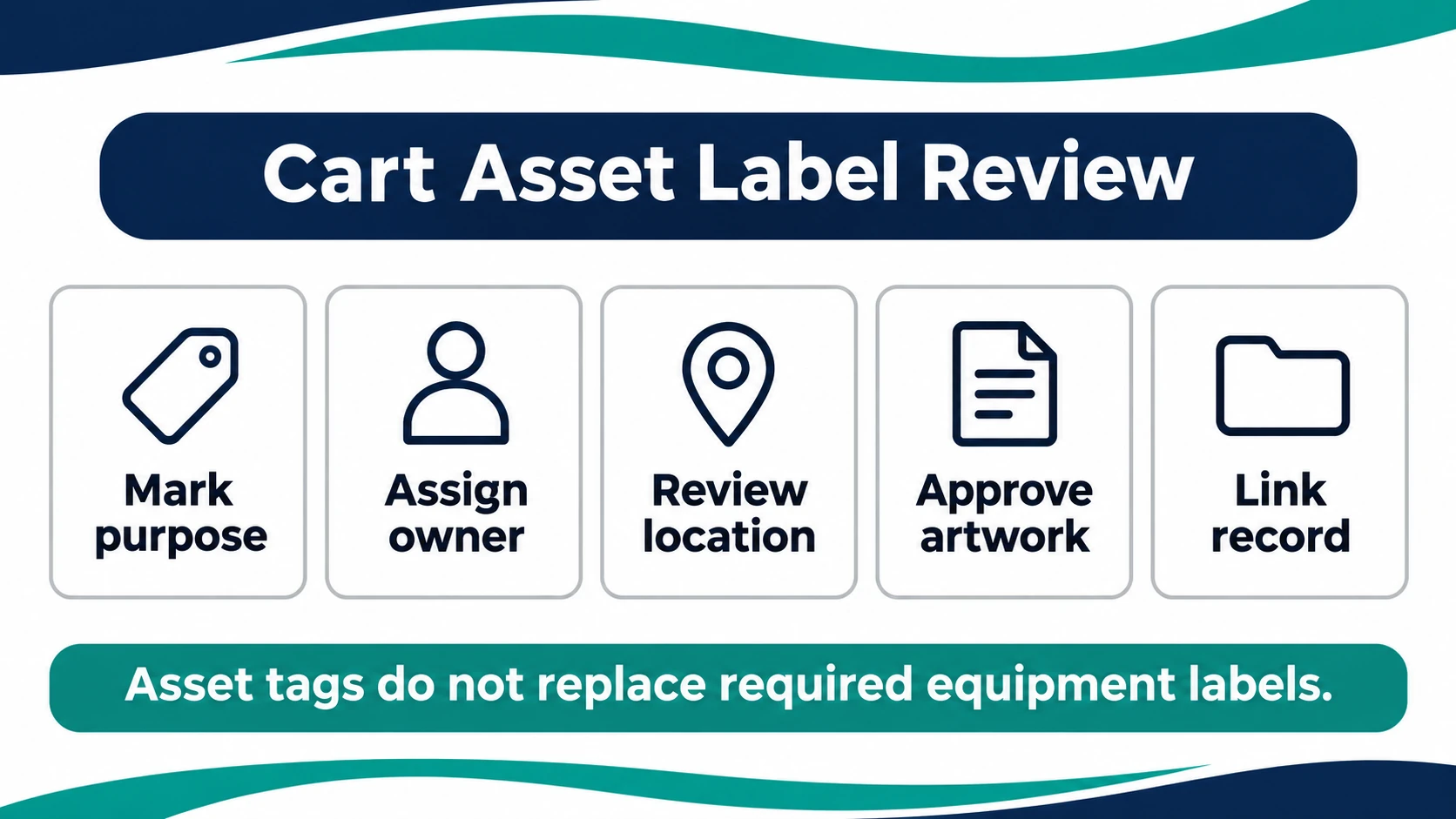
Start with a real cart and a defined marking scope
The CRF CA13Z004 four-wheel medical equipment cart is a current aluminum alloy mechanical support product. Its product page expressly separates the cart from diagnostic equipment and requires configuration-specific confirmation. It does not document a standard serial-label system, label material, barcode workflow or chemical-resistance result. Treat these as RFQ questions, not included features.
A labeling brief should identify the exact cart model and drawing revision. Do not assume that a three-wheel or five-wheel base has the same available label surface as a four-wheel cart. These are equipment supports, not walking aids.
Separate the information owners
Ask the cart supplier to confirm the product identity fields it can supply. Ask the equipment integrator to identify which device marks must remain visible. Ask the end customer whether its own asset number is applied before shipment or after receipt. Record the party responsible for approving every field.
An internal asset ID should not be presented as a medical-device identifier. Likewise, placing an OEM logo on the cart does not demonstrate certification or create authorization to reproduce a third party’s mark.
Compare label purposes before choosing artwork
| Marking purpose | Buyer decision | Evidence to request |
|---|---|---|
| Brand identification | Approved brand owner and artwork revision | Written artwork approval |
| Cart model identification | Fixed model wording and configuration reference | Approved drawing and configuration record |
| Unit or batch identification | Unique-unit versus batch-level tracking | Identifier allocation and duplicate-check procedure |
| Customer asset tracking | Customer assigns ID or supplier prints supplied values | Approved data file and responsibility statement |
| Operating or safety information | Applicable wording, language and location | Review by the responsible technical and regulatory parties |
Not every project needs every row. Remove unnecessary fields rather than creating a dense label that nobody can read or maintain.
Review location on the actual configuration
Preserve access and existing information
Use an annotated drawing or sample photograph to propose a label area. Check that it does not obscure device warnings, fasteners, adjustment controls, cable access or service points. Review the cart in its intended configuration, including any confirmed basket, tray or mounting attachment.
Do not select a location from a generic cart image. A label area that looks clear on an empty frame may become inaccessible when the device is installed. Request an approved location drawing instead of inferring dimensions from photography.
Define the reading task
Describe whether staff need to read the model visually, scan an asset code or compare the unit against a service record. If scanning is required, confirm the intended scanner or phone, code format and sample data. Ask for a sample-read review under the buyer’s actual conditions; a printable barcode is not automatically a reliable identification process.
Do not include patient data, passwords or private network information in public-facing codes. If a code resolves to a website or service portal, define ownership, access controls and maintenance responsibility before approving it.
Keep durability claims conditional
Specify the intended cleaning products and process for review. Ask the supplier which label construction, printing method and surface preparation it proposes, and request relevant evidence for that combination. Do not claim resistance to disinfectants, abrasion, moisture or repeated cleaning without applicable documentation or testing.
The cart’s aluminum alloy description does not establish adhesive performance. Surface finish, location and the approved care process must be considered together. Where evidence is absent, mark the requirement open and define how it will be assessed before production approval.
Create a controlled approval record
Keep one marking schedule alongside the cart configuration record. Include label purpose, owner, field definitions, artwork revision, location reference, language requirements and the approved variable-data file. Record how duplicates, missing identifiers and unreadable samples are handled.
For repeat orders, ask whether the prior artwork and location remain approved. A change in customer branding, equipment arrangement or surface finish may require a new review. This article concerns the identity-to-record connection; it does not replace cart assembly instructions, incoming inspection or spare-parts identification.
A marking-schedule example
Keep blank fields visible instead of inventing a serial number. A simple record can have columns for marking purpose, assigning organization, fixed text, variable-data source, artwork revision, proposed location reference, reviewer and disposition. Reference the actual drawing for location; do not copy the white label patch in the concept image.
For example, a customer may supply an asset-number list while the supplier supplies the cart model reference. Record those as separate data sources and check the proposed mapping before printing. If an identifier appears twice, hold the affected entries for reconciliation rather than generating an unofficial replacement number. This is a data-control example, not confirmation that CRF offers a particular printing or scanning system.
The configuration change-control guide covers changes to the wider cart baseline. This marking schedule instead records who controls each printed field and how an identifier links to that baseline.
FAQ
Does CRF CA13Z004 include custom asset labels as standard?
The reviewed public product page does not establish that feature. Submit the label scope and request written feasibility and quotation confirmation.
Can a customer asset tag replace the equipment manufacturer’s label?
Do not assume so. Preserve required original information and have the responsible parties review the intended marking arrangement.
Should every cart have a QR code?
Only if the buyer has a defined use, data owner and maintained destination. Plain text or another code format may better match the customer’s process.
Can cleaning resistance be inferred from the cart material?
No. Review the actual label, finish and care process together and obtain supporting evidence before making a durability claim.
Request a configuration-specific RFQ
Send CRF the cart model, device arrangement, proposed label locations, approved artwork, field ownership, variable-data requirements, cleaning process, destination market and order quantity. Ask which items need drawings, samples or additional review. Use the CRF contact page to request an RFQ; do not treat any label capability or commercial term as confirmed until it appears in the approved quotation.
Request a B2B RFQ for the configuration and documentation scope. Images are AI-generated generic concepts, not exact CRF models, customer installations, tested compatibility or approved procedures.