
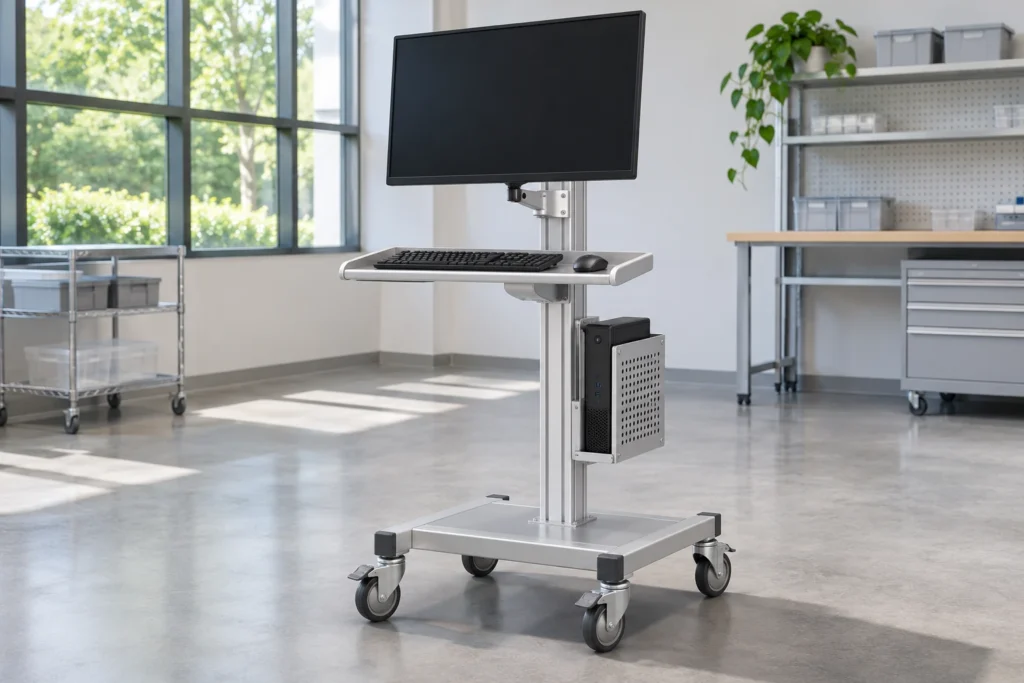
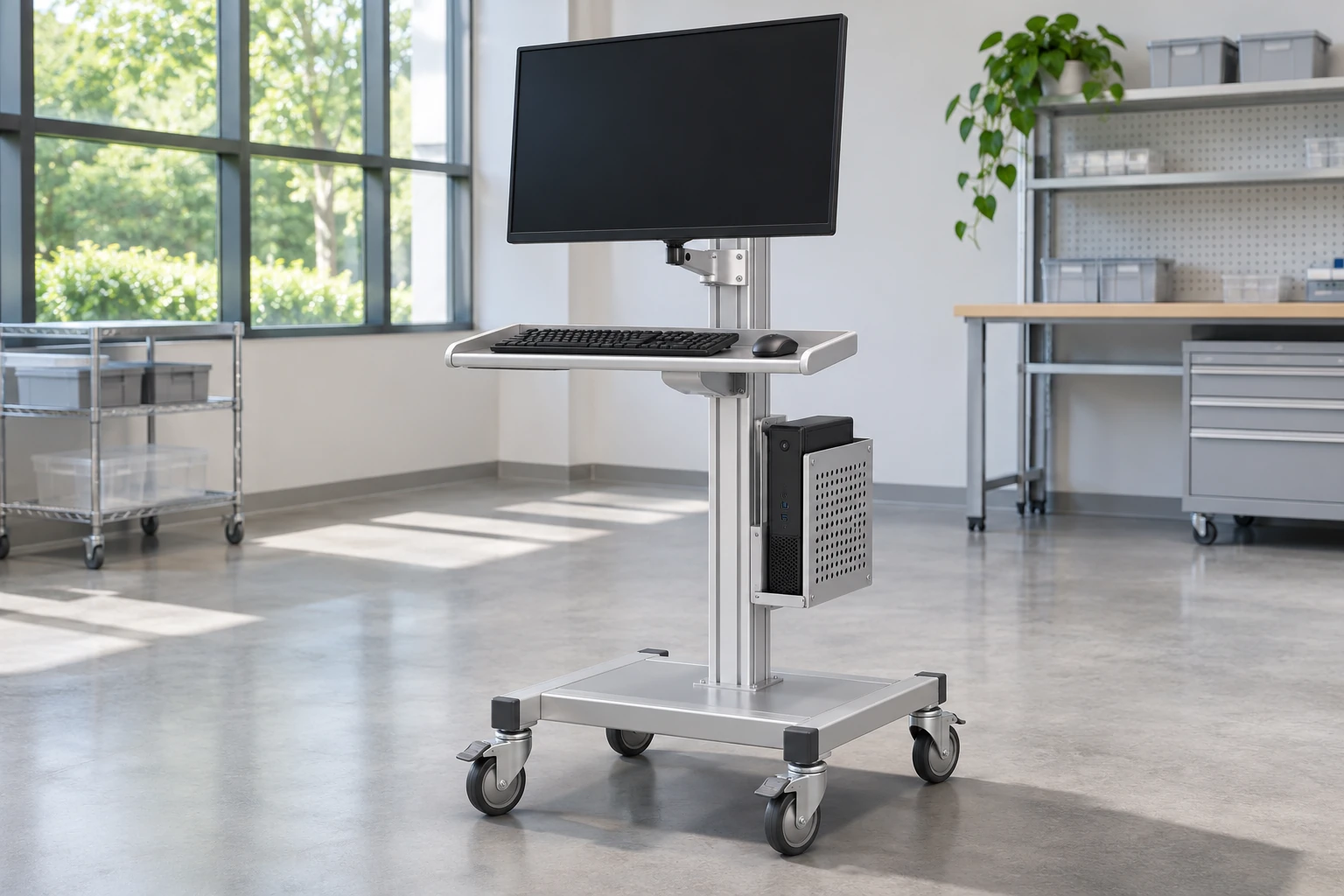
Medical computer cart ventilation should be reviewed around the actual computer, display, printer and power accessories—not inferred from an open-looking cart frame. Before ordering, identify each device’s intake, exhaust and manufacturer-specified clearances, then check whether brackets, shelves, cables and normal storage obstruct them in the proposed configuration. CRF does not claim a universal ventilation distance or thermal rating for every integrated workstation.
This guide is for procurement and integration planning. It is not electrical installation guidance or evidence that an assembled system has passed thermal or medical-device testing.
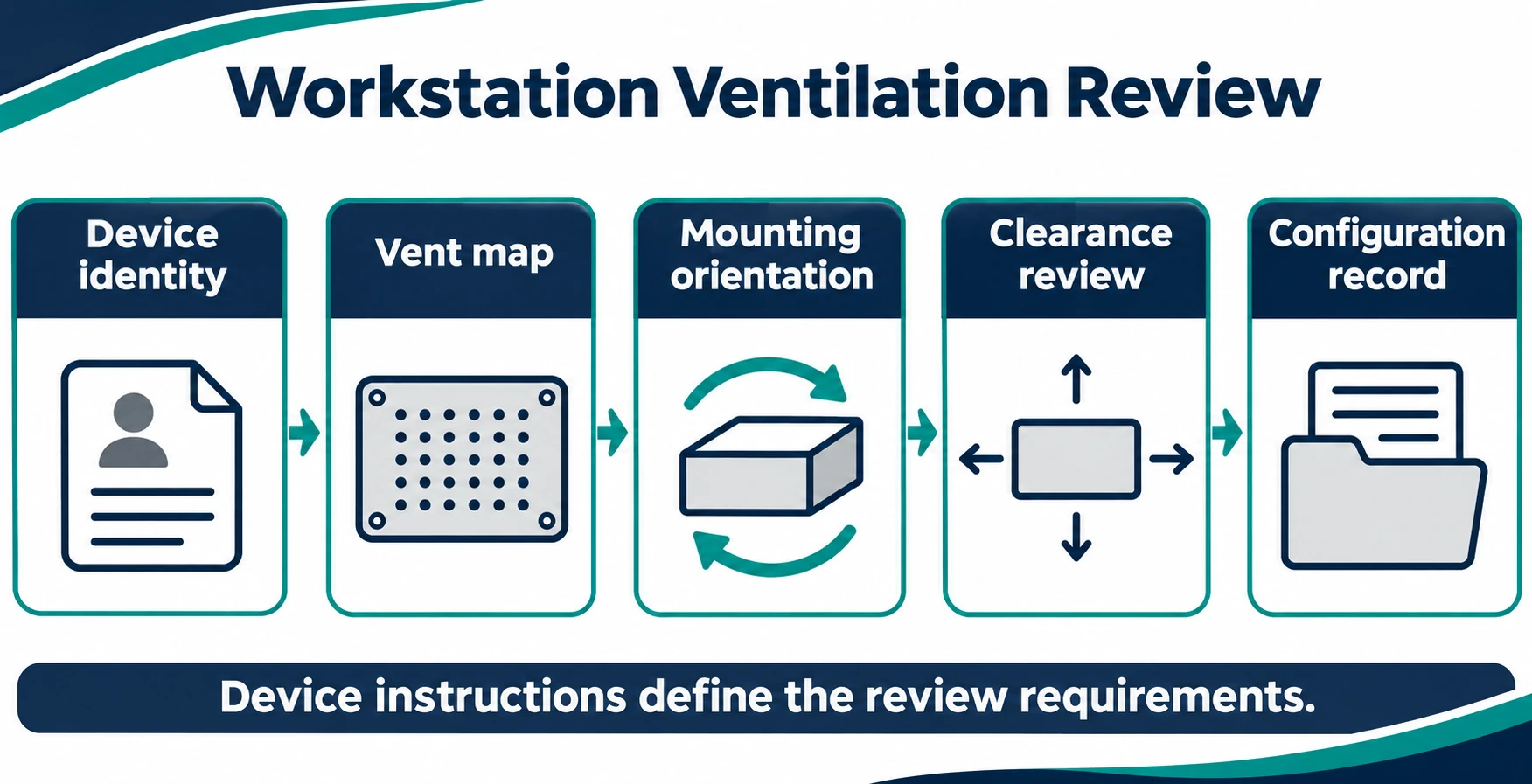
Why physical fit does not establish ventilation suitability
A computer can fit inside a host bracket while its side intake faces a solid panel. A printer can sit on a shelf while its rear exhaust is crowded by a cable bundle. Changing the orientation of a device may alter access to vents even when the external footprint stays unchanged.
The procurement question is therefore not simply “does it fit?” It is “does the selected configuration preserve the device manufacturer’s installation conditions during the intended workflow?” Request current device instructions rather than using a generic cart clearance rule.
Distinguish structure from the installed system
The CRF CA16Z126 medical computer cart with monitor support and printer shelf is a real workstation reference with a host bracket and multiple equipment areas. Its product page supports discussing integration locations. It does not establish that a particular computer, printer or power supply has been thermally qualified on the cart.
A photograph of the cart is not a thermal test report. Likewise, an aluminum alloy structure does not by itself demonstrate sufficient cooling for enclosed electronics.
Prepare a device-by-device clearance record
For each powered item, collect its exact model, normal mounting orientation, installation manual revision and supplier guidance on surrounding space. Include accessories that may be selected separately, such as a computer power supply or printer adapter. Do not assume they are included with the cart.
| Review item | Information to obtain | Procurement decision |
|---|---|---|
| Intake and exhaust locations | Device documentation and current model photographs | Identify areas that must stay unobstructed |
| Required surrounding space | Manufacturer’s model-specific instructions | Check the proposed arrangement against those instructions |
| Device orientation | Permitted mounting positions | Reject an unsupported orientation |
| Bracket contact areas | Proposed bracket drawing and device housing details | Avoid covering vents or required access areas |
| Nearby storage | Expected shelf contents and cable arrangement | Assess normal-use obstruction, not an empty-cart photo |
| Evaluation evidence | Agreed configuration and applicable test scope | Define what must be checked before approval |
Mark uncertainty instead of filling gaps
If a computer manual does not address the proposed orientation, record that point as unresolved and ask the device manufacturer. Do not convert silence into permission. If the supplier changes the computer model during sourcing, repeat the review rather than carrying over approval from a different enclosure.
Compare open and partially enclosed equipment locations
An open bracket can make inspection easier, but openness is not proof that every vent remains clear. Retention straps, mounting plates or the adjacent column may still obstruct a specific device.
A partially enclosed area can organize equipment and conceal some cabling, but the enclosure and actual device must be assessed together. Do not promise that adding openings, fans or a different cover will solve a problem without a qualified design review.
Both approaches require attention to cleaning access and service access. Removing a panel for maintenance is a different state from normal operation; a system that works only with its intended cover removed is not automatically acceptable.
Review the complete working configuration
The review should reflect the agreed device set and intended use, not an attractive unloaded sample. Ask the responsible integration team to define a representative evaluation with the relevant equipment manufacturers. Record the configuration, surrounding conditions, operating scenario, observations and acceptance criteria they select.
Do not improvise electrical modifications, defeat protective covers or prescribe a temperature threshold from an unrelated product. Suitability for a clinical environment, electrical safety and any required system assessment remain separate questions.
Prevent ordinary storage from blocking vents
Check where users are expected to place documents, spare supplies and cable slack. A shelf that is unobstructed during an initial demonstration may become crowded during normal work. Document any intended keep-clear areas in the configuration and user information, using the equipment manufacturer’s requirements as the starting point.
This is distinct from a cable-management article: the focus here is the relationship between equipment vents and the entire installed arrangement, rather than cable lengths or routing preferences alone.
RFQ checklist for ventilation review
Send CRF the computer and printer model references, installation documents, proposed equipment locations, relevant vent photographs and any manufacturer-specified mounting restrictions. Identify which accessories the buyer supplies and which items CRF is being asked to assess.
Request a configuration-specific response covering bracket geometry, access for inspection, unresolved clearance questions and the evidence needed before sample approval. Keep commercial acceptance separate from technical acceptance. A quotation alone is not proof that the final installed system meets all device requirements.
For the separate connection-routing task, see the computer cart cable-management checklist. Ventilation acceptance requires its own device-specific installation record; cable routing alone does not establish it.
FAQ
Is there one minimum ventilation clearance for all medical computer carts?
No universal value is established here. Use the installation requirements for the actual devices and proposed orientation, then review the complete configuration.
Does an aluminum cart keep a computer cool?
The frame material alone does not demonstrate cooling performance. Vent location, device enclosure, installation conditions and nearby objects must also be considered.
Can a device be rotated to make its ports easier to reach?
Only after checking the device manufacturer’s permitted orientation and how the change affects vents, retention and access. Do not treat port convenience as approval.
Does the CA16Z126 product page prove compatibility with my computer?
No. It establishes a real CRF workstation product reference. Exact computer, printer and accessory compatibility requires model-specific review.
Discuss your workstation configuration with CRF
Use the CRF contact and RFQ page or email sales@szcrftech.com with your equipment list and installation documents. Ask for an integration review against the selected cart configuration. Dimensions, included accessories, evaluation scope and commercial terms must be confirmed for your project.
Request a B2B RFQ for the exact configuration and documentation scope. Images are AI-generated generic concepts, not exact CRF models, customer installations, approved procedures or performance evidence.