
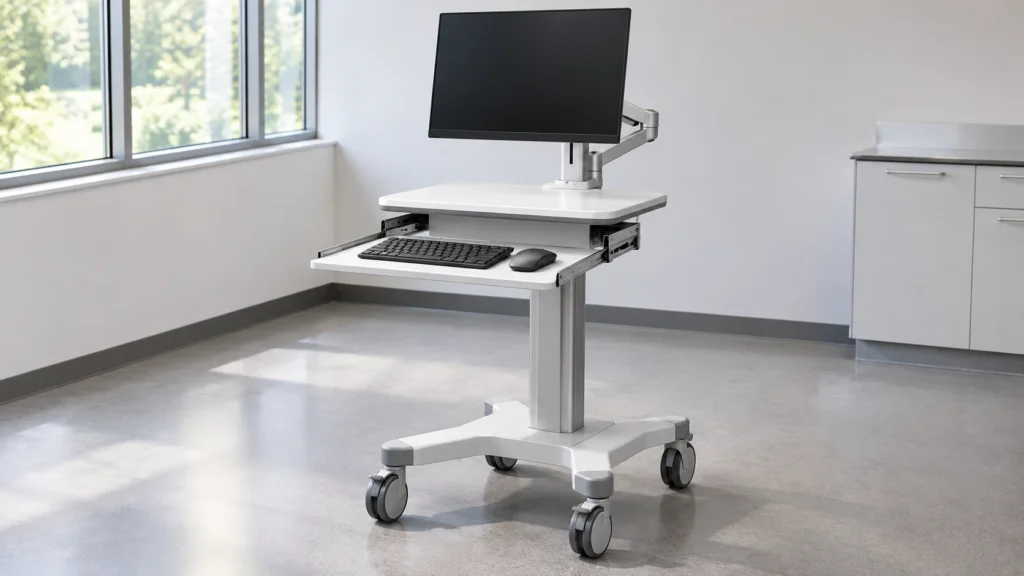
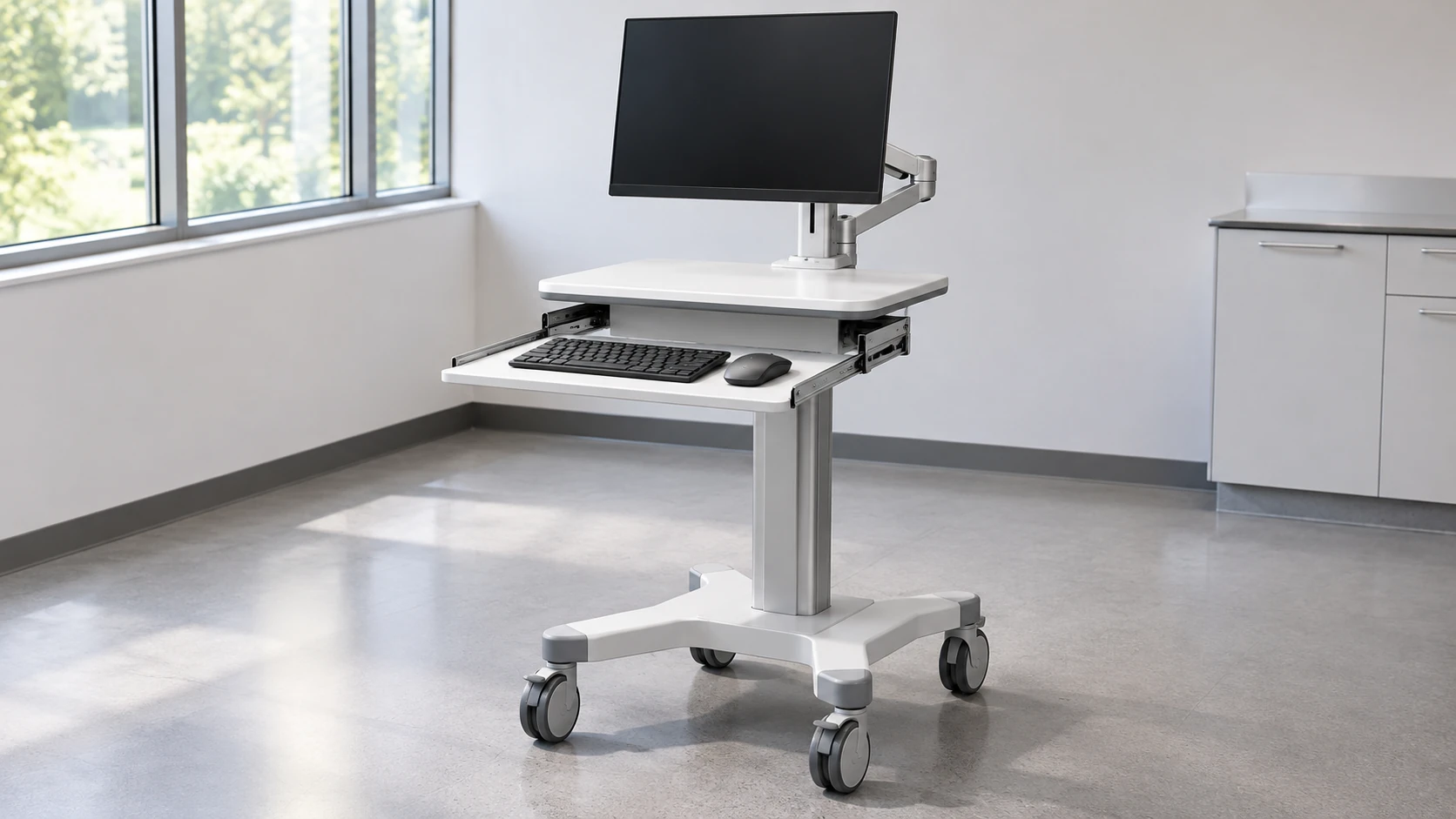
A medical cart keyboard tray fits only when the keyboard, pointing device, connectors and operator working space can be accommodated throughout the tray’s permitted movement. Compare usable support area and the extended workspace—not just the outside tray width. Confirm the final arrangement with a dimensioned drawing and a configuration-specific sample before ordering.
For an OEM buyer, this is a discrete input-workspace review. It is not a substitute for assessing monitor compatibility, whole-cart stability, electrical integration or the intended clinical workflow.
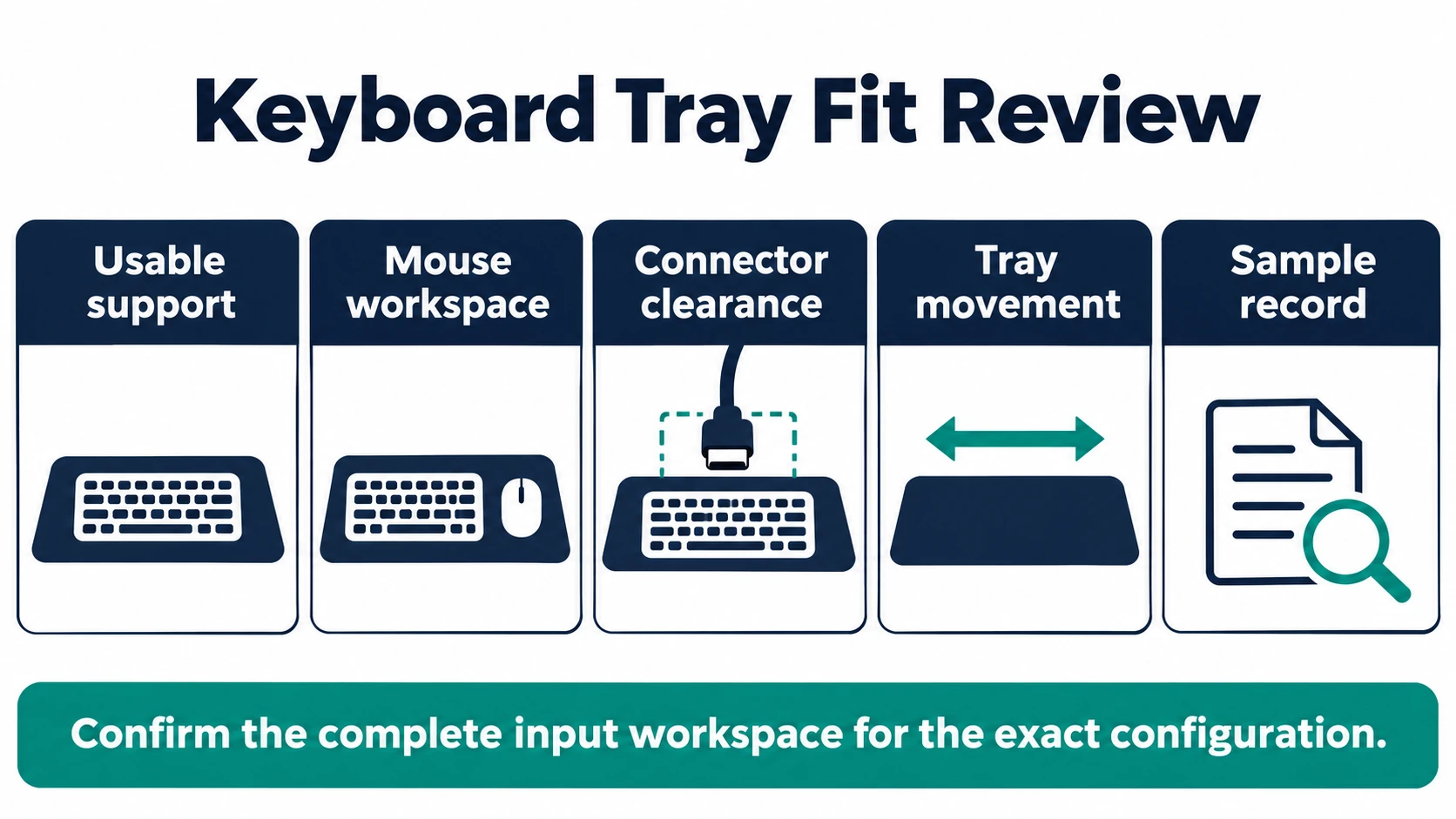
Start with a real workstation configuration
CRF lists the CA13Z177 medical computer cart with keyboard tray with monitor support, a pull-out keyboard tray and a mouse or working surface. That establishes a relevant product reference, but does not establish the usable tray dimensions, keyboard compatibility, travel stops or left-handed mouse provision for your order.
Identify the cart revision and the exact input devices in the enquiry. Include keyboard model, layout, cable exit, connector orientation and any receiver or adapter. A photograph of a keyboard beside a cart is not sufficient evidence that the complete input workspace fits.
Distinguish housing size from the usable support area
Ask where the keyboard actually rests. Raised edges, fasteners and brackets can reduce usable area even when the tray’s outside dimensions appear adequate. Check whether the keyboard’s feet or underside features sit on the support surface without bridging an edge. Treat palm rests and protective covers as part of the device envelope when they are included in the intended configuration.
Compare the three spaces that matter
| Review zone | What to document | What an outside width alone misses |
|---|---|---|
| Stored position | Keyboard, connector and cable envelope | Interference with the column or underside of another surface |
| Working position | Keyboard support and pointing-device area | Inadequate mouse movement space or unsupported device edges |
| Movement envelope | Permitted tray travel and nearby components | Contact with brackets, cable snags or blocked access |
This is a review framework, not a statement that CA13Z177 has adjustable travel or a particular locking mechanism. Have CRF identify the supplied mechanism and its permitted positions.
Review the keyboard and mouse together
A narrow keyboard may leave useful pointing-device space; a full-size keyboard may occupy more of the same surface. Neither option is automatically better. Compare the devices your users will actually use and the tasks they must perform.
For a mouse, document its intended side, the supported surface and the space needed for the intended input workflow. If left- and right-handed configurations are required, ask whether the same hardware accommodates both, whether parts must be moved and whether any alternative part is needed. Do not describe a tray as ambidextrous until the actual arrangement is confirmed.
Include connectors without turning this into a wiring guide
Locate the keyboard connector and provide its installed envelope, including any adapter. Ask for confirmation that the plug does not contact the cart when the tray moves. Record the permitted cable route and any required slack in the input-workspace drawing. Full power distribution and cable management remain separate engineering reviews.
Check operation with the complete cart
A keyboard tray should be reviewed in its installed context rather than as a detached accessory. Ask the sample reviewer to document access to the keyboard, nearby surfaces and cart controls in the intended working position. Include the relevant operator roles and their actual tasks.
The review should follow the supplier’s instructions and site procedures. Do not improvise load tests, push on an extended tray as a support handle or assume the input surface is intended to support a person. Ask the supplier to state its permitted use and any configuration-specific restrictions.
Record interference as an observable issue: for example, a connector touches an underside bracket before the tray reaches its intended position. Avoid vague acceptance language such as “ergonomic” or “comfortable” without a defined workflow and reviewer feedback. This article does not claim to prevent injury or provide a clinical ergonomic assessment.
Put the input workspace into the RFQ
Send CRF a short package containing:
- Cart reference CA13Z177 and the proposed revision or configuration.
- Keyboard and mouse models, photographs and dimensional information.
- Included covers, palm rests, adapters and cable exit details.
- Required input-device side and any changeover requirement.
- Intended stored and working positions, with nearby equipment identified.
- Site workflow and operator-review requirements.
- Requested drawing, sample evidence and a list of unresolved questions.
Ask the quotation to distinguish included components from proposed custom changes. CRF’s product page offers OEM/ODM review, but feasibility, materials, dimensions and commercial terms require confirmation. No standard tray size, load rating, lead time or minimum order quantity is asserted here.
Record sample acceptance without overclaiming
Use a revision-controlled checklist linking the device models, cart drawing and sample photographs. Record each unresolved interference, the proposed correction and who will review the changed configuration. If the keyboard changes later, repeat the relevant fit review rather than relying on the original sample approval.
A successful fit review documents the specific combination examined. It does not prove compatibility with all keyboards or establish complete-cart safety certification.
Frequently asked questions
Can I choose a keyboard tray using keyboard width alone?
No. Include usable support depth, underside contact, connectors, pointing-device space and the movement envelope. Request a drawing of the installed configuration.
Does a pull-out tray necessarily lock in its working position?
No. “Pull-out” describes movement, not the presence or performance of a lock. Confirm the supplied mechanism and operating instructions for the exact configuration.
Is the tray suitable for left-handed mouse use?
That must be verified with the actual surface and components. Ask CRF to document the proposed left-handed arrangement rather than assuming it from a product photograph.
Does this review replace an ergonomic assessment?
No. It is an OEM procurement and compatibility checklist. Appropriate site personnel should assess the intended workflow and any applicable ergonomic requirements.
Request a configuration review
Send your keyboard and mouse details with the CA13Z177 product enquiry. Ask CRF to review the input workspace, identify open compatibility questions and propose the drawing and sample scope before you approve an order. For sourcing enquiries, contact sales@szcrftech.com.
Request a B2B RFQ for the exact configuration and documentation scope. Images are AI-generated generic concepts, not exact CRF models, customer installations, approved procedures or performance evidence.