

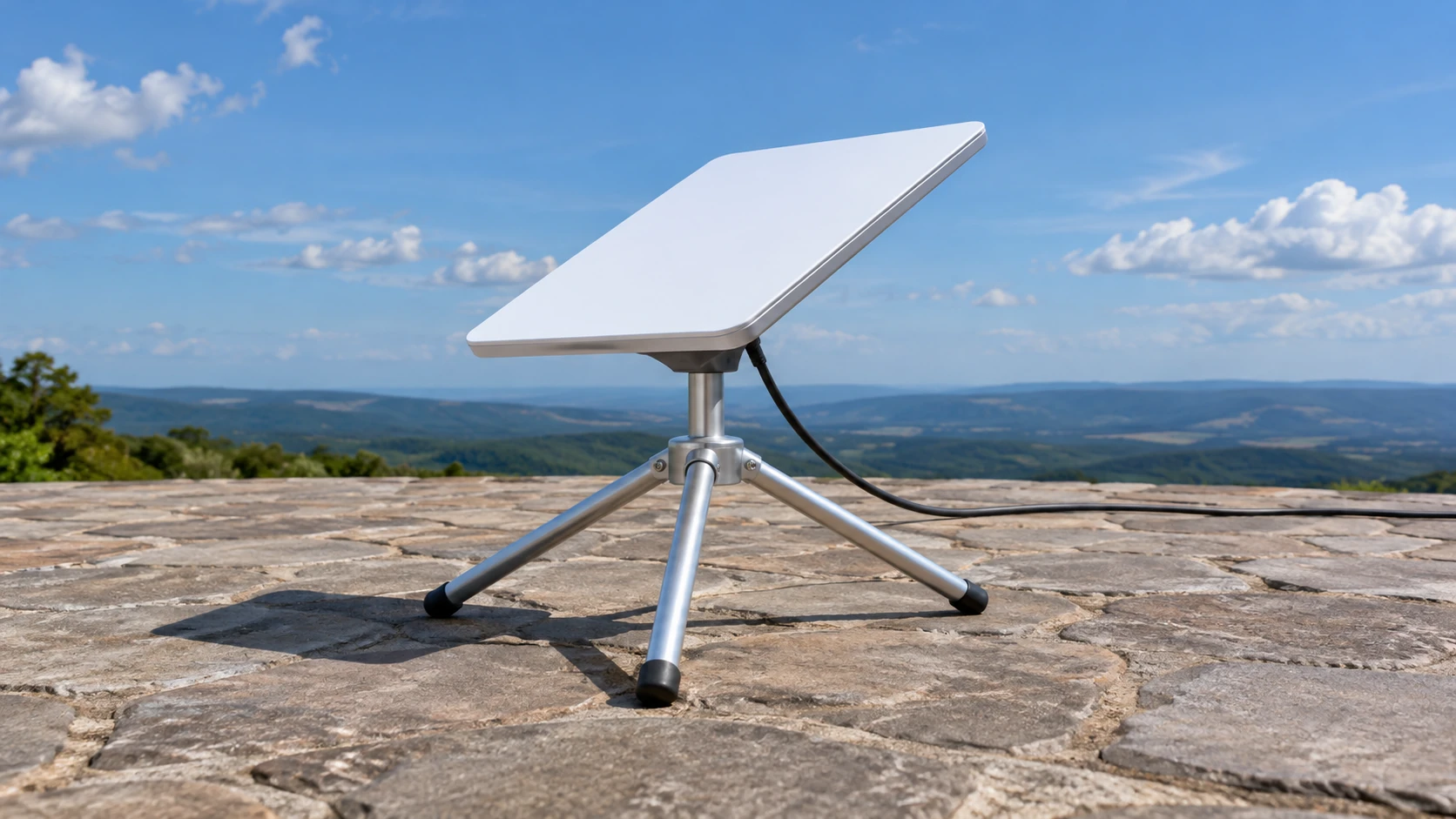
Choose a Starlink Mini tripod location by checking the terminal’s sky view, suitable supporting ground, the stand’s documented setup procedure and a cable route that does not create a trip or pull hazard. A tripod photographed on grass or gravel is not automatically suitable for every uneven, soft or windy site. Obtain configuration-specific guidance before use.
For buyers, ground-placement review is different from choosing a portable stand or comparing its folded size. It asks whether the proposed installation conditions fit the actual product and operating instructions. This guide does not supply a wind rating, anchoring design or authorization to operate a terminal while a vehicle is moving.
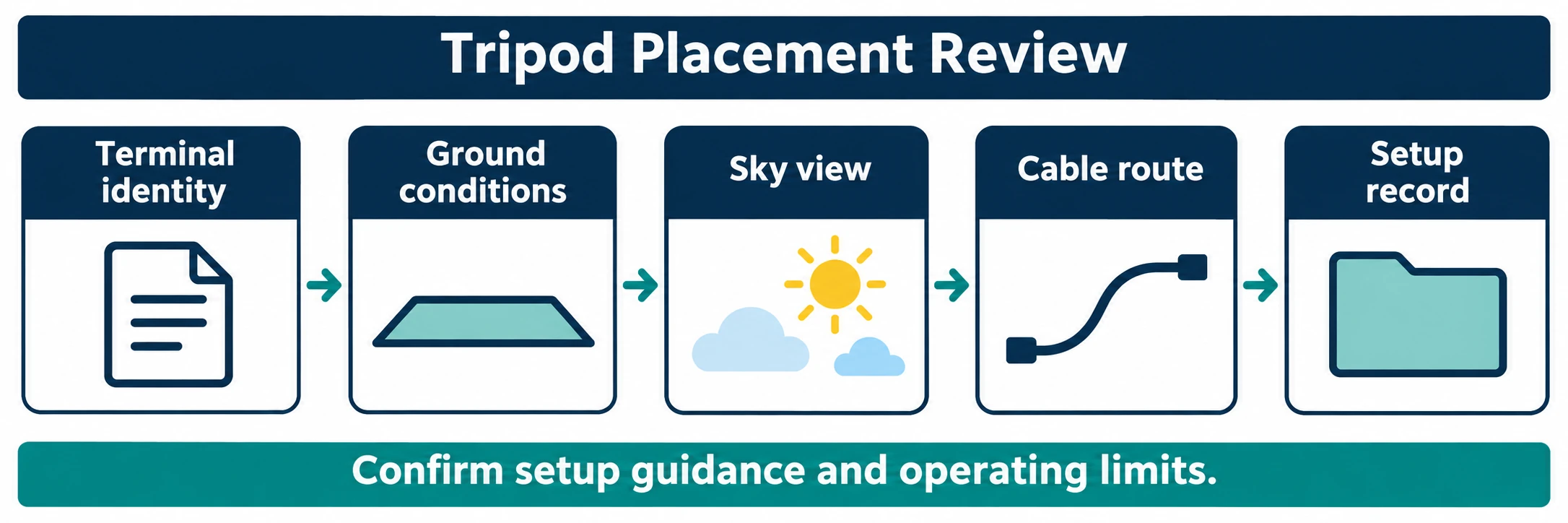
What the CRF product listing establishes
The portable tripod stand for Starlink Mini is listed for portable installations. Its description identifies a folding metal tripod and an adjustable adapter. Outdoor imagery does not establish the suitability of a particular surface. Ask for documentation of permitted ground conditions, wind exposure, interface and securing requirements.
This review has not established a product-specific rated wind speed, working load, weather-resistance grade or anchoring certification. Treat those as unverified, not as implied capabilities. Confirm kit contents and the exact terminal interface; the terminal and pictured scenery are not stated as included.
Separate sky view from mechanical suitability
The official Starlink Mini setup guide and Starlink app should be used for the terminal’s required view of the sky and alignment procedure. A location with a clear view may still have unsuitable ground or an unsafe cable path. Conversely, a firm support location may be blocked by trees or buildings. Both requirements need to be met; neither is a substitute for the other.
Review the ground before unpacking
Inspect the proposed location for firmness, levelness, loose stones, standing water and pedestrian or vehicle routes. Ask how site conditions can change during the intended use period. A dry location at setup may become soft or wet later.
Do not compensate for unstable ground by inventing adjustments or attaching improvised weights. Obtain the stand supplier’s instructions for permitted deployment, securing and operating conditions. If the required instructions or limits are unavailable, record the gap rather than describing the installation as approved.
All three feet need appropriate support
Check that the stand is deployed according to its instructions and that the feet contact suitable ground. Do not assume adjustable legs, leveling feet, stakes or ballast attachment points are present unless confirmed for the supplied model. Product photos and a folding mechanism do not prove those features exist.
Compare placement conditions
| Proposed condition | Main review question | Purchasing implication |
|---|---|---|
| Firm, level surface | Can the stand be deployed as instructed without obstructing access? | Confirm setup guidance and cable management |
| Grass or soft soil | Could feet settle or lose support? | Request permitted ground conditions; do not infer from scenery |
| Loose gravel or sand | Can the support position change during use? | Require site-specific assessment and supplier guidance |
| Sloped or uneven ground | Does the model have a documented means of accommodating it? | Do not assume leveling capability |
| Exposed outdoor position | Are operating limits and securing requirements documented? | An absent wind rating remains unknown |
| Shared walkway or campsite | Could people, equipment or vehicles pull the cable or strike the stand? | Choose a safer layout rather than relying on warning text alone |
This table is a screening aid, not a claim that the product is approved for every listed environment.
Keep cable routing in the review
Use the terminal manufacturer’s approved cable and handling instructions. Plan a route that avoids sharp edges, door closures, standing water and pedestrian traffic. Keep the connector from carrying unintended mechanical strain. Do not infer that a connector, cable or complete installation has a weather-resistance rating simply because the stand is shown outdoors.
Document where the power supply and other equipment will be placed. Confirm their individual environmental requirements. The stand’s material description does not establish the suitability of the complete powered installation.
Build a sample acceptance record
Ask for the supplied stand model, interface details, deployment instructions, included fasteners and any stated operating limitations. Record the terminal model and the representative ground conditions used for a sample review. Photograph the deployed configuration only where you have permission, without presenting a demonstration as a customer installation.
Review assembly and locking features against the supplied instructions. Observe whether all feet are supported and whether the cable route interferes with access. Stop if a connection, deployment step or environmental limit remains unclear; request guidance rather than creating an unapproved workaround.
If your application instead requires a fixed pole interface, examine the adjustable Starlink Mini pole clamp mount as a separate product family. Pole fit, supporting structure and any intended vehicle use require their own review. A clamp is not a universal substitute for a ground stand and does not imply moving-vehicle approval.
What to send with an RFQ
Provide the exact terminal model, temporary or fixed installation need, representative ground conditions, exposure concerns, cable route, required quantity, destination and packaging requirements. Ask CRF to confirm the interface, included accessories, instructions and the evidence available for your intended use. Request any needed limits or tests explicitly; do not assume an unstated rating.
For initial product and kit selection, see the portable tripod deployment review. This article instead focuses on ground support, sky-view screening and site-specific placement limitations.
FAQ
Can the tripod be used on uneven ground?
Do not assume it. A folding tripod description does not establish leveling capability. Ask for written ground-condition guidance and configuration-specific capability before choosing an uneven site.
Do outdoor photos prove a wind rating?
No. Scenery is not a test report or rating. The product listing does not establish a rated wind speed.
Can I add sandbags or stakes?
Only if the supplier provides an approved method for the actual stand and conditions. This article does not recommend improvised anchoring or ballast.
Does the kit include a Starlink Mini terminal?
The CRF page does not state that a terminal is included. Confirm the itemized kit contents and quotation before purchase.
Request a placement-focused quotation
Contact CRF for a Starlink Mini stand quotation with your terminal identity, installation conditions and quantity. Ask for the product configuration and available setup documentation, with unresolved suitability questions identified before ordering. Public sales contact: sales@szcrftech.com.
Request a B2B RFQ for the selected configuration and documentation scope. Images are AI-generated generic concepts, not exact CRF models, customer installations, approved procedures or performance evidence.