

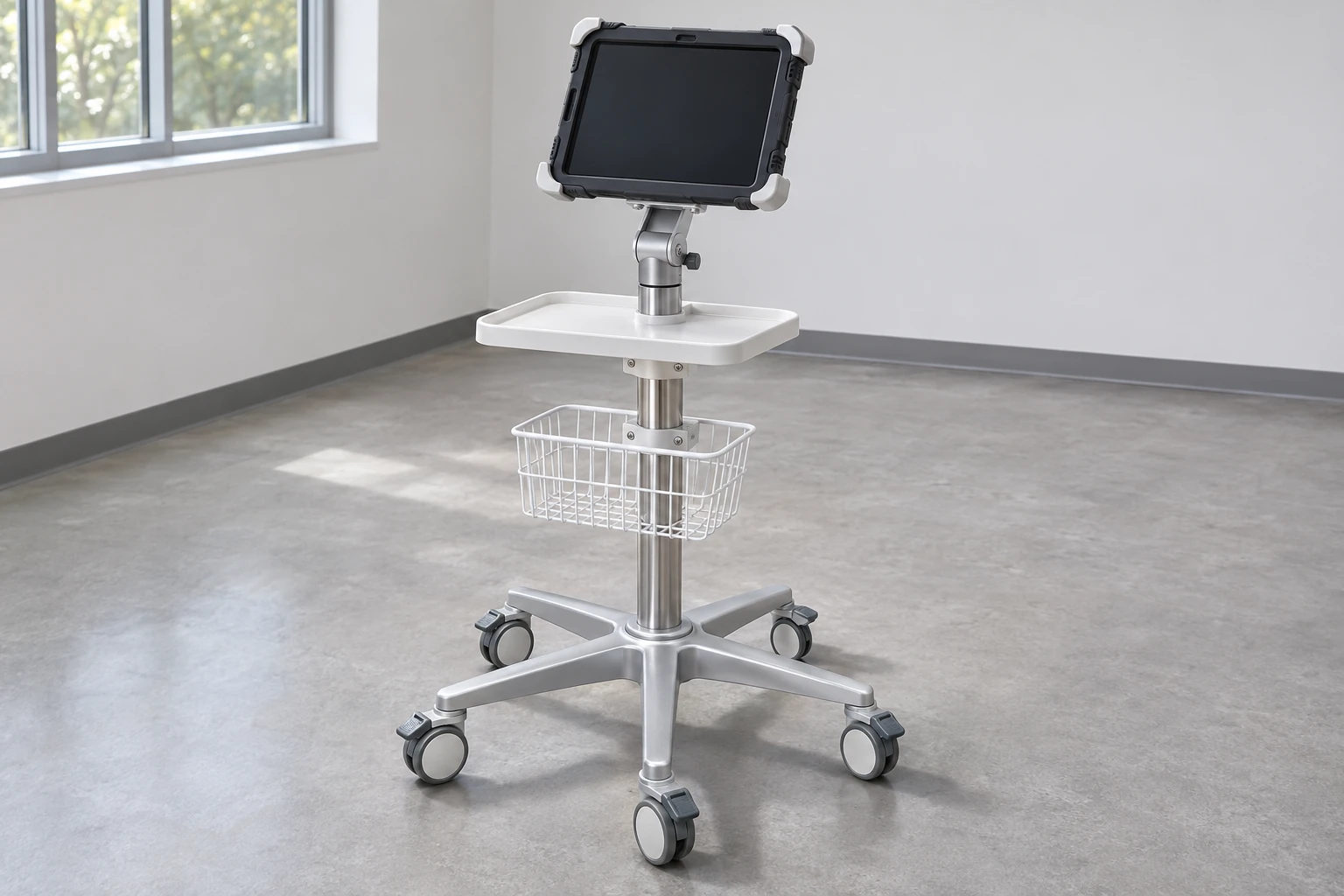
Medical tablet cart case compatibility must be checked with the exact tablet, protective case, holder and charging connector assembled together. A matching screen size does not establish fit. When a buyer changes a case or tablet generation, the original cart approval should not automatically carry over: review the contact points, controls, connector access and permitted adjustment positions again.
This guide focuses on one procurement decision: whether a changed tablet-and-case combination can remain in an approved cart configuration. It is not a general cart selection guide or an electrical safety procedure.
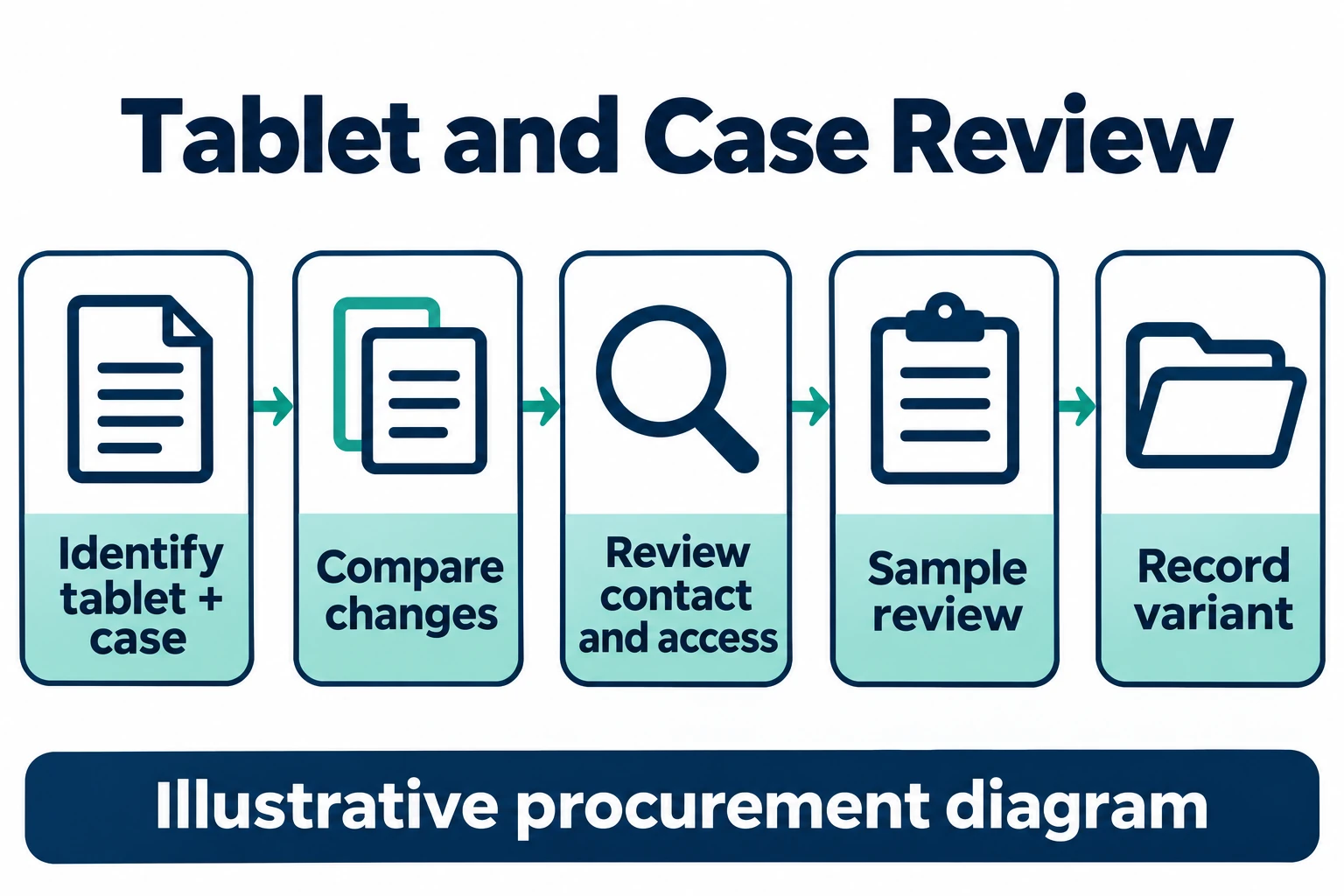
Establish the CRF product reference and the limits of its evidence
The CRF CA15Z047 height-adjustable medical tablet cart is a real product reference for this discussion. Its listing does not provide a verified compatibility matrix covering every tablet, protective case or enclosure. Ask CRF to identify the holder supplied with the proposed variant before making a compatibility statement.
Do not repeat broad legacy product-page language about disinfection, medical grade or electrical functions as proof for a new assembly. Neither an existing photograph nor this article establishes certification, retention performance or a cleaning-agent approval. This cart supports equipment; it is not a patient walking aid.
Identify what actually changed
Separate tablet, case and holder identities
Record the tablet manufacturer, complete model identifier and hardware generation. Record the case manufacturer, part number and revision separately. A tablet model name without the fitted case is an incomplete fit input if the device will be used inside that case.
Identify the cart and holder revision as well. Two projects can use the same tablet but different brackets, pads or contact geometry. Avoid a record that simply says “fits tablet cart.” The approved combination needs enough identification to be reproduced.
Include accessories that alter the envelope
A hand strap, stylus loop, kickstand, cable cover or protruding camera surround may change where a holder can contact the device. Provide photographs and supplier drawings of the actual configuration. Do not remove a case component solely to make a sample fit unless the applicable instructions and project owner permit that configuration.
A dimensional mock-up may help identify an interference early, but it cannot demonstrate charging access, button operation or the actual case’s behavior at contact points.
Compare the previous and proposed combinations
Use a change record rather than a yes/no statement based on nominal diagonal size.
| Review item | Previous approved combination | Proposed combination | Evidence to request |
|---|---|---|---|
| Outer envelope | Recorded tablet plus fitted case | New complete envelope | Dimensioned drawing and sample |
| Holder contact | Approved contact locations | Any shifted or obstructed contact | Marked views of the assembled holder |
| Controls and cameras | Functions required by buyer | New positions or obstructions | Function-access checklist |
| Charging connection | Cable and connector previously reviewed | New plug shape or case opening | Actual connector fit observations |
| Orientation | Positions in original approval | Positions still required | Recorded configuration review |
| Release and service | Approved removal method | New access restrictions | Applicable instructions and review notes |
Do not insert an arbitrary clearance allowance. The appropriate acceptance criteria need to be defined for the actual holder, device, case and workflow.
Review fit before powered operation
Contact and retention
Ask the supplier to identify the intended contact areas and adjustment method. Confirm that the case does not prevent the holder from reaching its intended assembled position. Look for contact with buttons, port covers and features that were not intended to act as mounting surfaces.
A visually snug fit is not a quantified retention result. Any required retention, durability or stability verification needs a defined method and responsible reviewer. Do not improvise a force test or represent an informal observation as certification.
Controls, camera and connector access
Check the functions that the project actually requires. For example, a camera may be physically visible yet obstructed by a case lip or holder edge in the intended orientation. A charging plug may enter a case opening but leave no suitable space for its cable exit.
Record the exact cable assembly, not just “USB-C.” Connector housings and cable exits can differ. Confirm the relevant cable manufacturer’s handling requirements, without inventing a universal bend radius. Power-source selection and electrical suitability remain separate matters for qualified review.
Changes between orientations
Where the ordered holder permits more than one orientation, review the required positions with the actual case and cable. A fit observed in portrait does not prove the same access in landscape. Do not assume rotation, tilt or a locking enclosure is included in CA15Z047 merely because a competitor offers it.
Create a focused sample-review checklist
Before approving a case substitution, collect:
- Original approved device, case, holder and cart identities.
- New device and case identifiers, drawings and sample photographs.
- A description of the changed features and required functions.
- Supplier confirmation of the proposed holder configuration.
- Contact-point and interference observations.
- Required control, camera and connector-access observations.
- Orientation-specific restrictions and unresolved questions.
- The applicable cleaning instructions for each component.
- Review ownership, decision and configuration revision.
Keep “not yet verified” separate from “accepted with restrictions.” If the sample is unavailable, document approval as pending instead of turning a paper review into a compatibility claim.
Preserve the decision in repeat orders
A case substitution can enter through purchasing even when the cart order has not changed. Link the approved device-and-case combination to the quotation, drawing and accessory schedule. Ask suppliers to flag replacements that alter fit or access before they are shipped.
If only one case revision was checked, limit sales copy accordingly. Do not advertise universal compatibility, support for all tablets of a screen size or an electrical capability that was never reviewed.
FAQ
Will two tablets with the same screen size fit the same holder?
Not necessarily. Overall dimensions, case thickness, contact geometry, buttons, cameras and ports can differ. Confirm the complete assembly.
Can a protective case be omitted from the fit review?
Only if the approved use configuration excludes it. If users will fit the case during use, the review must include that case and its accessories.
Does a successful fit check prove charging safety?
No. Mechanical fit, connector access and electrical suitability are different questions. The relevant qualified reviewers must assess the actual powered configuration.
Does CRF publish a universal CA15Z047 compatibility list here?
No. Request a project-specific review using the exact tablet, case and holder. This article supplies a procurement method, not a compatibility certificate.
Request a device-specific RFQ
Use the CA15Z047 product reference to start a discussion. Send CRF the previous and proposed device-and-case files, holder details, required functions, cable information, quantity and destination market. Ask for an OEM/ODM feasibility review and a configuration-specific sample proposal through your RFQ.
Contact sales@szcrftech.com or +86 18938846756. Specifications and commercial terms require confirmation. This is procurement education, not clinical or electrical advice.
Request a B2B RFQ for the exact configuration and documentation scope. Images are AI-generated generic concepts, not exact CRF models, factory photographs, customer installations, verified compatibility, approved procedures or performance evidence.