

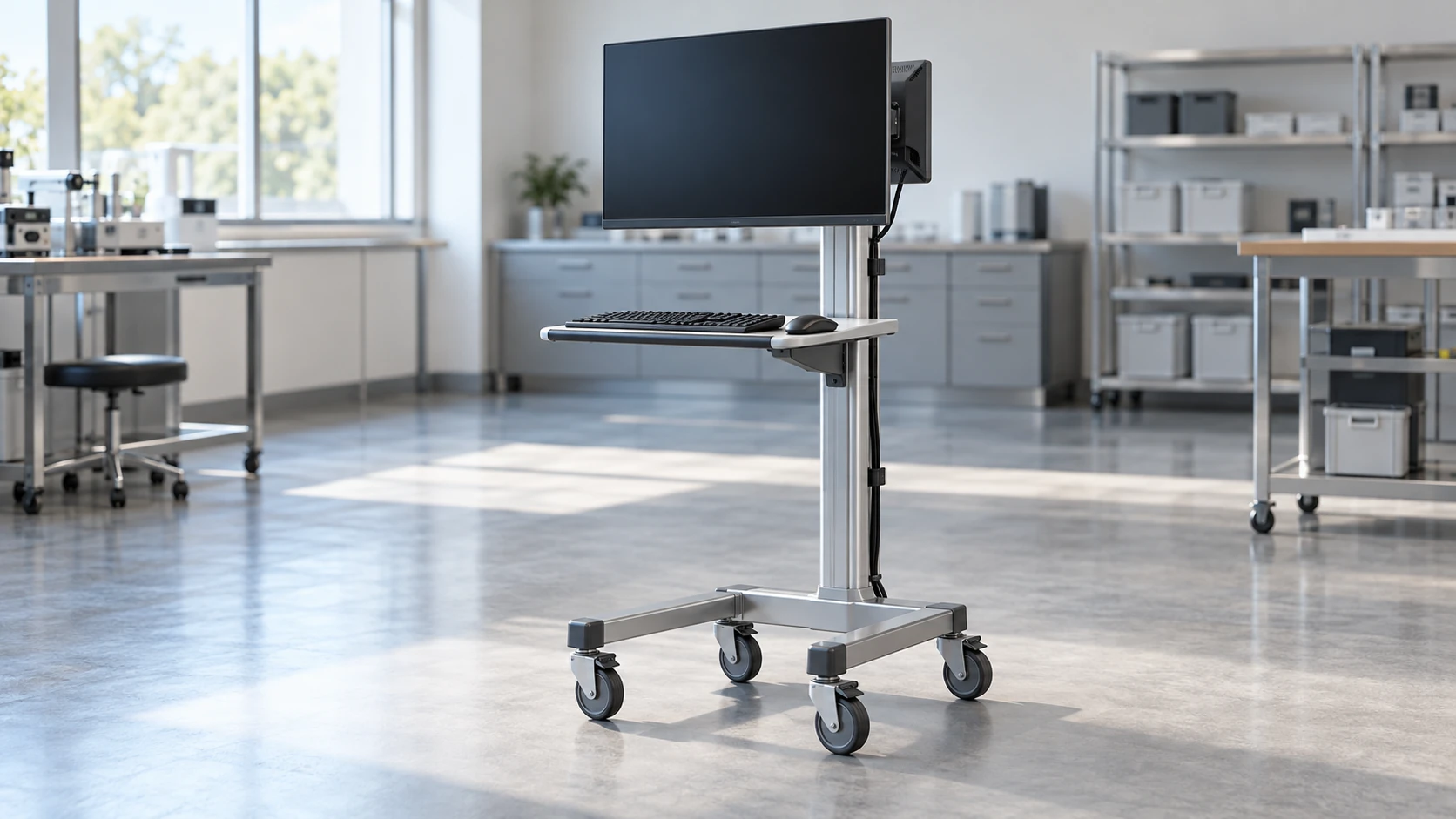
A medical computer cart monitor mount should be reviewed against the exact display, its rear mounting interface, connector positions and the space needed during adjustment. A matching bolt pattern alone does not establish complete compatibility. Before approving a cart configuration, check screen clearance above the work area, cable movement, attachment access and the complete loaded workstation with the supplier.
This guide focuses on the display envelope of a medical computer workstation—not the general selection of a cart, printer shelf or laptop platform. It is an engineering procurement checklist, not clinical advice or an assembly instruction.
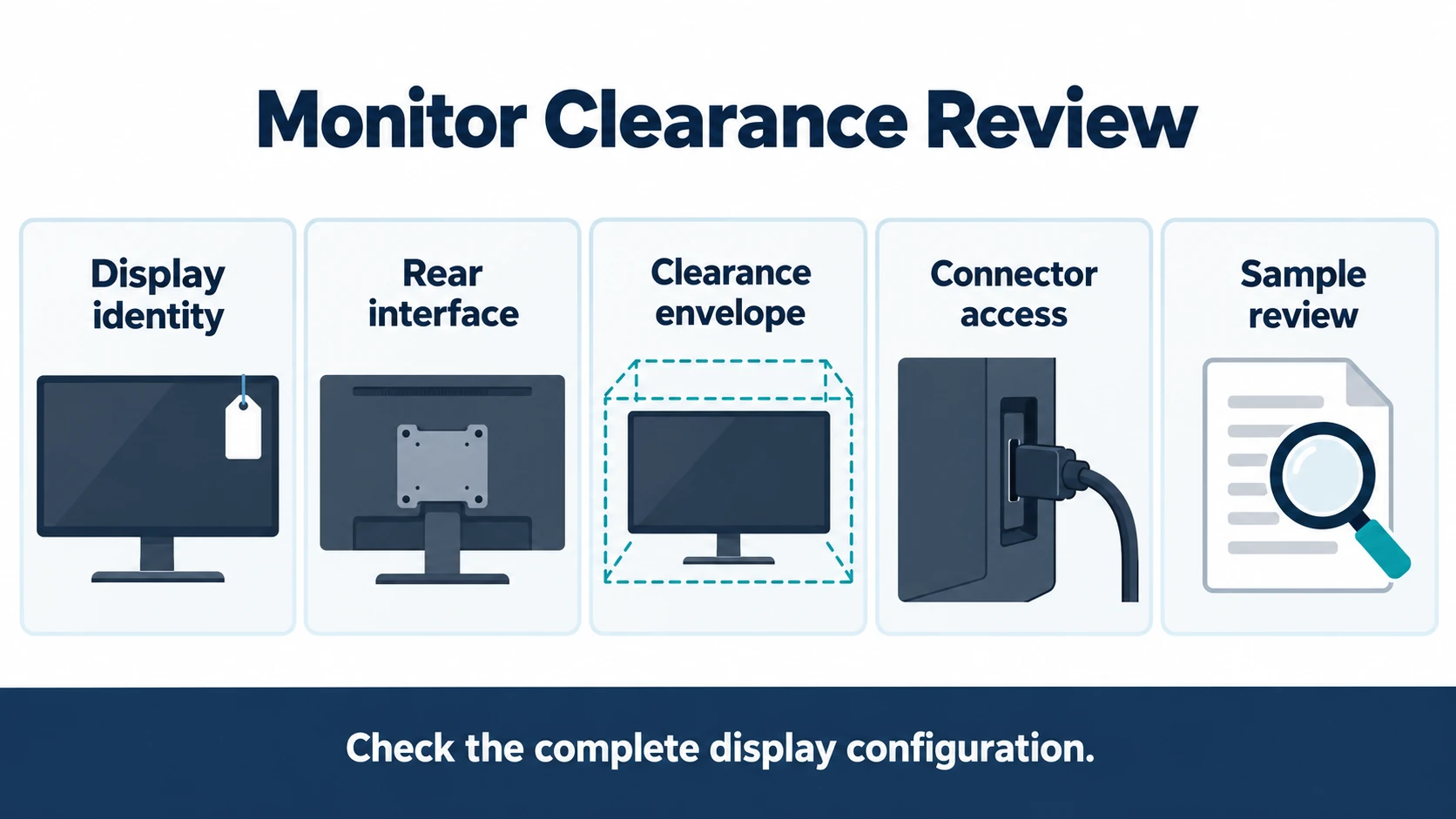
Why display clearance deserves a separate review
Two displays with similar screen diagonals can have different housings, recessed mounting points, connector locations and power adapters. A screen that attaches to a plate may still obstruct a worktop, hide a control, collide with a nearby component or leave insufficient cable movement.
Define a display envelope using the actual enclosure dimensions and the intended operating positions. Do not use the advertised diagonal as a substitute for a dimensional drawing. Where a screen moves, the envelope includes its permitted positions—not just its central resting position.
The CRF CA16Z025 medical computer cart with monitor mount provides a real product starting point. Its listing identifies a VESA monitor mount and keyboard tray. It does not, by itself, verify a particular display’s hole pattern, permissible display mass, tilt range or clearance. Request configuration-specific documentation rather than assuming those values.
Identify the complete display assembly
Record the monitor and its accessories
Provide the manufacturer, model, hardware revision, housing drawing and installed mass. Clarify whether the original desk stand will be removed. Include any attached reader, camera, bracket or other accessory in the configuration record.
A display replacement should trigger a fit review even if the new unit is marketed as the same size. Rear geometry and connector positions may differ.
Separate hole pattern from attachment detail
Ask both the display manufacturer and cart supplier to confirm the mounting interface, permitted fasteners, thread engagement and any required spacers. Do not derive screw length from a photograph or use a generic tightening value. Recessed mounting areas may require a model-specific solution.
A VESA description is useful interface information; it is not a universal guarantee that every VESA-labelled display fits every cart.
Check clearance at the working positions
Review the display’s lower edge relative to the keyboard tray and work area. Check whether a user can see the intended screen area and reach permitted controls without components obstructing each other. If the approved configuration provides adjustment, inspect each permitted position rather than assuming unrestricted movement.
Include these checks in the review:
- The screen does not collide with the worktop, tray, cabinet or other specified accessories.
- Attachment points remain accessible for the intended service procedure.
- Rear connectors can be inserted and removed without forcing the cables.
- Screen movement does not require bending a connector against the column.
- The approved display arrangement does not obstruct the intended handling points.
These are review requirements, not claims that an untested CRF configuration already passes them. A clinician or workplace ergonomics reviewer should assess user positioning where relevant; this article does not promise a health benefit.
Compare a fixed layout with an adjustable layout
| Review area | Fixed display layout | Adjustable display layout |
|---|---|---|
| Space to check | Installed housing and service access | Housing plus every approved movement position |
| Cable review | Connection access and routed length | Connection access, routed length and movement allowance |
| Acceptance record | One defined position | Documented limits and allowed positions |
| Replacement review | New housing and mounting details | New housing, mounting details and movement clearance |
Neither approach is inherently suitable for every workstation. An adjustable mounting arrangement should only be described as such when confirmed for the selected model and configuration. An adjustable cart component does not establish that the monitor mount itself tilts, rotates or changes height.
Review the complete cart, not just the display plate
Display size and position interact with the rest of the workstation. Review the assembled configuration with the specified computer, cabinet contents, accessories and cables. Ask the supplier for the relevant configuration-specific assessment and operating limits. Wheel count or a broad product-family description does not establish stability for a new display arrangement.
The CRF CA16Z126 computer cart with monitor mount and printer shelf is a second reference configuration. Its listing identifies workstation components, but those components should not be treated as interchangeable with CA16Z025 without review. This article does not recommend a printer or certify a powered workstation system.
What to include in a monitor-clearance RFQ
Send a compact evidence package:
- Exact display identity and current manufacturer documentation.
- Housing dimensions, installed mass and attached accessories.
- Rear mounting geometry and manufacturer-approved attachment details.
- Connector locations, cable types and service access requirements.
- Intended screen position and any required movement, stated as requirements rather than assumed features.
- Cart model, keyboard/work area arrangement and other installed equipment.
- Required sample review, documented limits and change-control process.
Ask CRF to identify unresolved compatibility questions before quoting a final configuration. MOQ, price, lead time and documentation availability must be confirmed for the project; they are not specified here.
FAQ
Does a matching VESA pattern prove display compatibility?
No. It addresses part of the mounting interface. Housing clearance, attachment details, installed mass, connector access and the complete cart configuration still need review.
Can I select a display from screen diagonal alone?
No. Use its actual enclosure dimensions, rear-interface documentation and installed accessory configuration. Diagonal size does not describe its depth or connector positions.
Does an adjustable cabinet mean the monitor mount is adjustable?
No. Adjustment features belong to specific components. Ask for the confirmed functions and limits of the selected monitor support.
What changes require a new clearance review?
A different display housing, mounting interface, accessory, cable arrangement or permitted operating position may change compatibility. Record the proposed change and obtain supplier review before substitution.
Request a configuration review
Contact CRF for a B2B configuration review with your display drawing, cart model and intended workstation layout. Request written confirmation of fit and unresolved requirements before sample approval. For public enquiries, email sales@szcrftech.com.
Request a B2B RFQ for the exact configuration and documentation scope. Images are AI-generated generic concepts, not exact CRF models, customer installations, approved procedures or performance evidence.