
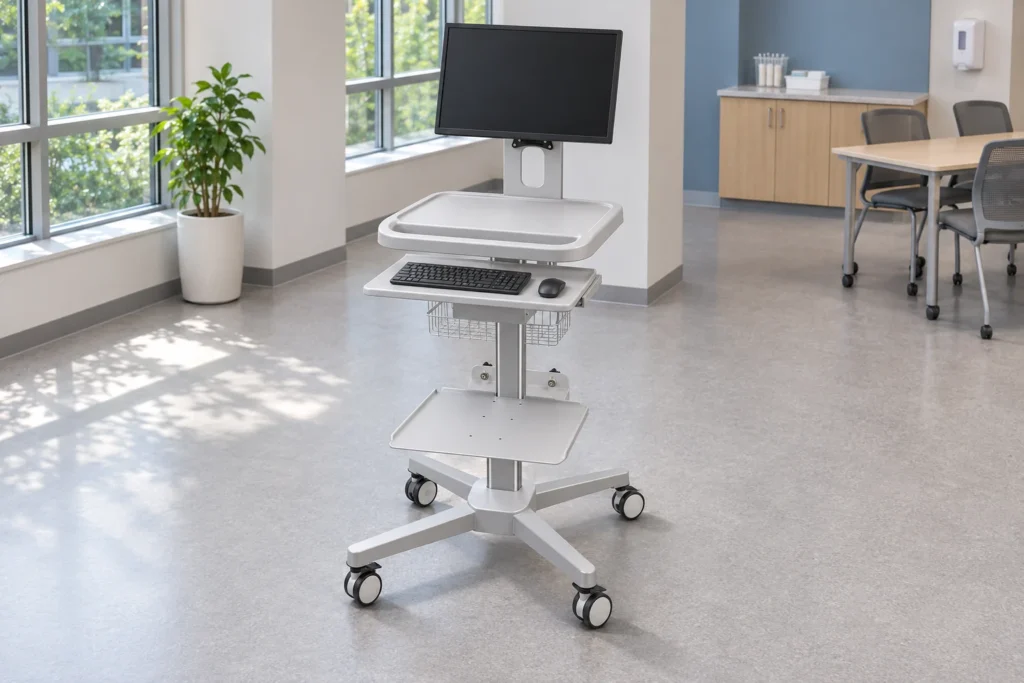
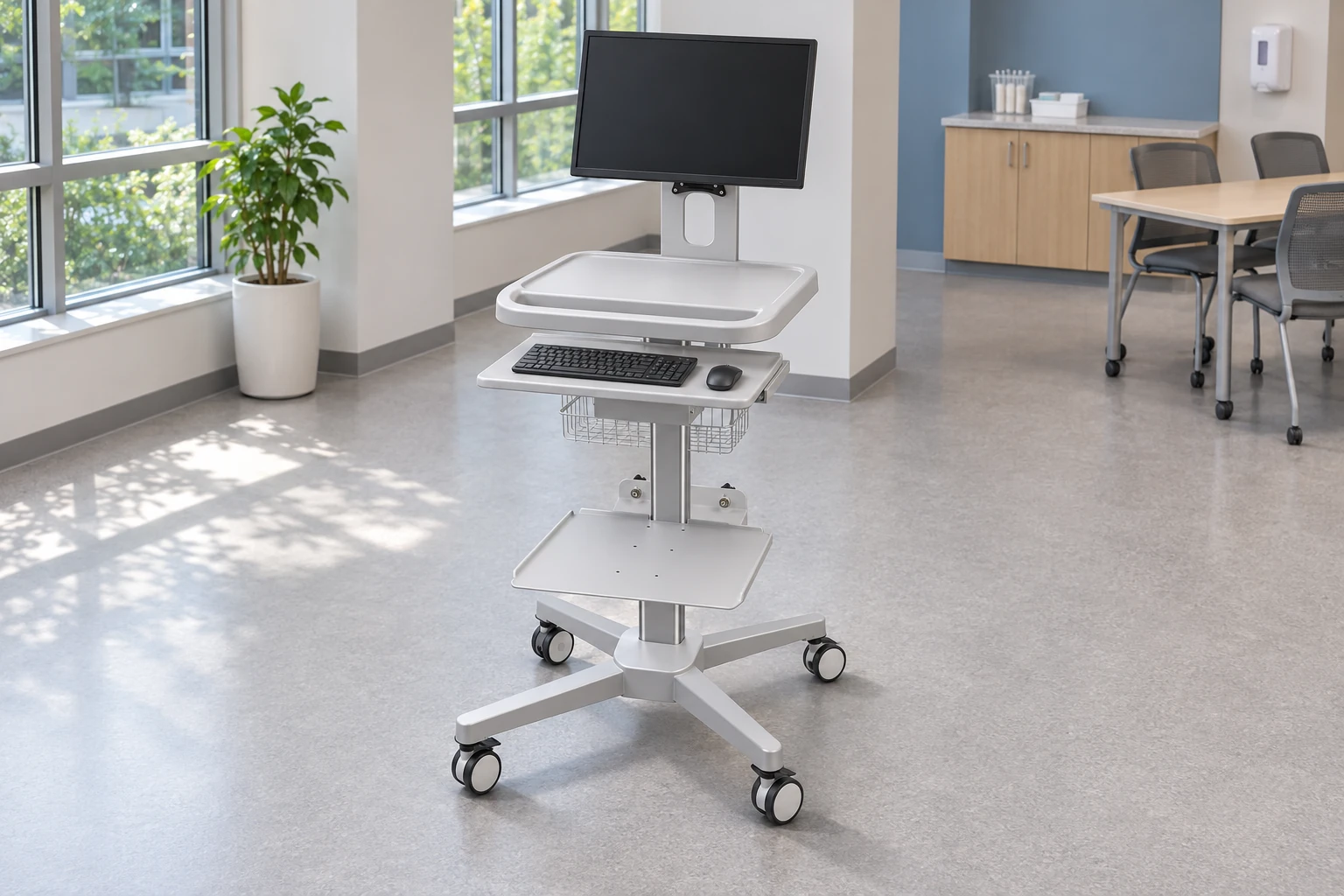
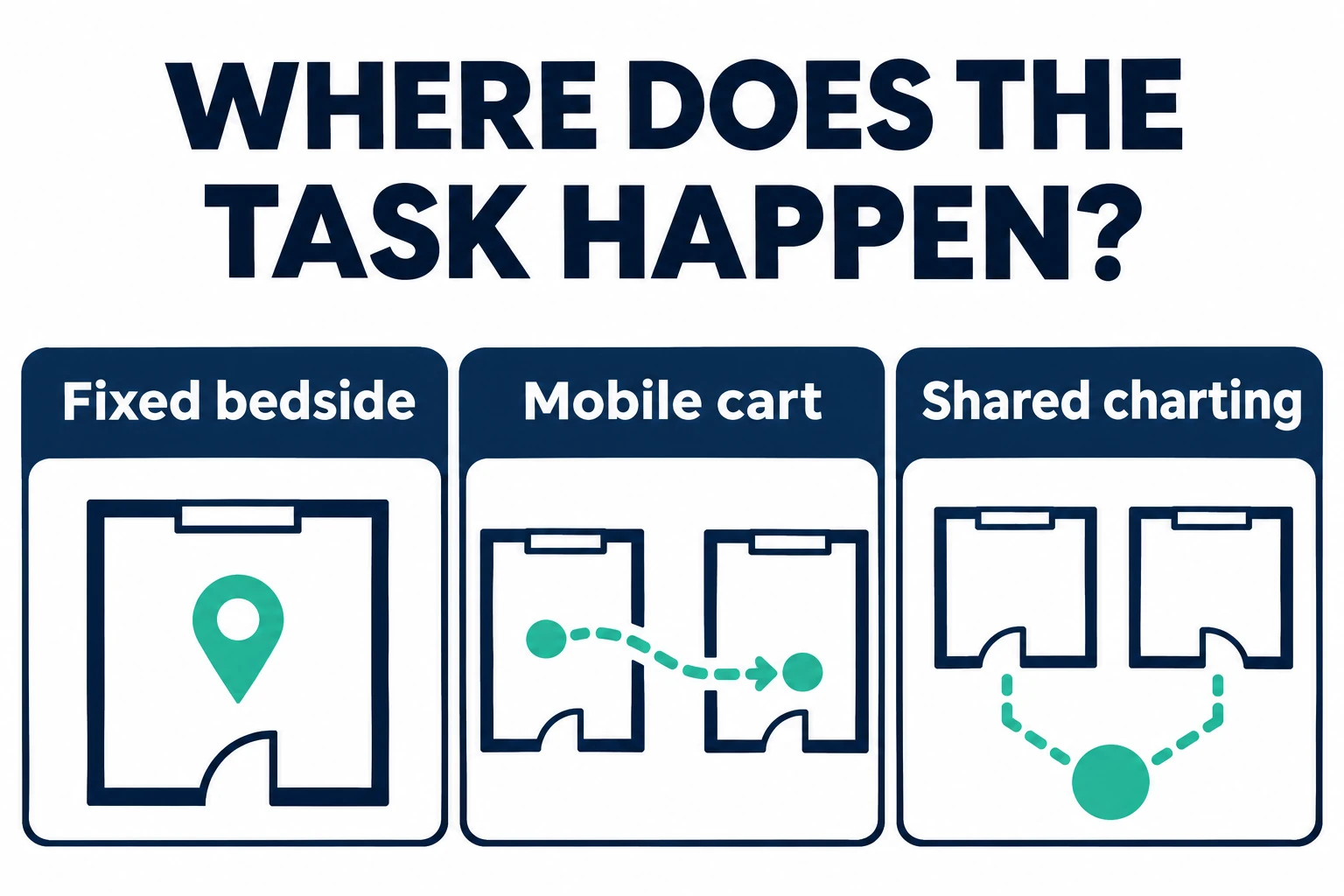
Choose fixed bedside workstations for tasks that must be available in a particular room, mobile computer carts when the work and its equipment need to move together, and shared charting stations for work that can wait until staff leave the room. Most purchasing decisions turn on a more specific question: how many people need the same type of station at the same time, and where will they be when they need it?
A cart can serve several rooms across a shift without serving them simultaneously. A wall-mounted station can be available at a predictable location without serving anyone outside that room. A shared desk can handle longer documentation tasks without being a substitute for work that has to happen at the bedside. Work out which requirement applies before comparing equipment prices.
Start with a list of tasks, not rooms
For one representative shift, ask staff to distinguish work that must occur in the room from work that may happen nearby. Record who uses the station, whether a scanner, printer or other peripheral has to be there, how long the station stays occupied, and what happens when it is unavailable. Include shift change, not just a period when rooms are quiet. Use fictitious records for any procurement demonstration.
Next, flag tasks that only look interchangeable on a floor plan. If one room needs a peripheral that other rooms do not, the closest empty terminal may still not meet the need. Conversely, if the only room-bound task is brief and scheduled, a cart shared among nearby rooms may be worth comparing with a permanent station in each room. These are questions for the site’s staff and IT team, not rules for clinical practice.
Compare three workstation layouts
| Layout | Consider it when | What to establish before ordering |
|---|---|---|
| Fixed bedside | The task belongs at a specific room or work position | Wall or furniture interface, open and stowed reach, screen orientation, service access and installation ownership |
| Mobile computer cart | Staff must bring a screen and peripherals to different work positions | Simultaneous demand, configured turning space, parking and availability when a unit is out of service |
| Shared charting station | Staff can complete the task at a common desk outside the room | Peak occupancy, queueing, screen privacy and whether leaving the room interrupts the task |
For comparison, the CRF CA13Z177 computer cart illustrates a mobile frame with a display support and a pull-out keyboard tray. The CA14Z002 wall-mounted monitor support illustrates a structural component for a fixed location, not a complete installed workstation. Neither page establishes that your computer, screen, building connection or other peripherals are included or approved. For the choice between laptop and monitor-based mobile formats, see the nursing-unit computer cart comparison.
Estimate demand by overlap, not by rooms per cart
Make a short timeline with one row per room or work area. Mark the blocks in which a workstation must be present, then mark when it is in transit, unavailable or parked for service. Overlay the rows. If two rooms have a time-critical task in the same block, one shared cart cannot satisfy both unless the task or staffing plan can legitimately change. If the blocks are separate, check whether the transition itself fits: turning the cart, completing the prior task, returning peripherals and setting up in the next space all take time.
Suppose an example unit has four rooms. Room A and Room B both need bedside documentation during the same morning block. Room C needs a room-based task later; Room D’s remaining work can occur at a shared desk. That produces at least two concurrent bedside positions in the morning, not four fixed stations and not one all-purpose cart. Compare a pair of mobile carts against a fixed station in the room with the most recurring demand plus a shared cart for the remaining room-based work. Test the next shift’s demand before assuming either arrangement wins. This example is a planning exercise, not a recommended staffing ratio or a site result.
Walk the room, route and fallback
Evaluate the actual work position, including a door open in its normal direction, existing furniture and the area used by other equipment. For fixed stations, look at where the screen and tray project both while in use and when stowed. Do not assume a wall is suitable based on a photograph. The facilities team should approve the support and installation details. For mobile stations, map the intended turning and parking spaces with the selected cart, display and accessories together. A clear doorway is not proof the cart can clear the turn immediately after it.
Then repeat the exercise with one station unavailable. Can a room use a spare cart, another approved location or a different device? Who owns the replacement? What becomes inaccessible if a shared desk or port is already occupied? Record the answer before the quote is approved rather than treating downtime as a supplier detail to resolve later.
Compare the same scope in each quote
Separate furniture and mounts, computing equipment, site services and ongoing support. Ask each supplier to mark every line as included, optional or provided by others. A cart frame and a fully configured workstation may both appear as one unit on different proposals. Comparing their top-line price without that distinction tells you little about the actual project cost.
Give each bidder the same room and route sketches, device list, work position and peak-use example. Request drawings showing the installed device envelope and access for maintenance. Ask what will be demonstrated on the sample and what needs separate approval from IT, facilities or other responsible staff. The CRF OEM medical cart page explains what to send for a mechanical configuration discussion.
FAQ
Is there a standard number of workstations per hospital room?
A room count alone does not resolve the purchase. Compare tasks that cannot leave the room, their simultaneous demand and the fallback during service. Local requirements and facility policies must be checked by the teams responsible for them.
Is a wall-mounted monitor support a complete workstation?
Not by itself. Check whether the quote includes an input surface, computer, display, mounting hardware and site services. Confirm the actual equipment interfaces and building approval separately.
Can mobile and fixed stations use the same hardware?
They can be planned around the same IT standard, but do not assume the same mount, power arrangement or peripheral placement transfers. Confirm the specific interfaces and approval for each location.
Request a configuration review
Please contact us through the B2B RFQ form with your room sketch, workstation tasks, device models, mount or tray requirements, estimated quantity and delivery destination. Indicate whether you need a mobile cart, a fixed mechanical support or a comparison of both. Identify the electronics and site services your team will provide so those are not confused with the quoted cart or mount.