
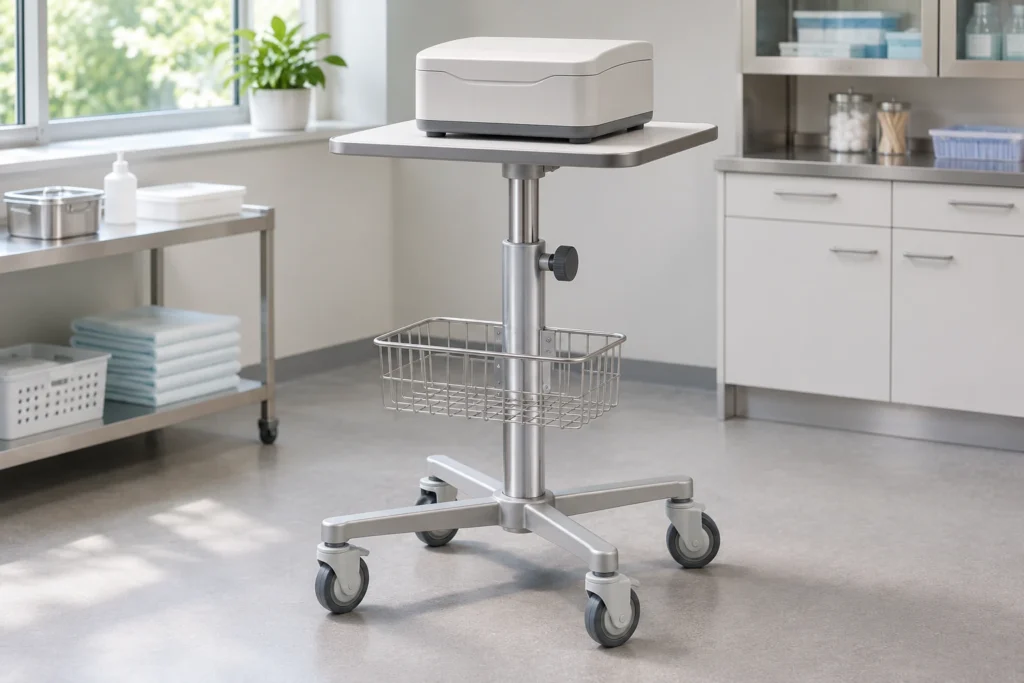
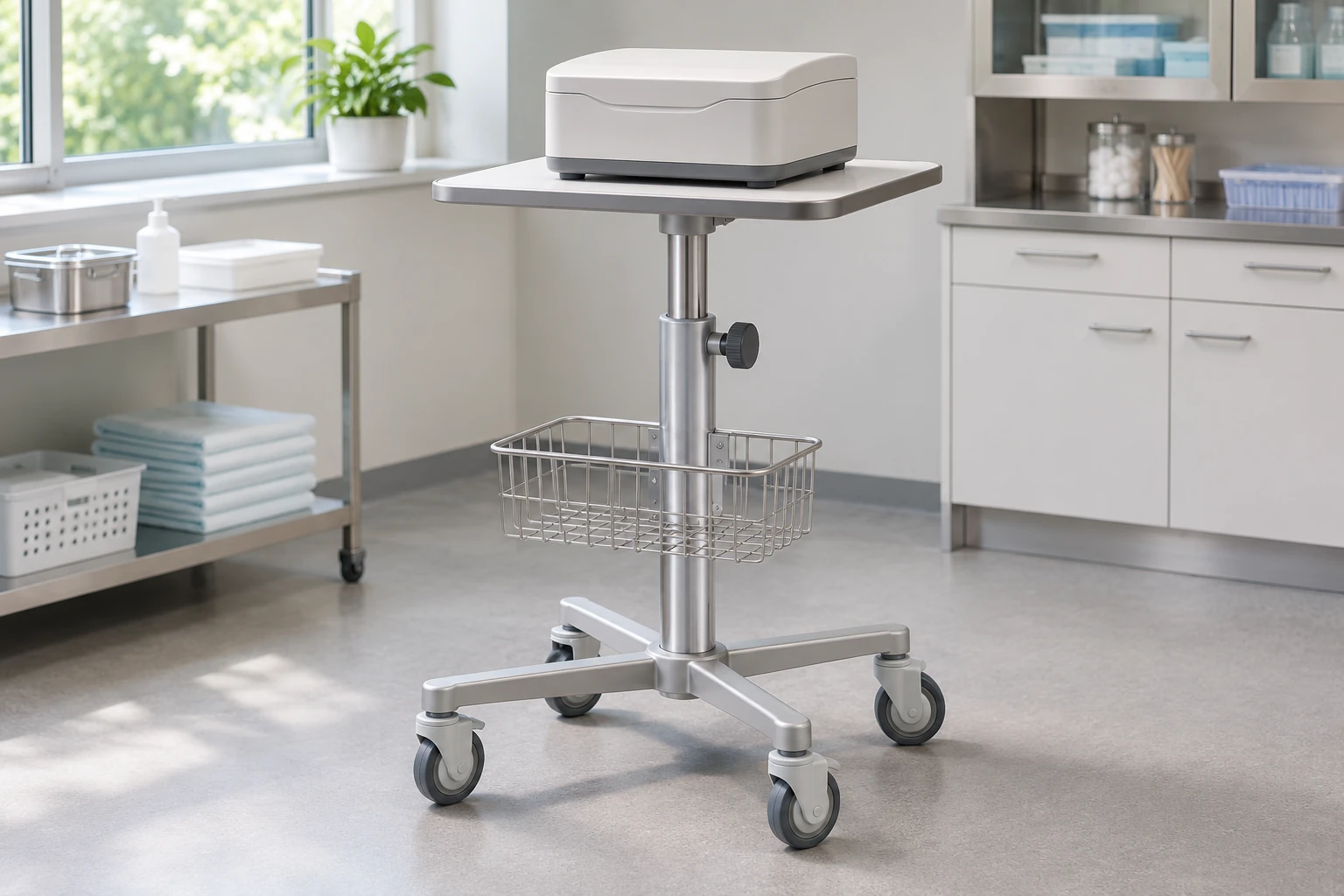
Before specifying an adjustable medical cart, check whether the adjustment control remains accessible after the device, basket and accessories are installed. A stated height range does not show whether a user can reach the knob, identify the intended control or follow the required adjustment procedure. Ask for configuration-specific drawings and instructions, then review an agreed sample with the intended equipment arrangement.
This is a procurement checklist, not an instruction to adjust a loaded cart. Follow the supplier’s documented procedure. Do not loosen an unfamiliar control while equipment is installed or assume the column will support itself when released.
Why control access deserves its own review
Buyers often compare worktop size and height range before looking at the adjustment mechanism. Yet a basket, power adapter, device overhang or nearby accessory can occupy the approach to a side control. A control that is easy to photograph on an empty cart may be harder to reach in the final configuration.
Separate three questions: where the control is located, how it is operated, and under what conditions adjustment is permitted. These are related but not interchangeable. A visible knob does not establish an adjustment rating, a safe operating force or permission to adjust with equipment installed.
The broader choice between fixed-height and adjustable medical equipment carts concerns the workflow. This guide addresses the narrower question of control access after that choice has been made.
Review the final configuration, not an empty column
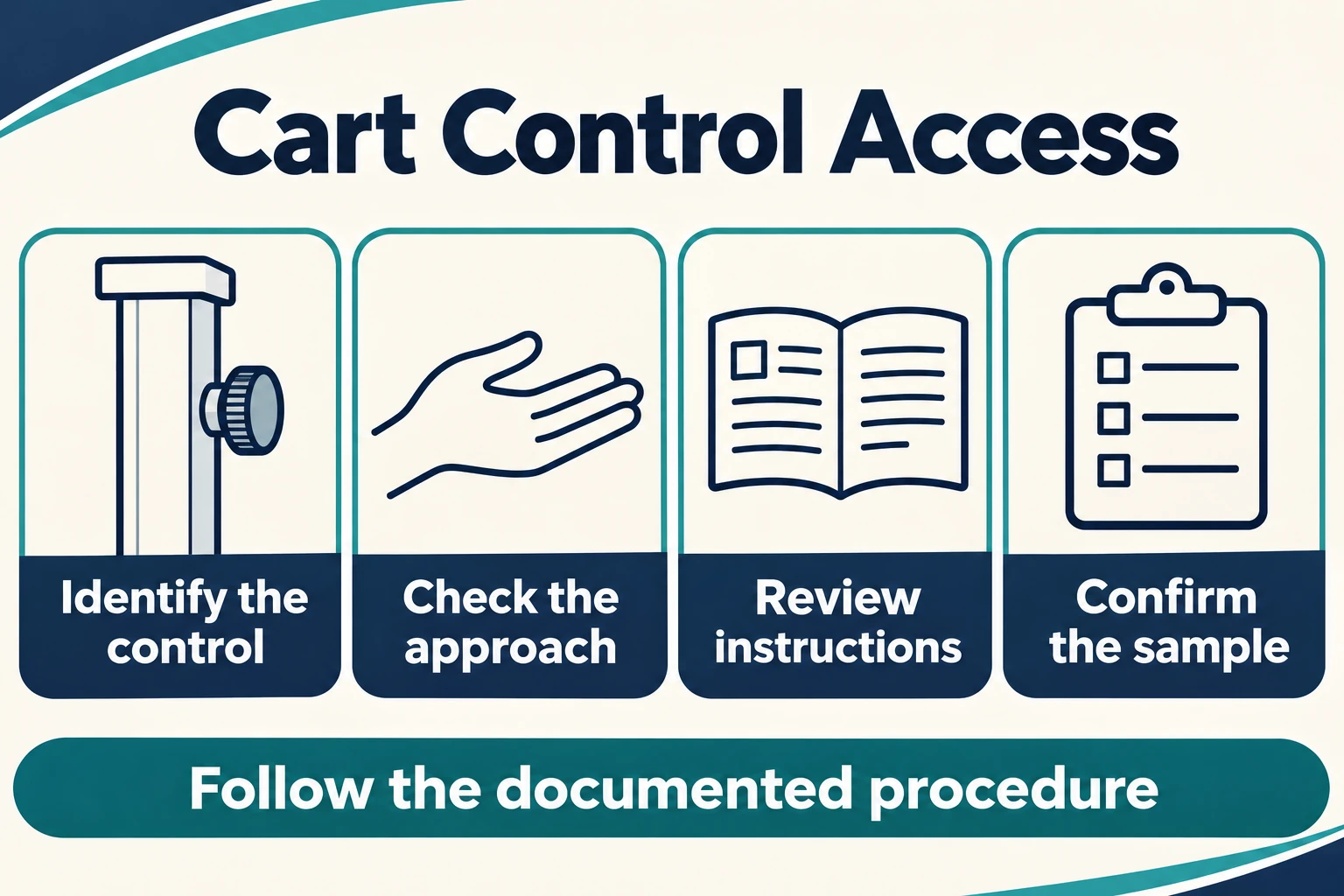
Identify the intended control
Request a labeled drawing showing the height-adjustment control and distinguishing it from accessory clamps, assembly fasteners and service points. Do not ask users to discover the right control by trial and error. If the mechanism differs between variants, keep separate instructions with the correct configuration identifier.
Clarify whether the control is intended for routine users, installation staff or trained service personnel. This matters for documentation and handover, even when the parts look similar in a photograph.
Check the hand approach
Show the device footprint, worktop overhang, basket position and accessory brackets on the same drawing. Ask whether the planned hand approach is clear and whether another component must first be moved. Do not infer adequate clearance from the space visible around a knob in a single frontal photograph.
Record any glove-use requirement in the RFQ, but do not claim glove usability without reviewing the actual control and agreed sample. Usability depends on the complete arrangement and intended users; this article does not set an ergonomic clearance standard.
Review the documented adjustment sequence
Ask what must be removed, supported or repositioned before adjustment. Request the operating sequence and any restrictions from CRF rather than inventing a generic loosening-and-lifting procedure. Confirm how the selected position is secured and how users are instructed to check readiness before returning the cart to service.
A control’s appearance does not establish its holding performance. Any required load, movement or durability acceptance criterion needs separate agreement and supporting evidence.
Keep accessories out of the control envelope
Review cables, probe leads, baskets and stored objects around the approach to the control. The objective is to identify interference, not to prescribe a new cable route without equipment guidance. If a component is relocated to clear the control, reassess its own interface and access requirements.
Do not remove a required restraint or loosen an accessory bracket merely to make adjustment easier. Resolve the configuration with the supplier before approving the sample.
A real CRF configuration to discuss
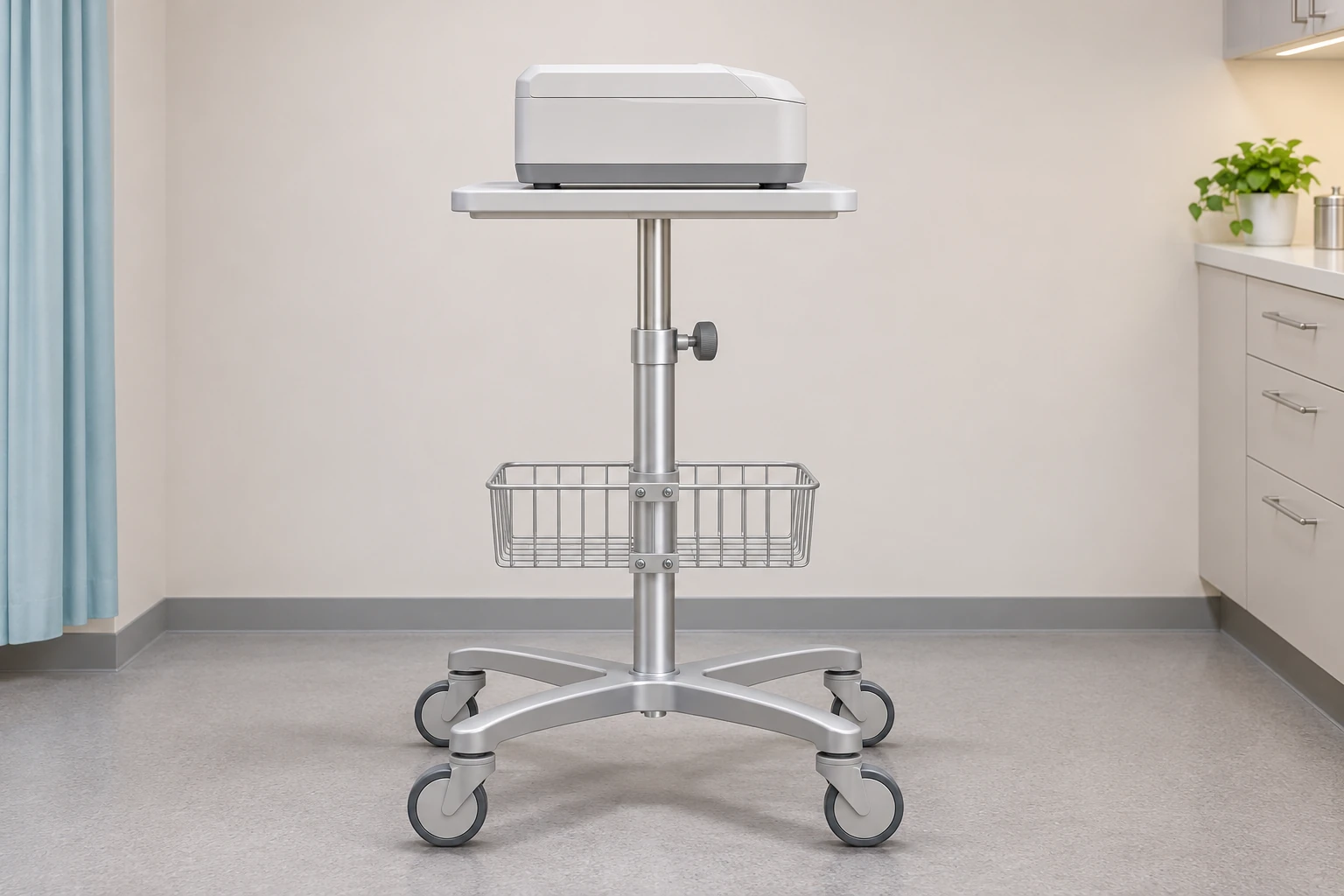
The CA16Z003 adjustable ultrasound cart is listed with a telescopic round column, side adjustment knob, wire basket and probe holders. Its product description makes it a relevant starting point for a control-access discussion; it does not prove that a particular ultrasound device fits or that loaded adjustment is permitted.
The product page identifies its displayed imagery as AI reference-guided visualization. Use the current drawing, documented operating procedure and agreed sample for configuration acceptance, not that visualization as engineering evidence. No height range, operating force or adjustment load is established in this guide.
Put these items in the RFQ
Provide the device model, dimensions, weight and planned accessory arrangement. Ask CRF to return the control location, adjustment procedure, restrictions, documentation language and sample-review scope for the proposed configuration. Keep the requested quantity and destination with the inquiry so the commercial review addresses the same product arrangement.
A useful review record distinguishes observation from approval:
- Drawing review: identify the control and potential obstructions.
- Sample review: observe access with the agreed equipment arrangement.
- Documentation review: confirm instructions and restrictions match that sample.
- Order confirmation: record the selected configuration and unresolved exceptions.
Photographs can support the record but should not replace an agreed drawing or operating instruction. If the accessory layout changes later, reopen the control-access check rather than relying on the previous empty-cart approval.
FAQ
Does a side knob prove the cart can be adjusted while loaded?
No. The permitted adjustment condition must come from configuration-specific instructions and supporting evidence. Do not infer it from the mechanism’s appearance.
Is an advertised height range enough for procurement?
No. It does not establish control access, adjustment procedure, equipment compatibility or the suitability of every position for the intended configuration.
Can a concept illustration demonstrate usable clearance?
No. The illustrations are educational concept visualizations, not measured drawings, product photography or user-testing evidence. Their generic control and equipment arrangements do not identify a production SKU.
Should every accessory change trigger a complete redesign?
Not necessarily. Start with the affected interface and control envelope. Confirm whether the change also affects other agreed requirements before deciding the review scope.
Request a configuration review
Send CRF an RFQ with your device information and proposed accessory layout. Ask for a configuration-specific control-access review and documented adjustment conditions before sample approval. You can also contact sales@szcrftech.com to discuss the inquiry; final specifications, supply scope and commercial terms require written confirmation.