
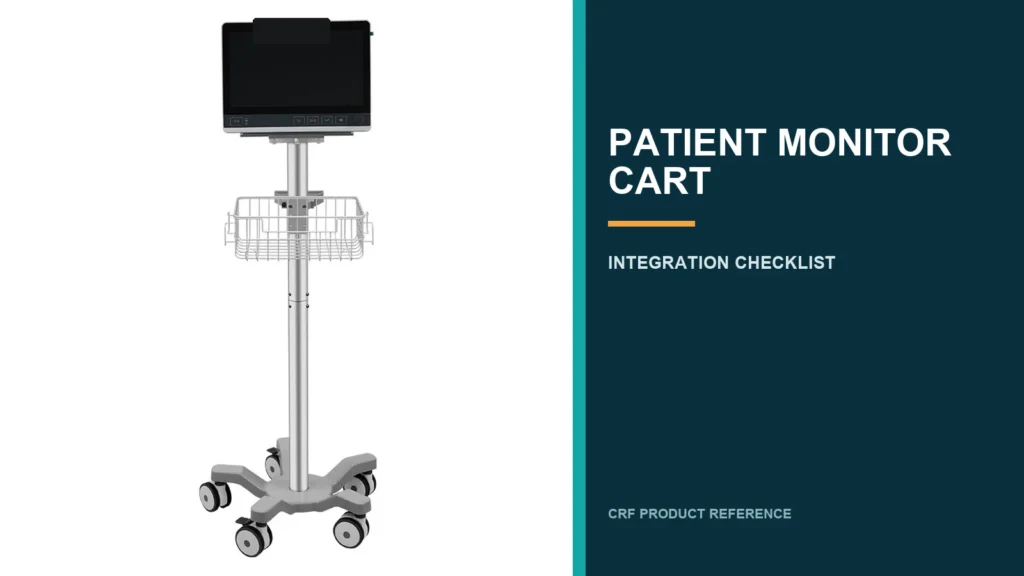
A patient monitor cart should be specified around the exact monitor and workflow—not selected as a generic wheeled stand. Before approving a cart, buyers should document the monitor footprint and mounting interface, cable exits, power arrangement, required holders, working height, movement route, cleaning process and final acceptance test. CRF’s CA15Z052 is a five-wheel patient monitor cart, but compatibility with any particular monitor or accessory must be confirmed for the ordered configuration.
Start With the Monitor, Not the Cart Catalog
The safest procurement sequence starts with a controlled device information pack. A cart supplier cannot reliably determine fit from a monitor’s screen size or marketing name alone.
Ask the device owner or engineering team for:
- manufacturer and exact model or revision;
- overall dimensions and weight;
- rear, underside and side photographs;
- mounting-hole drawing or approved adapter details;
- cable connector locations and minimum bend space;
- power supply, transformer and battery information;
- accessories that travel with the monitor;
- preferred viewing and operating position;
- cleaning agents and methods used at the destination;
- restrictions in the monitor’s instructions for use.
Treat every interface as configuration-specific until drawings or a physical sample confirm it. Similar-looking monitors can use different hole patterns, fasteners, cable exits or accessory layouts.
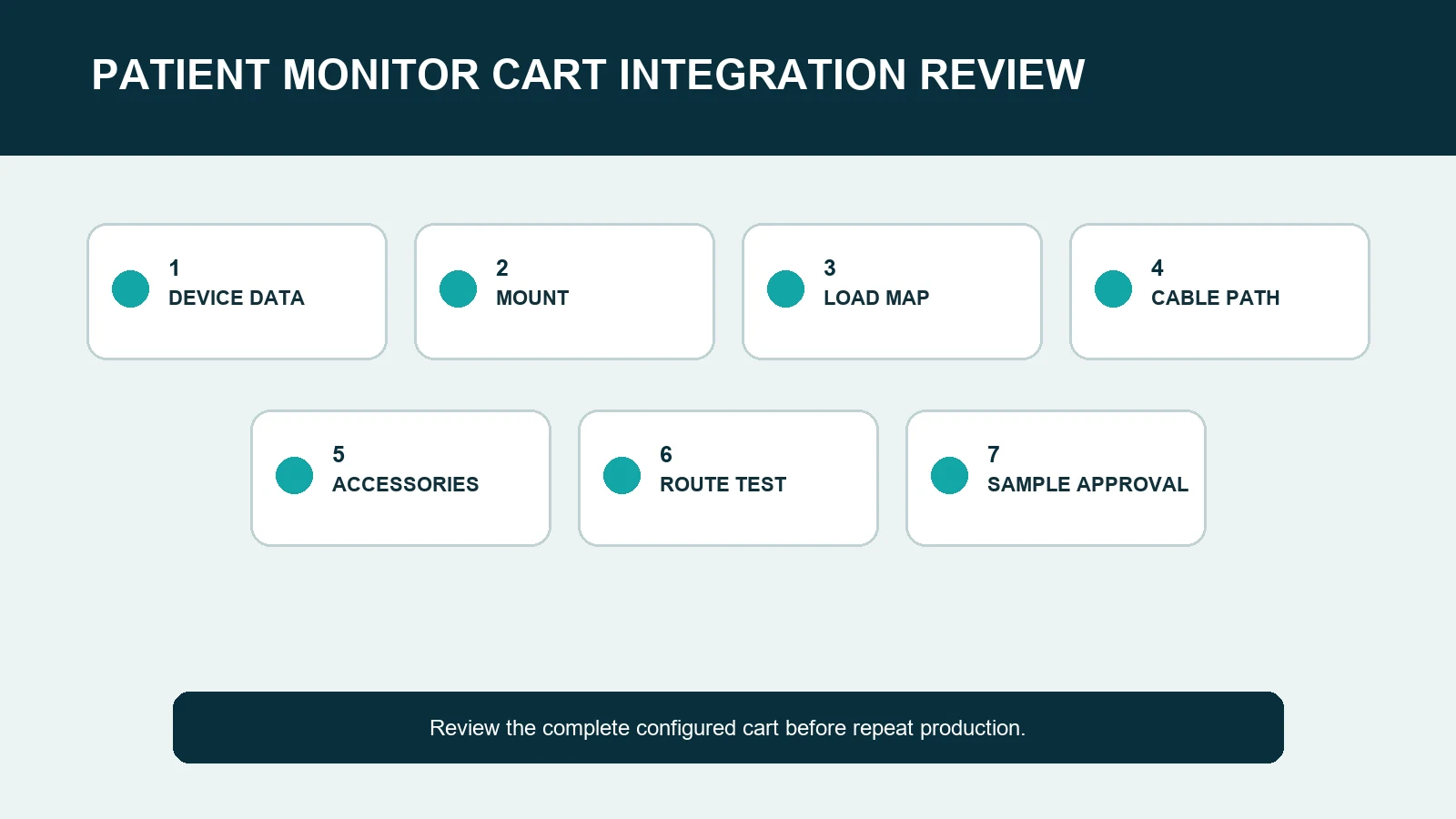
Seven Patient Monitor Cart Integration Checks
1. Confirm the mounting interface
Record whether the device sits on a platform, attaches to a plate or uses a dedicated bracket. Specify the hole pattern, fastener type, engagement depth, adapter orientation and any keep-out zones. A familiar mounting label is not enough; the complete interface stack still needs review.
The cart drawing should also identify how the interface connects to the column. If an adapter is required, list it as a controlled component rather than assuming it will be sourced after the cart arrives.
2. Map the center of mass and supported items
Provide the weight and position of the monitor, power supply, holders and other carried items. An isolated cart rating does not prove that a particular assembled system is suitable. The supplier should review the requested arrangement, and the buyer should test a representative configured sample through intended movements.
Do not add unverified devices or accessories simply because spare space appears available. Every added item changes the integration envelope and cable route.
3. Plan the complete cable path
Draw each power, data and patient lead from origin to destination. The route should avoid caster sweep, floor drag, sharp edges, pinch points and excessive tension. It should also preserve enough service loop for approved adjustment or rotation.
Check the path at every moving position—not only in a static product photo. If a component moves vertically or pivots, test cable slack at both extremes. Cable clips, channels and strain-relief points should remain accessible for inspection and cleaning.
4. Define accessory locations
Document each requested accessory by purpose, dimensions and preferred location. Common project-specific items may include baskets, handle positions, cable hooks, holders or shelves, but inclusion must be confirmed in the quotation and approved drawing.
Review whether accessories obstruct connectors, user reach, cleaning access or the cart’s movement envelope. Left-versus-right placement can matter when the device has side ports or when operators approach from a defined direction.
5. Review the five-wheel base in the real route
A five-wheel base provides a distinct support footprint, but wheel count alone does not establish stability or maneuverability for an assembled system. Compare the base envelope with door thresholds, room clearances, lifts, ramps, bedside furniture and storage positions.
The route test should include starting, stopping, turning, parking and crossing representative transitions. Verify brake access and confirm that cables and accessories remain clear of every caster throughout the test.
6. Check use, service and cleaning access
The configured cart should allow intended controls, connectors and frequently handled accessories to remain reachable without awkward cable tension. Service personnel may also need access to fasteners, adapters, power components and cable channels.
Cleaning review should cover exposed joints, cable-management parts, baskets, handles, platform edges and interfaces. Material or chemical resistance should never be inferred from appearance; request configuration-specific confirmation against the destination’s documented cleaning process.
7. Approve a representative sample
For a new monitor-cart combination, approve a representative sample before repeating the build. Use the actual device or a controlled mass-and-envelope fixture with documented interfaces.
A useful sample review includes:
- part and drawing revision check;
- device fit and fastener engagement;
- cable routing at all permitted positions;
- accessory placement and operator reach;
- route and parking trial;
- brake and caster clearance review;
- cleaning and service-access review;
- packaging and delivered-parts check;
- photographs and signed deviations.
Sample approval validates the reviewed configuration only. A different monitor, adapter, cable set or accessory layout needs change review.
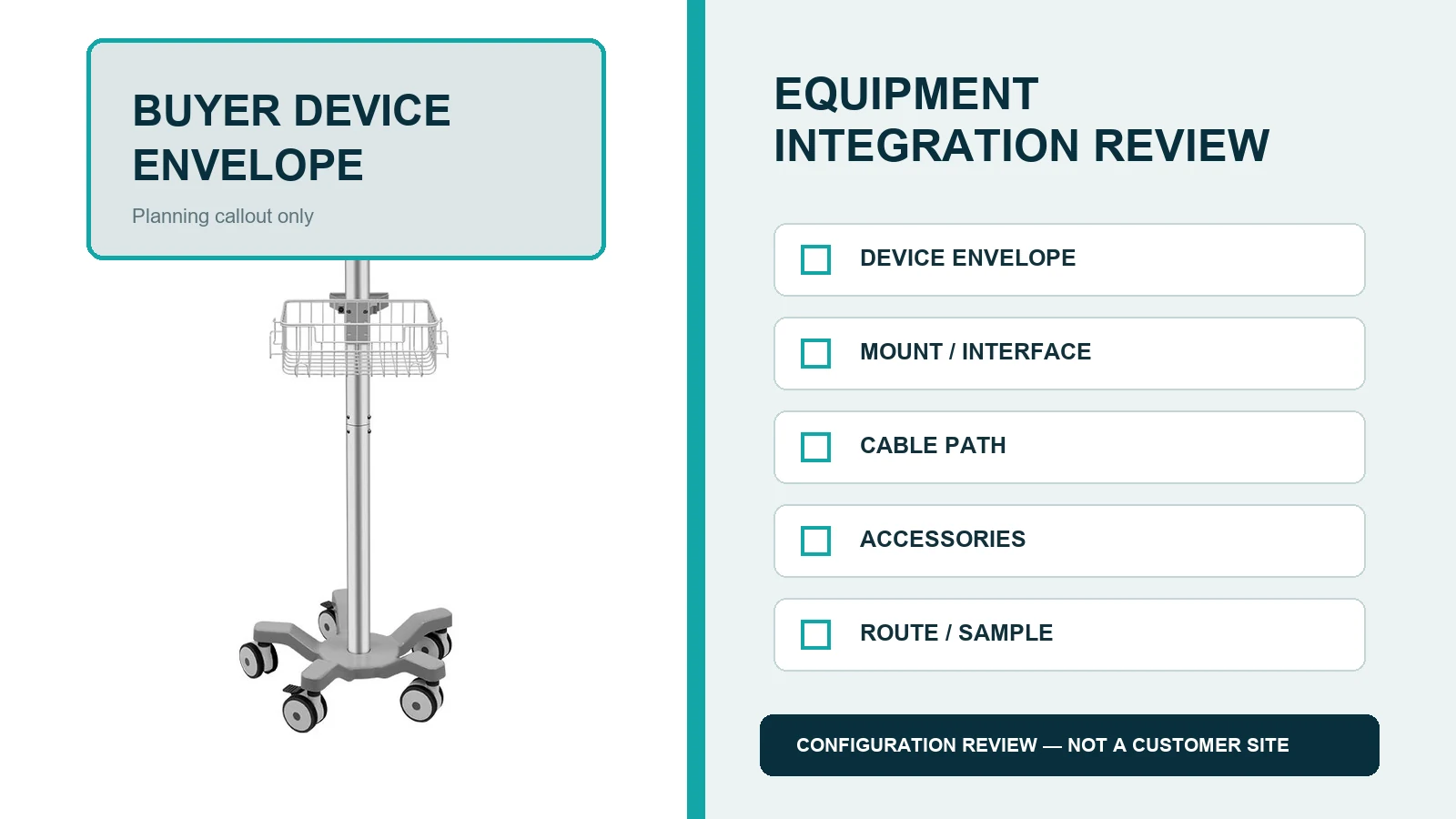
Four-Wheel vs Five-Wheel Monitor Cart: What Should Buyers Compare?
Do not treat one base as universally better. Compare the alternatives against the complete system and operating environment.
| Review point | Four-wheel configuration | Five-wheel configuration |
|---|---|---|
| Base geometry | Rectangular or four-point footprint, depending on model | Radial five-point footprint, depending on model |
| Route fit | Review corners, thresholds and parking space | Review radial caster sweep and bedside clearance |
| Device arrangement | Validate assembled center of mass | Validate assembled center of mass |
| Cable risk | Check all four caster paths | Check all five caster paths |
| Decision basis | Drawing plus configured sample test | Drawing plus configured sample test |
CRF offers both four-wheel and five-wheel medical-cart structures. The correct choice depends on the target device, load placement, route and approved sample—not wheel count in isolation.
RFQ Package for a Patient Monitor Cart
Send a structured RFQ rather than a general request for “a monitor trolley.” Include:
Device data
- monitor manufacturer, model and revision;
- dimensions, weight and drawings;
- interface photographs and hole-pattern data;
- connector map and cable list;
- power-supply dimensions and mounting needs.
Workflow data
- destination market and application;
- movement route and threshold details;
- working or viewing-height requirement;
- cleaning method;
- storage and parking constraints;
- service-access expectations.
Configuration data
- preferred base structure;
- platform, plate or bracket requirement;
- accessory list and placement;
- cable-management expectations;
- colour or branding request, if applicable;
- packaging and labelling requirements;
- quantity for feasibility review.
Ask the quotation to identify included items, assumptions, exclusions and open points. Do not rely on website images as the final bill of materials.
Limits Buyers Should Keep Visible
A cart is support equipment; it does not by itself establish medical-device compatibility, clinical performance or regulatory compliance. Final suitability depends on the complete assembled system, its intended environment and the responsible buyer’s validation process.
CRF product images show available cart structures, not proof that every monitor will fit. Dimensions, loads, materials, accessories, testing, commercial terms, MOQ and lead time must be confirmed in the project quotation and approved documents.
Frequently Asked Questions
Is every patient monitor compatible with the same cart?
No. Monitor dimensions, weight, interface, cable exits, power components and accessories vary. Confirm the exact device and configuration before approval.
Does a five-wheel base guarantee stability?
No. Wheel count is only one geometry input. Stability depends on the complete configured system, center of mass, base envelope, movement conditions and verification method.
Can buyers select a cart from a photograph?
A photograph can help identify a candidate structure, but it does not replace drawings, interface details, a controlled component list and sample review.
What should be checked in cable management?
Check connector access, bend space, service loops, strain relief, cleaning access and clearance from casters, floor, pinch points and moving parts at every permitted position.
Can CRF customize a patient monitor cart?
CRF supports OEM/ODM feasibility review. Send the target monitor data, interface requirements, accessories, route, quantity and destination market so the requested configuration can be evaluated.
Request a Configuration Review
Review the CRF CA15Z052 five-wheel patient monitor cart and the medical cart category as structural references. Then send CRF the exact monitor model, drawings, cable map, accessory list, route, cleaning requirements, quantity and destination. CRF can review feasibility and prepare a configuration-specific B2B quotation; final specifications remain subject to written confirmation and sample approval.