
Primary keyword: medical tablet cart
Keyword source: Qualitative product-specific expansion; exact platform metrics unknown. Related measured keyword “medical equipment cart,” Semrush via seotools8 US database, library ID 206: US volume 140, KD 14, CPC USD 2.01.
Intent: Commercial investigation
Funnel: Consideration
Business value: High—directly relevant to CRF’s aluminum medical-equipment cart business
SEO Title: Medical Tablet Cart Integration Checklist | CRF
URL slug: /medical-tablet-cart-integration-checklist/
Meta Description: Specify a medical tablet cart by checking the device interface, adjustment, power and cables, accessories, mobility, cleaning and sample approval.
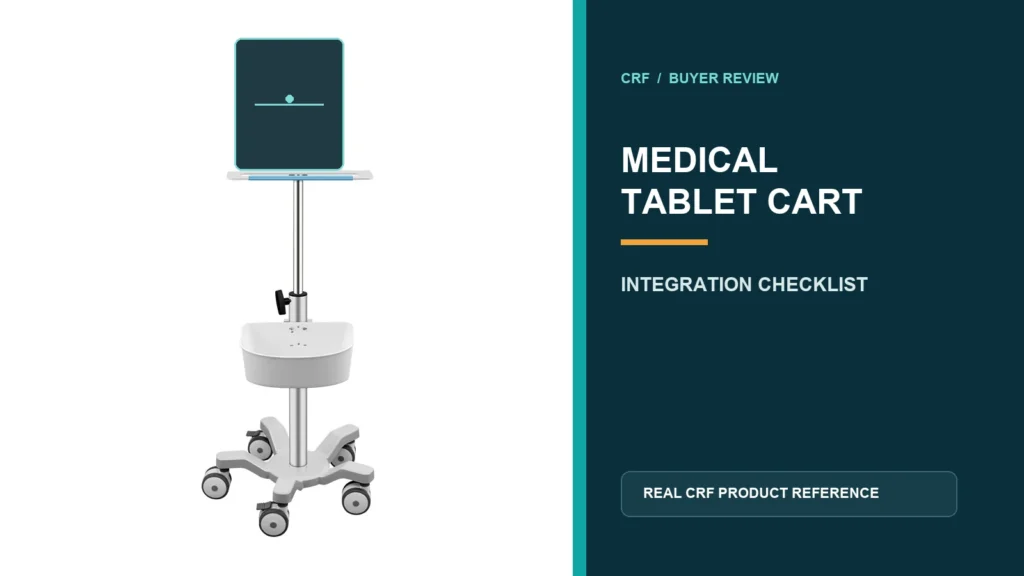
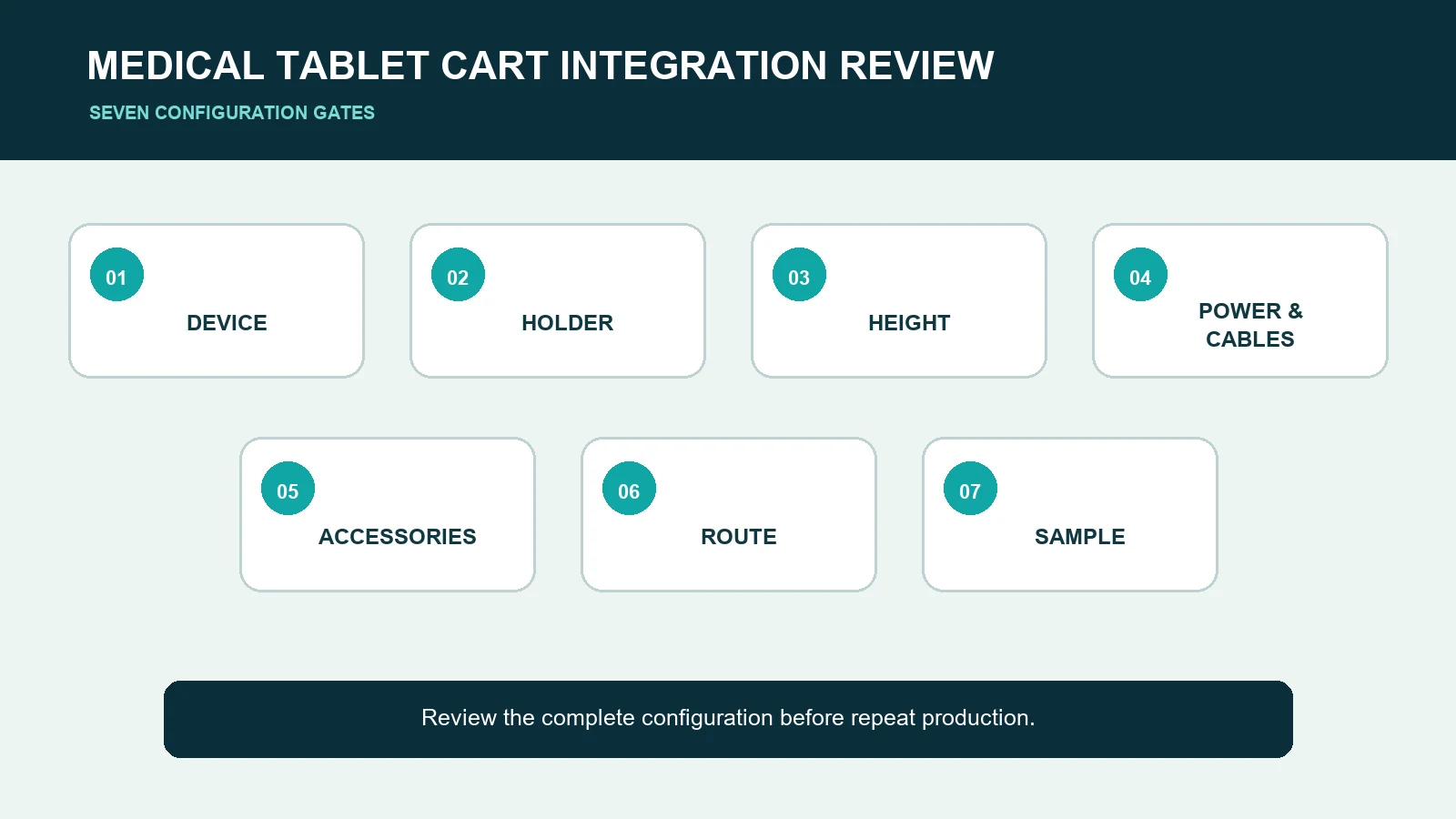
A medical tablet cart should be specified around the exact tablet, holder, user workflow and movement route—not selected from a generic photo. Before requesting a quote, document the device dimensions, mounting interface, viewing positions, power and cable plan, required accessories, cleaning process, route constraints and acceptance checks. CRF’s CA15Z047 is a real height-adjustable medical tablet cart reference, but its public page does not prove compatibility with every tablet, environment or workflow.
Start with a controlled device and workflow brief
A useful RFQ identifies the equipment and intended tasks before discussing cosmetic options. Include:
- tablet manufacturer, model and current drawing;
- tablet dimensions, weight and protective case;
- required portrait, landscape or rotational positions;
- charging connector location and cable exit;
- barcode scanner, keyboard, camera or other accessories;
- seated and standing use positions;
- movement and storage route;
- cleaning agents and cleaning frequency;
- target quantity, destination and packaging needs.
Do not rely on screen size alone. Two tablets with the same nominal screen size can have different overall dimensions, button positions, camera locations, connector clearances and cases.
Review the tablet interface before the cart
Confirm retention and access
The holder must retain the ordered device while preserving access to required controls, cameras, speakers and ports. Ask the supplier to identify contact points, adjustment features and the permitted device envelope on a controlled drawing.
A photograph of a tablet in a holder is not universal-fit evidence. Request a sample using the actual device or a dimensionally representative mock-up.
Define orientation and movement
If the screen must tilt, rotate or switch between portrait and landscape, state the required range and the positions in which cables must remain clear. The buyer should also define whether adjustment is performed before use, during use or only by service personnel.
Any joint, clamp or locking feature should be reviewed in the assembled configuration. Do not infer cycle life, retention force or long-term performance without relevant evidence.
Specify height adjustment as a workflow requirement
“Height adjustable” is incomplete without reference positions. Record the expected operator range and the tasks performed at each position. Check:
- minimum and maximum working positions;
- screen center and viewing angle;
- reach to touch controls and accessories;
- clearance between holder, column and basket;
- adjustment method and locking sequence;
- cable behavior throughout the movement envelope.
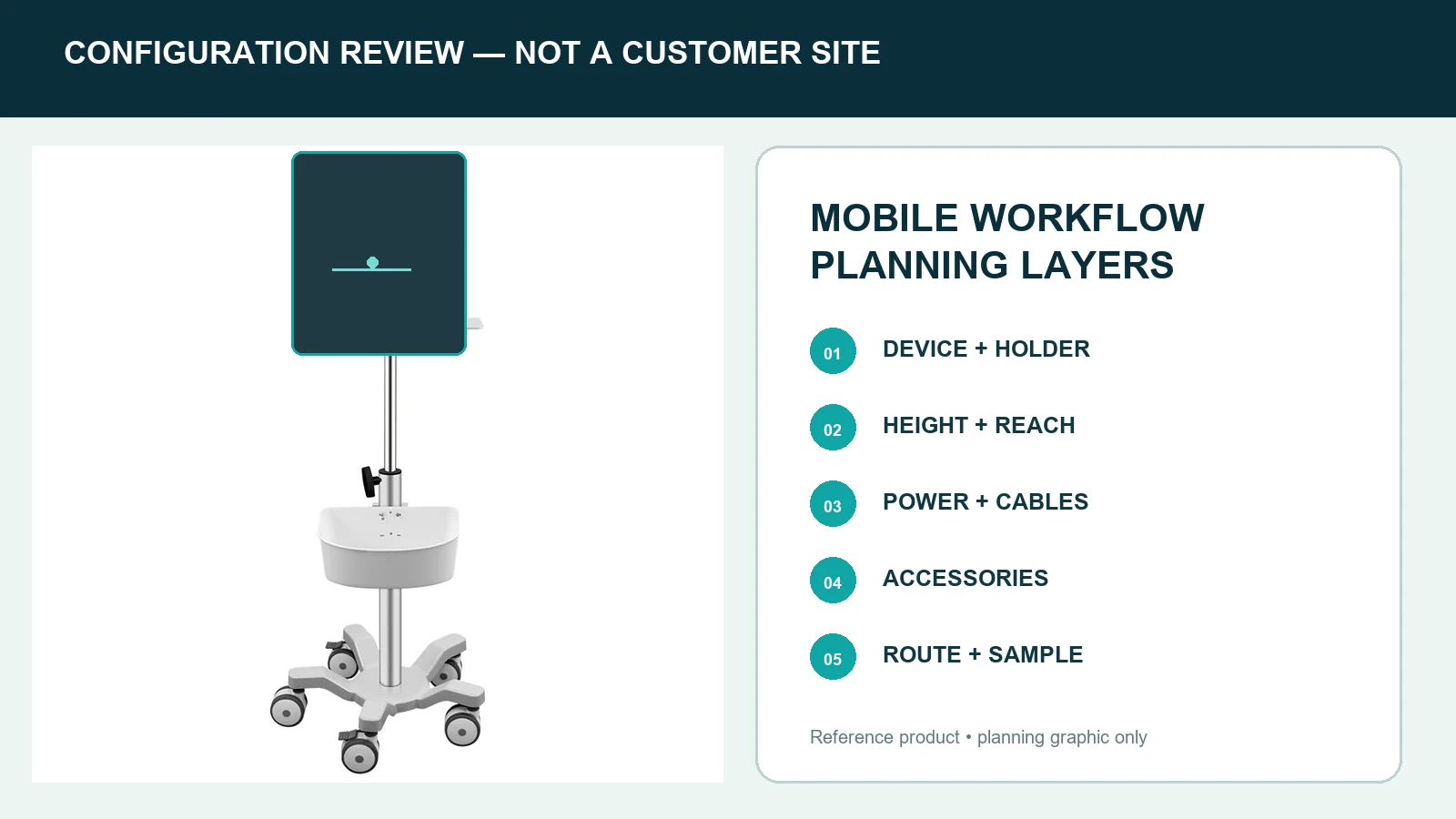
CRF’s CA15Z047 product page shows an adjustable-column tablet-cart structure. Final dimensions and adjustment details must be confirmed for the quoted configuration rather than copied into a new project without review.
Plan power and cable management together
The RFQ should distinguish among device charging, onboard power and cable routing. CRF should not assume a battery, power strip or medical electrical system is included unless it appears in the approved bill of materials.
Document:
- connector type and location;
- cable length and bend allowance;
- fixed and moving cable segments;
- strain-relief points;
- service access;
- whether cables must be removable without dismantling the holder;
- charger and power-source responsibility.
Route cables away from caster paths, adjustment joints and pinch areas. Verify the complete routing on the approved sample with the actual device and accessories.
Compare accessories by function, not by appearance
A basket, scanner holder or accessory bracket affects space, balance, cleaning and service access. Use an interface schedule for every item:
| Item | Buyer input | Approval evidence |
|---|---|---|
| Tablet holder | Device and case dimensions | Drawing plus sample fit check |
| Basket or tray | Contents and access direction | Location and clearance review |
| Scanner holder | Scanner model and retrieval motion | Interface drawing and use trial |
| Charger/cable | Connector and routing map | Complete powered-device review |
| Handle | Push direction and reach zone | Route trial with approved assembly |
Accessories shown in one CRF product image are not automatically included in another configuration.
Evaluate mobility as a complete assembly
Wheel count alone does not establish maneuverability, stability or route suitability. Review the assembled cart with the tablet, holder, cables and accessories in place.
Route checklist
- door and lift clearances;
- thresholds, joints, ramps and floor transitions;
- bedside or workstation approach;
- turning and parking envelope;
- basket and cable clearance;
- storage footprint;
- caster lock access.
The CA15Z047 image shows a distinct compact support structure. Keep that structure separate from four- or five-caster cart architectures and from patient walking aids. A medical tablet cart supports equipment; it is not a walker and must not be described or illustrated as one.
Build cleaning and service requirements into the RFQ
Provide the cleaning-agent names, concentrations, contact times and frequency used by the buyer. Ask the supplier to identify joints, fasteners, labels, cable features and material transitions that require review.
Do not claim “hospital grade,” disinfection resistance or infection-control performance from appearance alone. Such claims require relevant definitions and evidence for the final materials and assembly.
For service planning, clarify how the holder, cables, basket, casters and adjustment mechanism can be inspected or replaced. Record approved parts and revision levels so repeat orders do not silently change critical interfaces.
Use a staged sample-approval process
A practical approval sequence is:
- freeze the device and accessory register;
- approve interface and envelope drawings;
- review the bill of materials and included items;
- build a configuration-specific sample;
- check device fit and all adjustment positions;
- run the intended movement and parking route;
- review cleaning, packaging and labeling;
- record deviations and approve the final revision.
The sample should represent the ordered configuration. Approval of a photo, an unrelated model or an unloaded frame is not equivalent to approval of the complete assembly.
Medical tablet cart comparison checklist
When comparing suppliers, score evidence rather than marketing language:
- exact device interface documented;
- adjustment positions defined;
- power and cable responsibilities clear;
- accessories listed in the bill of materials;
- complete movement envelope reviewed;
- cleaning requirements documented;
- sample and acceptance plan agreed;
- packaging and labels defined;
- production change control recorded;
- quotation linked to a drawing revision.
Limits buyers should keep visible
This guide does not establish a universal load, stability result, electrical classification, disinfection resistance, medical certification, tablet compatibility or clinical outcome. CRF’s public product is a structural reference only. Final suitability depends on the ordered configuration, buyer requirements, approved drawings, samples and applicable professional review.
FAQ
What information is needed to quote a medical tablet cart?
Send the tablet model and drawing, case dimensions, holder requirements, orientations, adjustment positions, accessories, cable and power plan, route, cleaning requirements, quantity, destination and packaging needs.
Does a medical tablet cart fit every tablet of the same screen size?
No. Overall dimensions, cases, cameras, buttons, ports and connector clearances vary. Compatibility must be checked against the exact device and approved sample.
Should power be assumed to be included?
No. State whether the project needs passive cable routing, a charger, a power strip, a battery system or another arrangement. Confirm inclusions and responsibilities in the quotation and bill of materials.
Is an adjustable column enough to prove ergonomic suitability?
No. Buyers should define user positions, screen height, reach, viewing angle and tasks, then verify them with the actual device and workflow.
Is a medical tablet cart a walking aid?
No. It is equipment-support furniture. It must not be marketed, illustrated or used as a patient walker.
What should be checked on the sample?
Check device retention, controls and camera access, adjustment and locking, cable movement, accessory clearances, movement route, parking, cleaning access, labels and packaging.
Discuss a medical tablet cart configuration with CRF
Review the CRF CA15Z047 height-adjustable medical tablet cart and the medical carts category as real structural references. Then send CRF your exact device file, holder and accessory requirements, workflow, route, cleaning inputs, quantity and destination. CRF can review OEM/ODM feasibility and prepare a configuration-specific B2B quotation; final specifications remain subject to approved documentation and samples.